
Accurate roll‑up figures rely on treating every metric the right way. In Batoi Insight, each numerical parameter belongs to one of two categories: Progressive or Regressive. Understanding the distinction ensures that project analytics are trustworthy and easy to read.
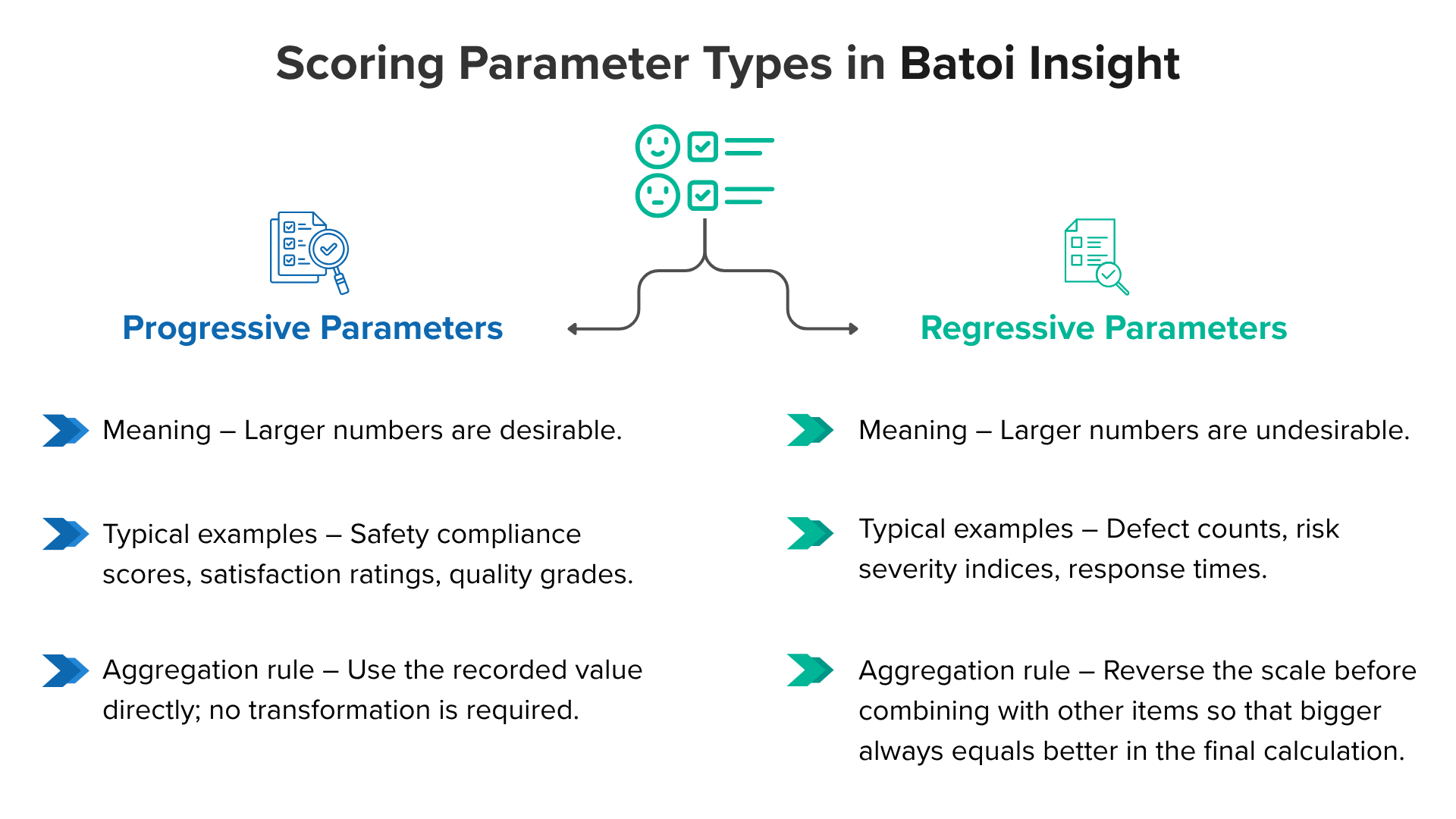
Progressive Parameters
- Meaning – Larger numbers are desirable.
- Typical examples – Safety compliance scores, satisfaction ratings, quality grades.
- Aggregation rule – Use the recorded value directly; no transformation is required.
When “5” on a 0–5 scale signals excellent performance, that value can be averaged or summed as‑is because a higher score already means a better outcome.
Regressive Parameters
- Meaning – Larger numbers are undesirable.
- Typical examples – Defect counts, risk severity indices, response times.
- Aggregation rule – Reverse the scale before combining with other items so that bigger always equals better in the final calculation.
The reverse‑coding formula
On any bounded scale:
𝑟𝑒𝑣𝑒𝑟𝑠𝑒𝑑_𝑣𝑎𝑙𝑢𝑒 = (𝑀𝑎𝑥 + 𝑀𝑖𝑛) – 𝑟𝑎𝑤_𝑣𝑎𝑙𝑢𝑒
Example on a 0–5 range
| Raw score | Interpretation (raw) | Reversed score |
|---|---|---|
| 5 | Very high risk | 0 |
| 4 | High risk | 1 |
| 3 | Moderate risk | 2 |
| 2 | Low risk | 3 |
| 1 | Very low risk | 4 |
| 0 | No risk | 5 |
After inversion, a higher reversed score once again indicates a preferable result, aligning with progressive parameters and enabling meaningful averages or weighted sums.
Setting the type in Batoi Insight
- Open the parameter editor.
- Choose Progressive when a larger value indicates improvement.
- Choose Regressive when a larger value indicates decline. The platform will automatically handle reversals during roll-ups.
Assigning the correct label once prevents mix‑ups later and removes the need for custom spreadsheet workarounds.
Tips for reliable scoring
- Verify each scale’s wording to confirm which end is positive.
- Maintain a consistent numeric range (e.g., 0–5) across related items whenever possible; this simplifies interpretation.
- Note the parameter type in the project documentation so teammates know how each score behaves.
Selecting Progressive or Regressive correctly ensures that dashboards tell a clear story and that stakeholders can trust what they see.