
Guide navigation 6 of 42
What this page helps you accomplish
Register a bounded non-production target and verify its app context, public entry point, health route, and rollback boundary.
Scope and authority
A Batoi Build App with its approved canonical source mode verified Authority for the intended non-production hosting target and credential boundary
Deployment
Register a bounded non-production target and verify its app context, public entry point, health route, and rollback boundary.
Observable business result
A bounded sandbox target is app-scoped, reachable, independently verifiable, and clearly separate from beta and live.
The expected record or action is missing.
Recommended recovery: Return to the intended context and ask an Owner or Admin to confirm access. Do not use another person’s account.Who should use this article
This article is for Workspace Admins, Builders, and Release Owners who are authorized to complete or review this task. A consequential decision remains with the accountable person.
Before you begin
- A Batoi Build App with its approved canonical source mode verified
- Authority for the intended non-production hosting target and credential boundary
- An assigned deployment and rollback owner
- Use approved sample or operational information only. Never enter a password, token, private key, or unnecessary personal information.
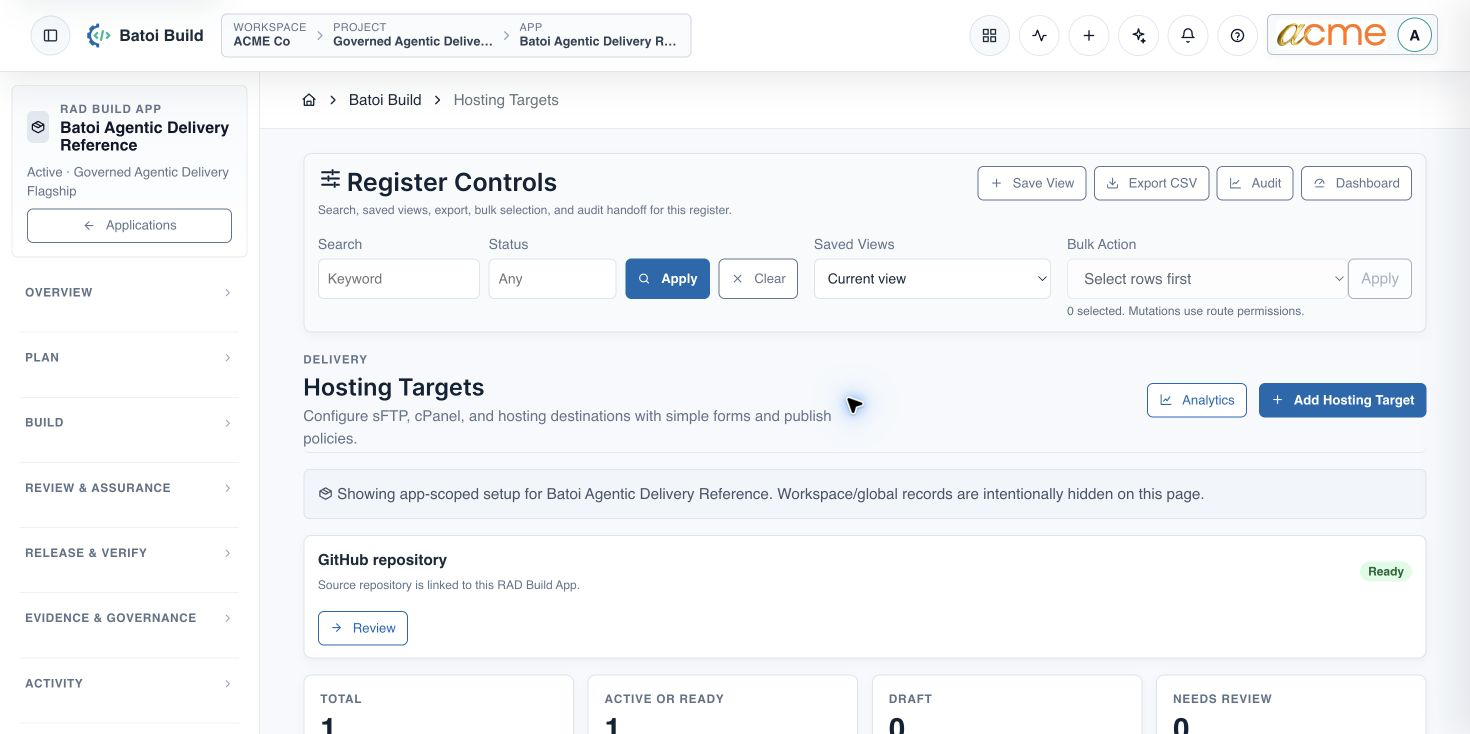
Open Hosting Targets
- Open the selected app in Build.
- Expand Settings and choose Hosting Targets.
- Select an existing app-scoped target or add the approved development target.
Configure the target
- Use an environment-specific name and select the development or sandbox tier.
- Associate the exact App, approved canonical source, and intended domain.
- Keep hosting credentials in the approved secure store. Record only the safe reference needed by Build.
- Assign deployment and rollback responsibility.
- Use Ready only after the target can be reached and its app context is correct.
Verify the sandbox
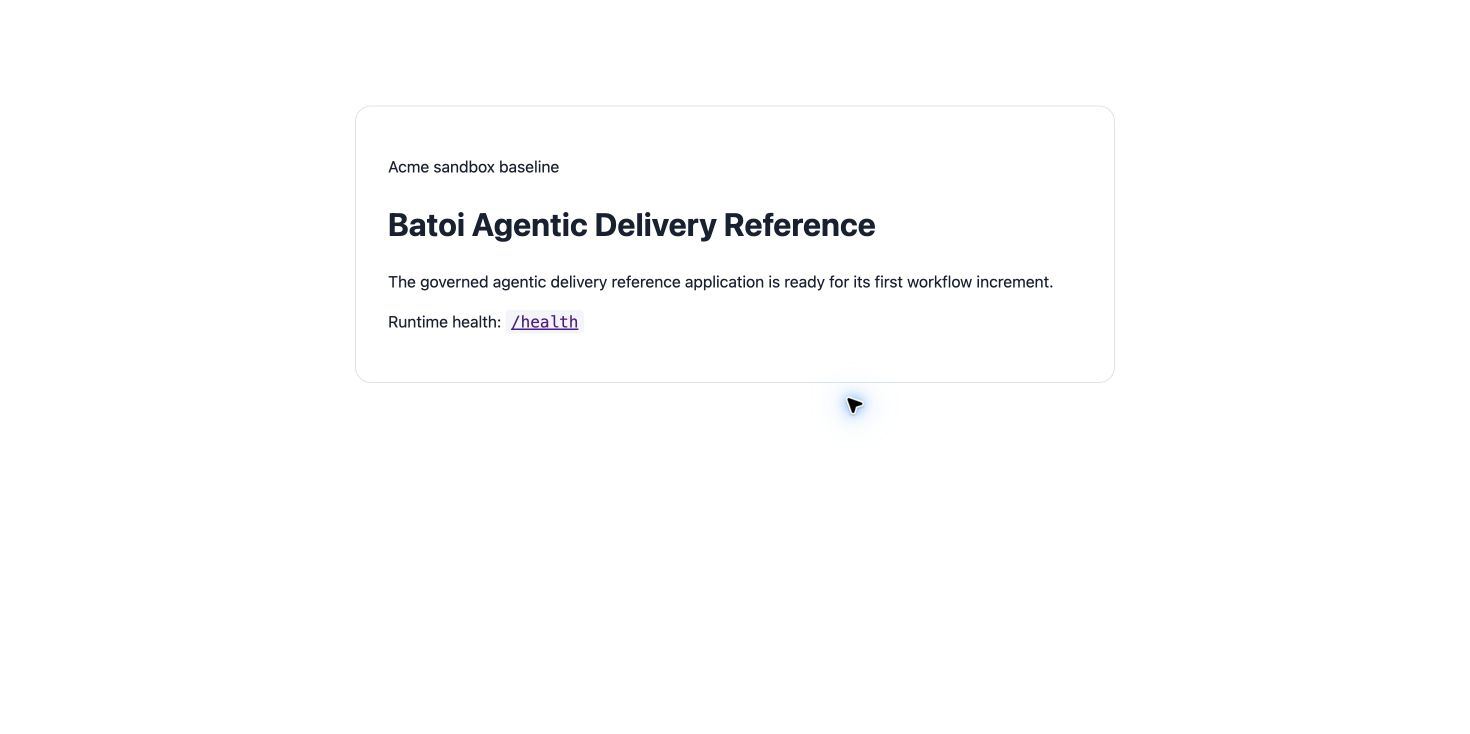
- The homepage loads over HTTPS.
- The health route returns a successful response.
- The selected source revision is identifiable.
- The app-scoped database adapter works without revealing credentials.
- Required Guard checks and rollback conditions are defined before promotion.
Continue with Connect an Application Database in Batoi Build.
Troubleshooting and recovery
| What you see | What to check | Safe next action |
|---|---|---|
| The expected record or action is missing. | Workspace, project/app context, role, status filters, and prerequisites. | Return to the intended context and ask an Owner or Admin to confirm access. Do not use another person’s account. |
| The status remains incomplete or needs review. | Required fields, evidence, approvals, source connections, checks, and owners. | Record the missing item and owner. Do not mark the task complete until it can be independently verified. |
| The result conflicts with policy or evidence. | Scope, source recency, exception authority, decision conditions, and reviewer independence. | Do not bypass the control. Return the item for correction or escalate it through the authorized route. |
Safety and governance
Final verification
Next step
Continue with the next verified article in this Product Guide, or return to the Batoi Platform Product Guide.