
Guide navigation 7 of 42
What this page helps you accomplish
Connect the App to its approved sandbox data service with explicit access and change authority and no exposed connection details.
Scope and authority
An active app and bounded sandbox target in Batoi Build Approved database credentials stored through the secure credential control
Integration
Connect the App to its approved sandbox data service with explicit access and change authority and no exposed connection details.
Observable business result
The App has a tested sandbox data connection, approved access boundary, explicit change authority, and no exposed connection detail.
The expected record or action is missing.
Recommended recovery: Return to the intended context and ask an Owner or Admin to confirm access. Do not use another person’s account.Who should use this article
This article is for Workspace Admins and Builders who are authorized to complete or review this task. A consequential decision remains with the accountable person.
Before you begin
- An active app and bounded sandbox target in Batoi Build
- Approved database credentials stored through the secure credential control
- Authority to test the connection and define schema change responsibility
- Use approved sample or operational information only. Never enter a password, token, private key, or unnecessary personal information.
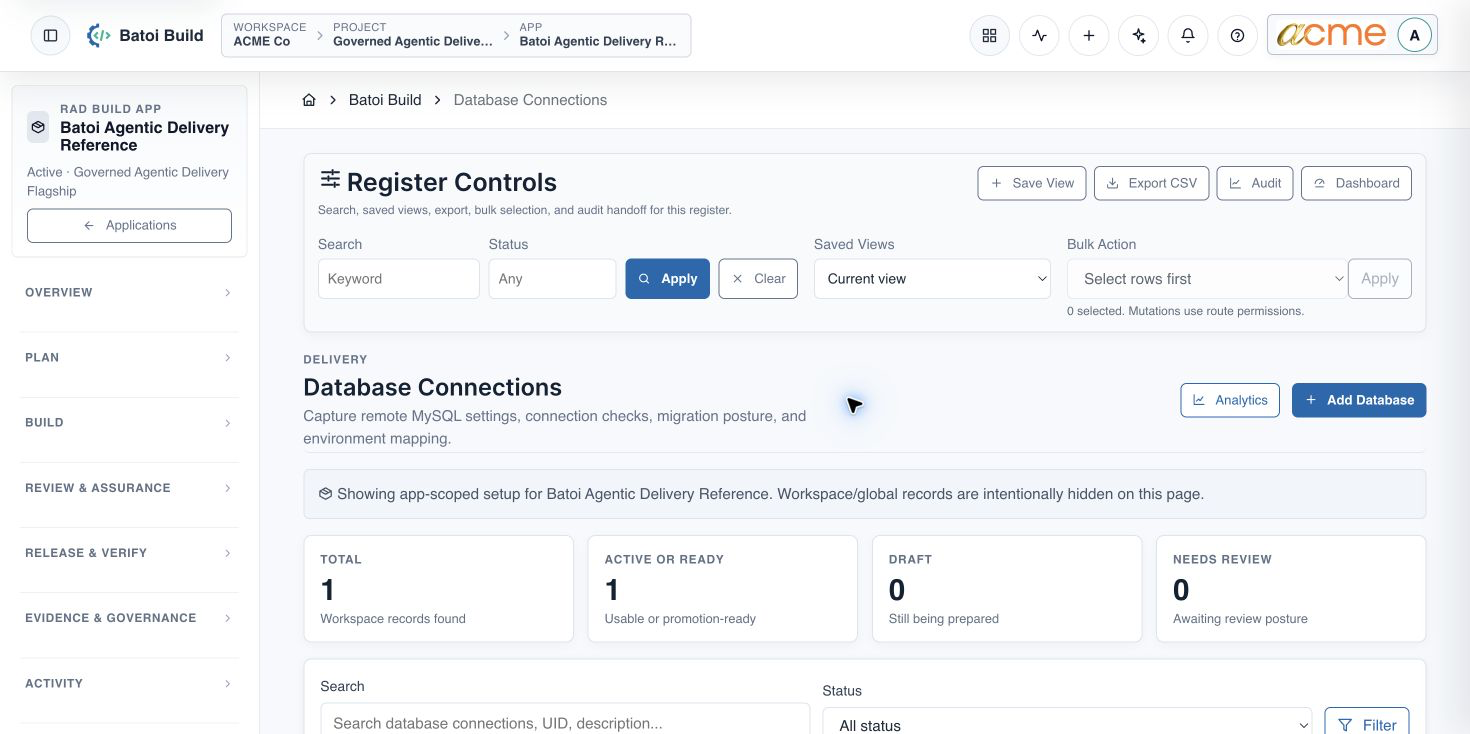
Open Database Connections
- Open the selected app in Build.
- Expand Settings and choose Database Connections.
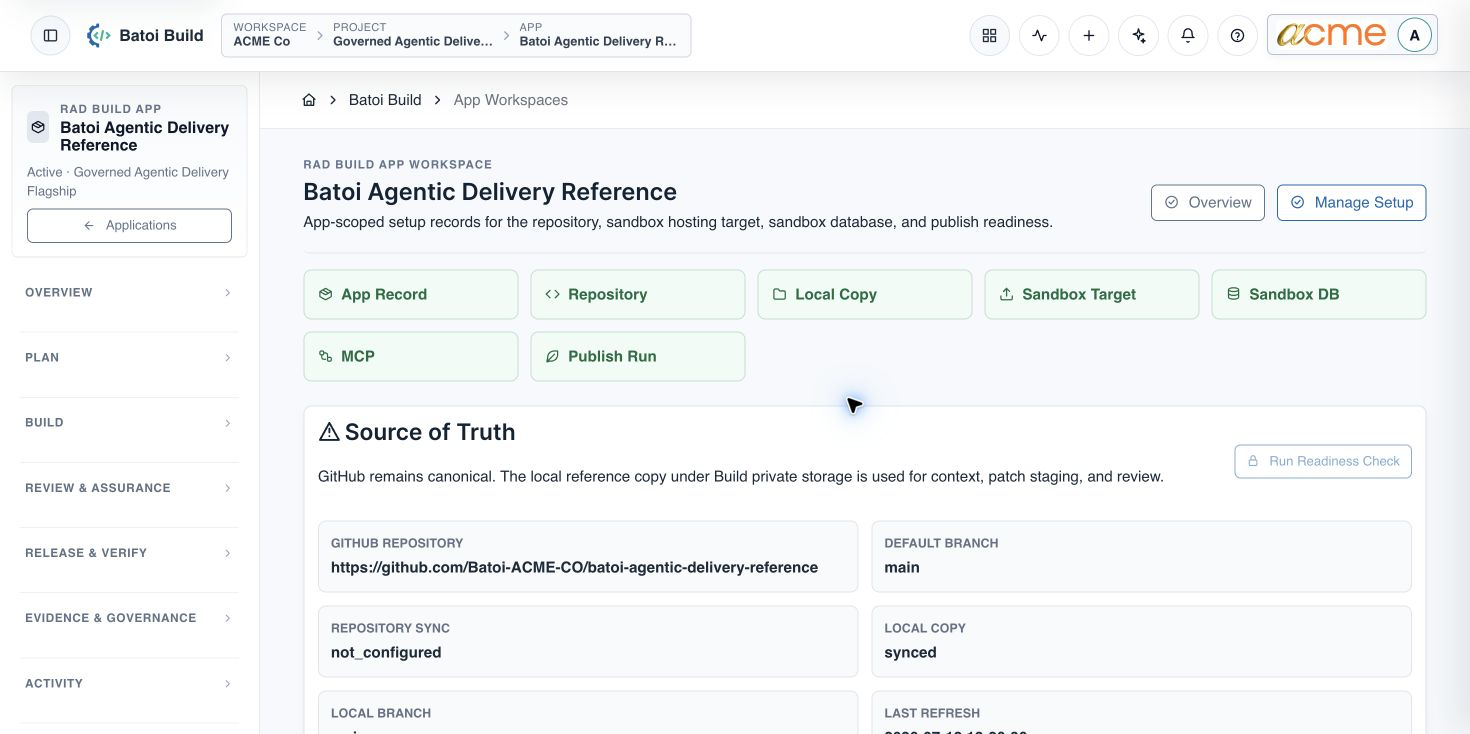
- Use App Workspace after setup to confirm the App, environment, and approved data connection.
Create and test the connection
- Use an app- and environment-specific connection name.
- Select the approved data service and sandbox environment.
- Store all connection details only in the approved credential controls.
- Test connectivity through the provided action.
- Confirm the approved App and environment access boundary.
- Assign schema and migration authority, backup responsibility, and evidence ownership.
Verify App Workspace
- The selected app shows a Ready sandbox database connection.
- The intended access profile is active and approved.
- The source, environment, data connection, and access records all belong to the same App.
- Schema changes are applied only through the approved App connection.
- Evidence records the migration outcome without copying secrets.
Troubleshooting and recovery
| What you see | What to check | Safe next action |
|---|---|---|
| The expected record or action is missing. | Workspace, project/app context, role, status filters, and prerequisites. | Return to the intended context and ask an Owner or Admin to confirm access. Do not use another person’s account. |
| The status remains incomplete or needs review. | Required fields, evidence, approvals, source connections, checks, and owners. | Record the missing item and owner. Do not mark the task complete until it can be independently verified. |
| The result conflicts with policy or evidence. | Scope, source recency, exception authority, decision conditions, and reviewer independence. | Do not bypass the control. Return the item for correction or escalate it through the authorized route. |
Safety and governance
Final verification
Next step
Continue with the next verified article in this Product Guide, or return to the Batoi Platform Product Guide.