Establish the organization
Set the organization profile, locations or programs, operating responsibilities, and the people who need access.

Flex begins with the organization, people, relationships, and recurring work. The workspace then connects delivery, commercial activity, engagement, reporting, and the selected Industry Pack.
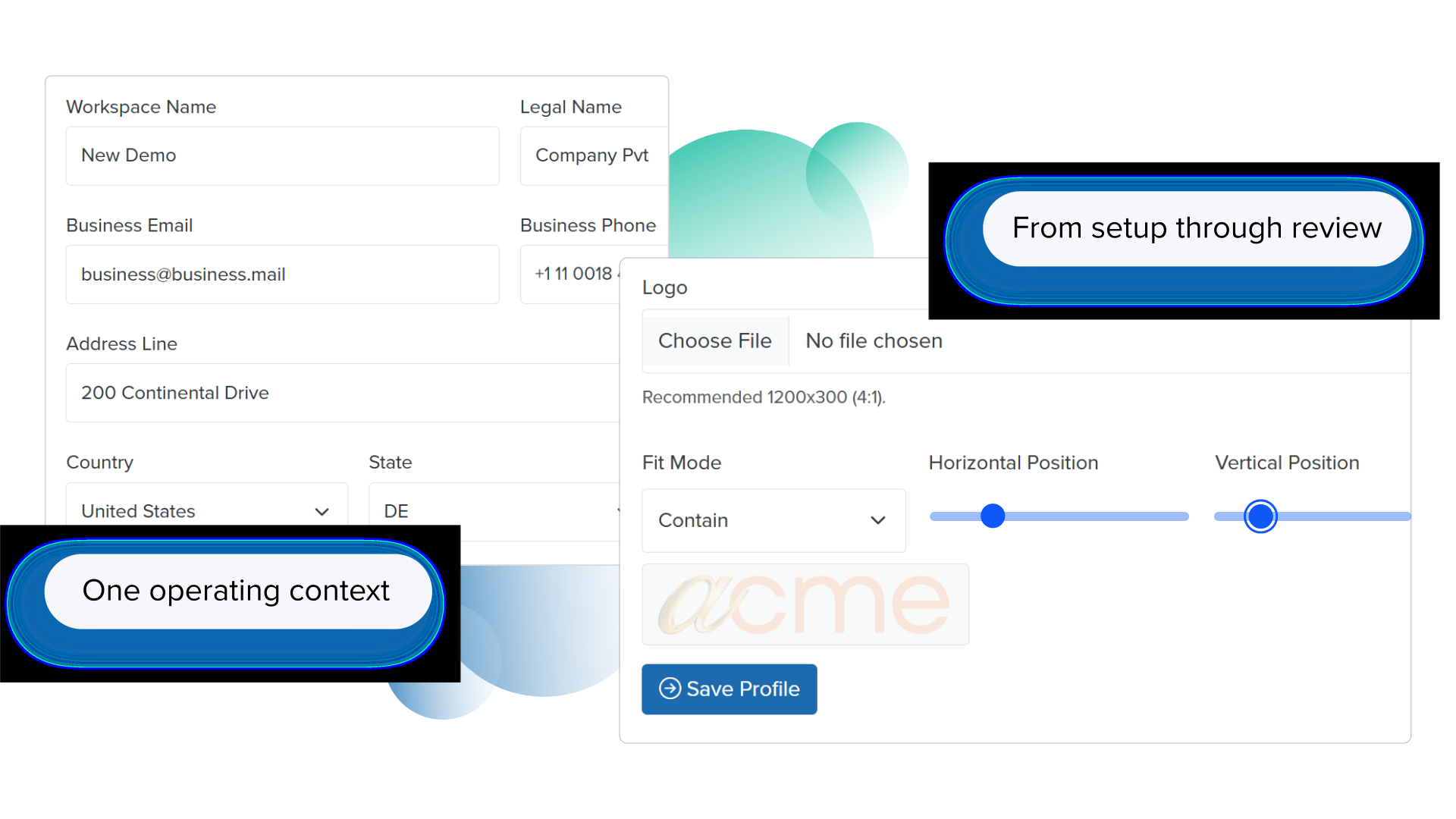
Set the organization profile, locations or programs, operating responsibilities, and the people who need access.
Select the core operating areas and, where appropriate, the Industry Pack that matches the primary context.
Add or migrate customers, stakeholders, offerings, projects, programs, documents, commercial records, and other agreed information.
Move inquiries, delivery, bookings, services, billing, communication, and industry workflows through clear responsibilities.
Connect public information, forms, links, QR codes, bookings, announcements, and supported payments to operational action.
Use shared reporting and operating history to identify delays, outstanding work, demand, performance, and next actions.
A customer, participant, project, appointment, matter, program, invoice, document, or conversation remains connected to the operating context that gives it meaning.
People and organizations involved in the work.
Who owns the next step, review, or follow-up.
The work, service, program, booking, order, or delivery being coordinated.
Quotations, fees, invoices, payments, and supporting activity.
Relevant notes, messages, announcements, documents, and customer interactions.
Shared visibility into work completed, outstanding, delayed, or ready for review.
An Industry Pack introduces workflows and records for Education, Professional Services, Incubation Center, Retail, Restaurant, Clinic, or Salon while retaining the same Flex foundation.
Compare Industry PacksThe selected pack, workflow coverage, access responsibilities, migration, integrations, reporting, and rollout plan should reflect the organization’s real operating model.
The right approach depends on operating complexity, migration, integrations, Industry Pack scope, change management, and support needs.
Suitable where the operating model is clear, the setup is focused, and the team can organize its own information and responsibilities.
Open FlexUseful for discovery, process improvement, migration, configuration, integration, training, rollout, adoption, and managed operations.
Find a consultant partnerIf useful history already exists, review what should be imported, archived, validated, or left in the source system before changing daily operations.
Review Flex Migration