Understand how to access and download certificates that authenticate your competence and legitimacy in a program.
Certificates
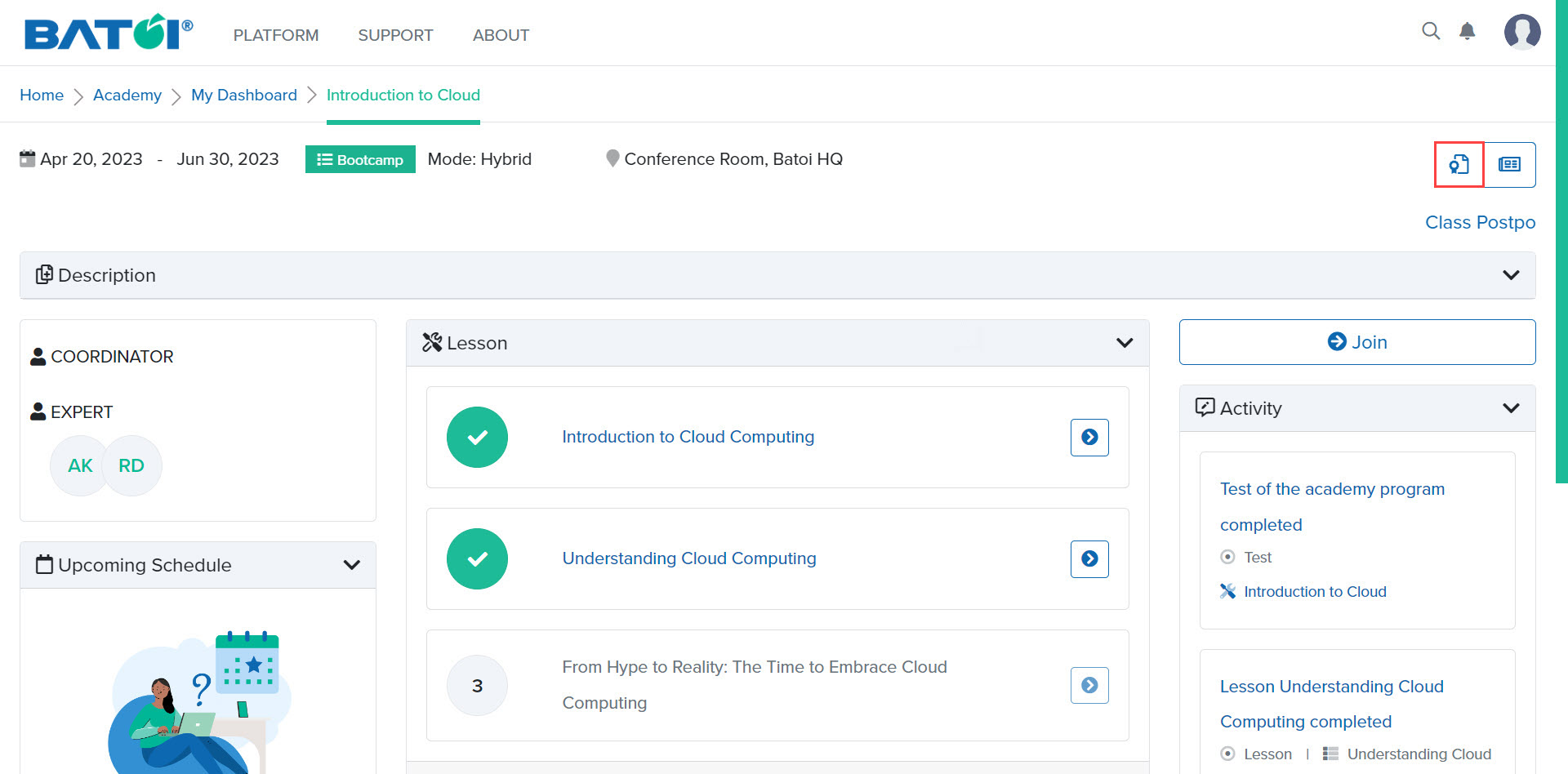
In the program dashboard page, click on the Certificate button as illustrated in Figure 1.
NOTE: The certificate button will be available on the program dashboard if the Coordinator/Expert has generated a certificate for you.
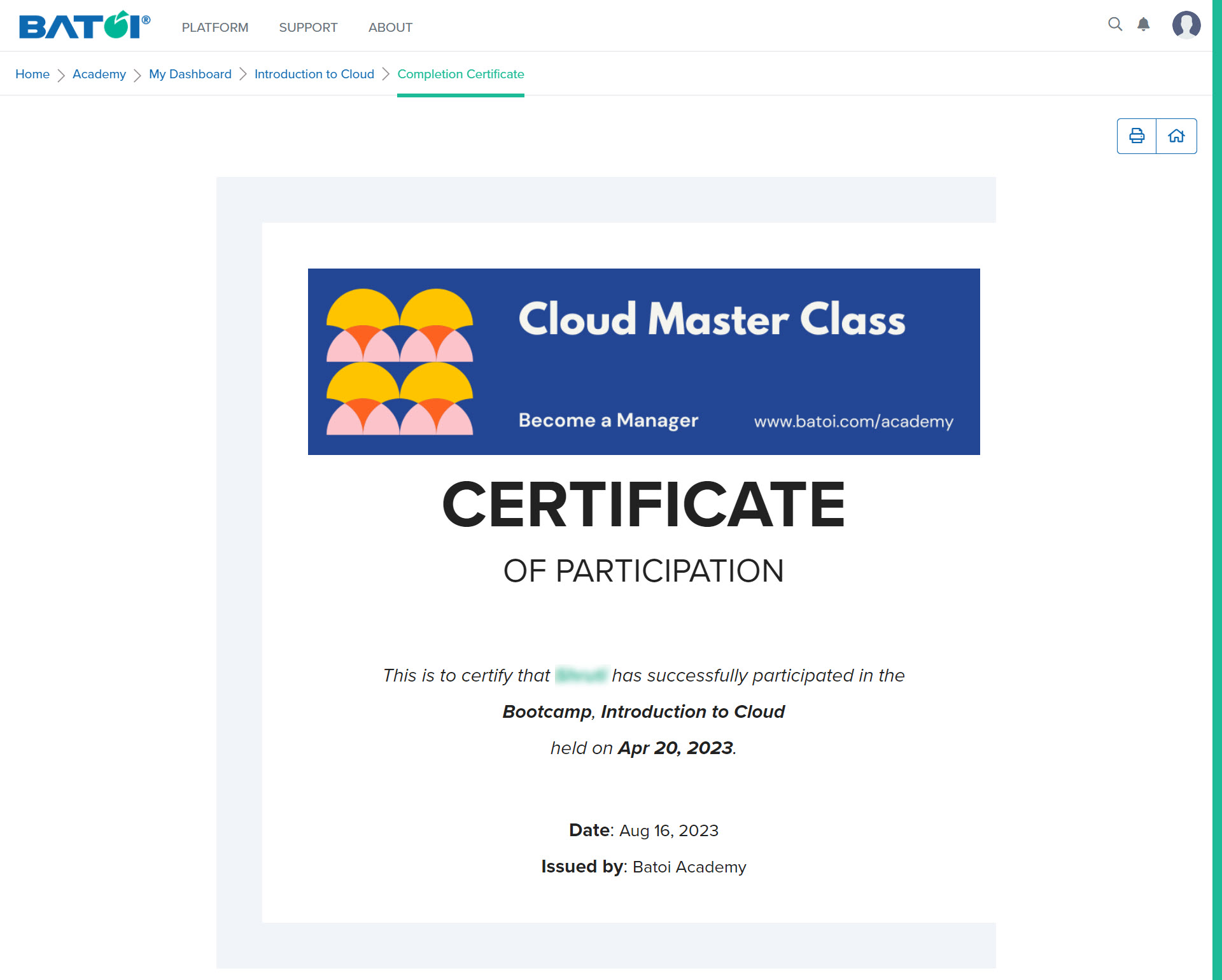
After clicking on the Certificate button, you will be able to view, download and print your certificate as illustrated in Figure 2.