Download Participant Information
Learn how to view and download participant information related to your assigned program.
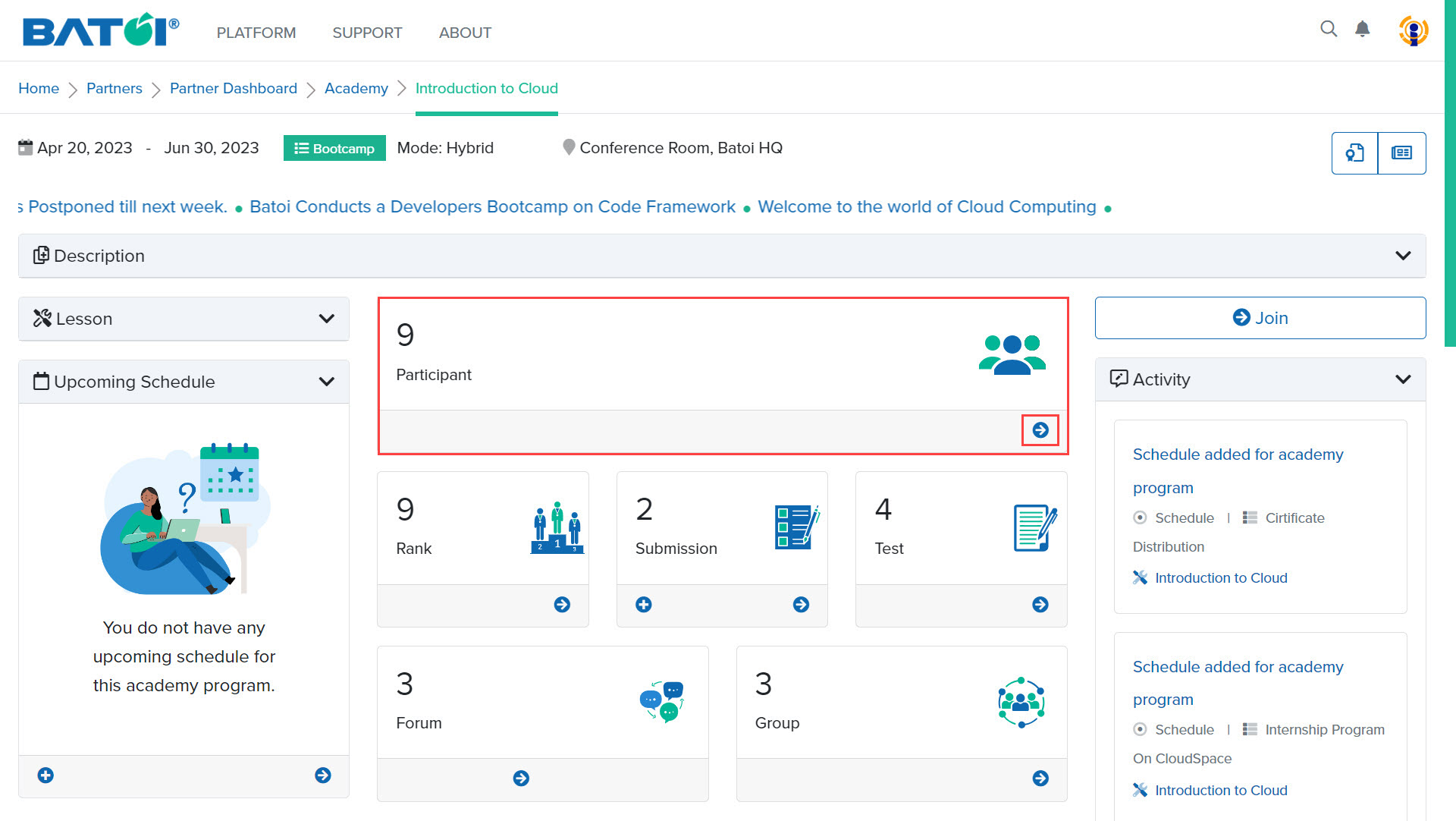
In the participant section, 9 depicts the number of participants enrolled in that program. To view the list of all participants, click on the View All button, as illustrated in Figure 1.
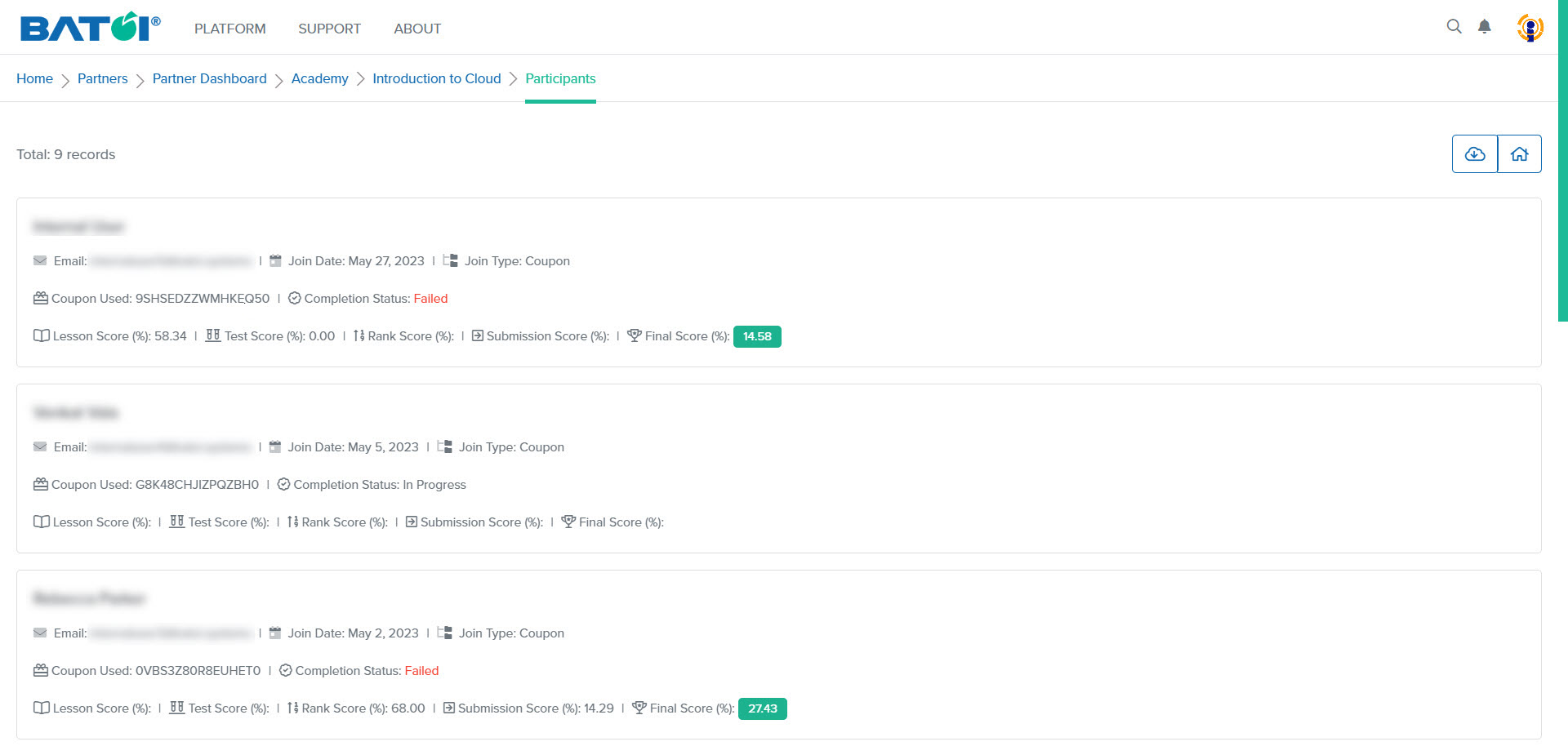
You can view the list of participants with their basic details, as illustrated in Figure 2.
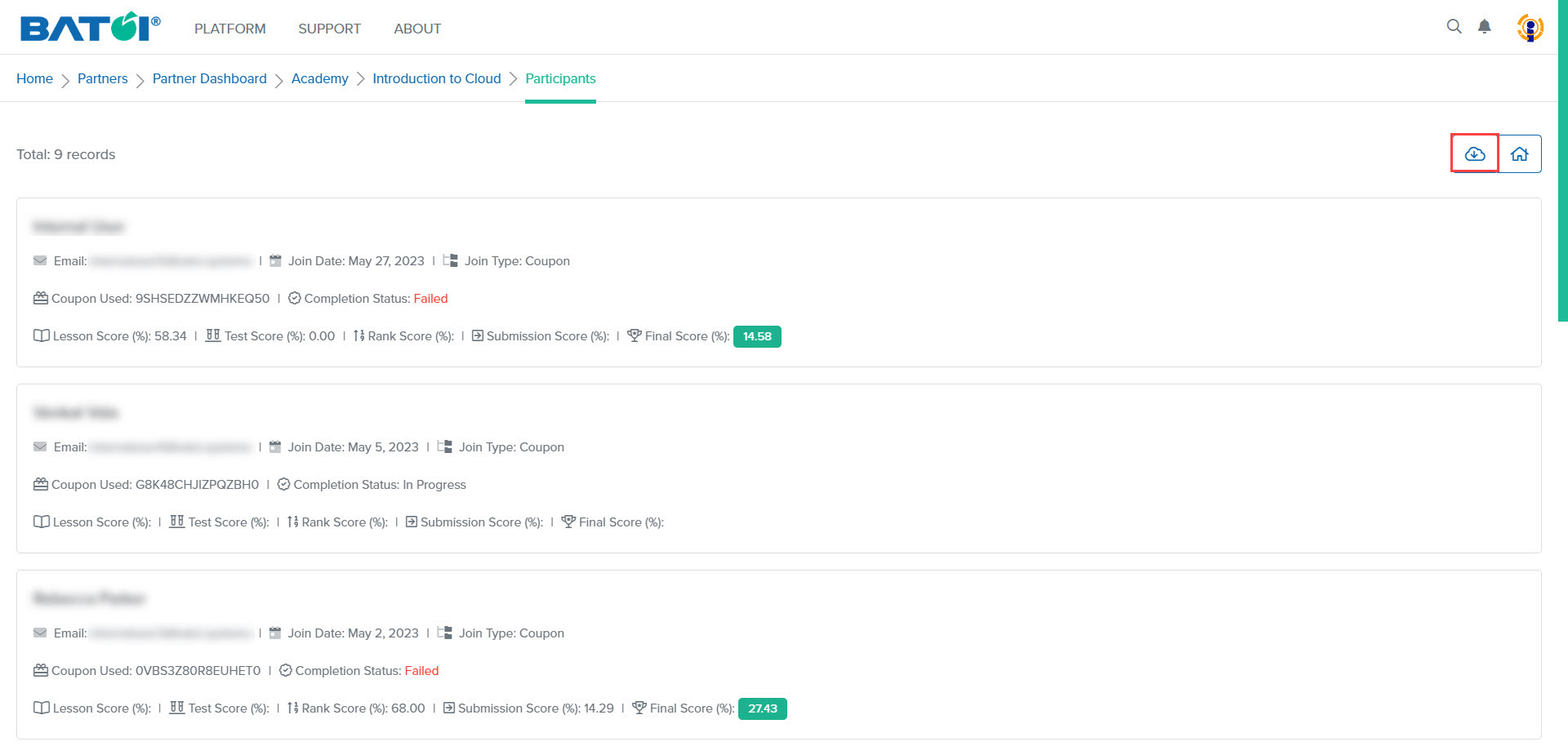
To download the list of participants, click on the Download button, as illustrated in Figure 3.