Understand how to view the upcoming events and times related to your program in the Upcoming Schedule tab.
Schedule
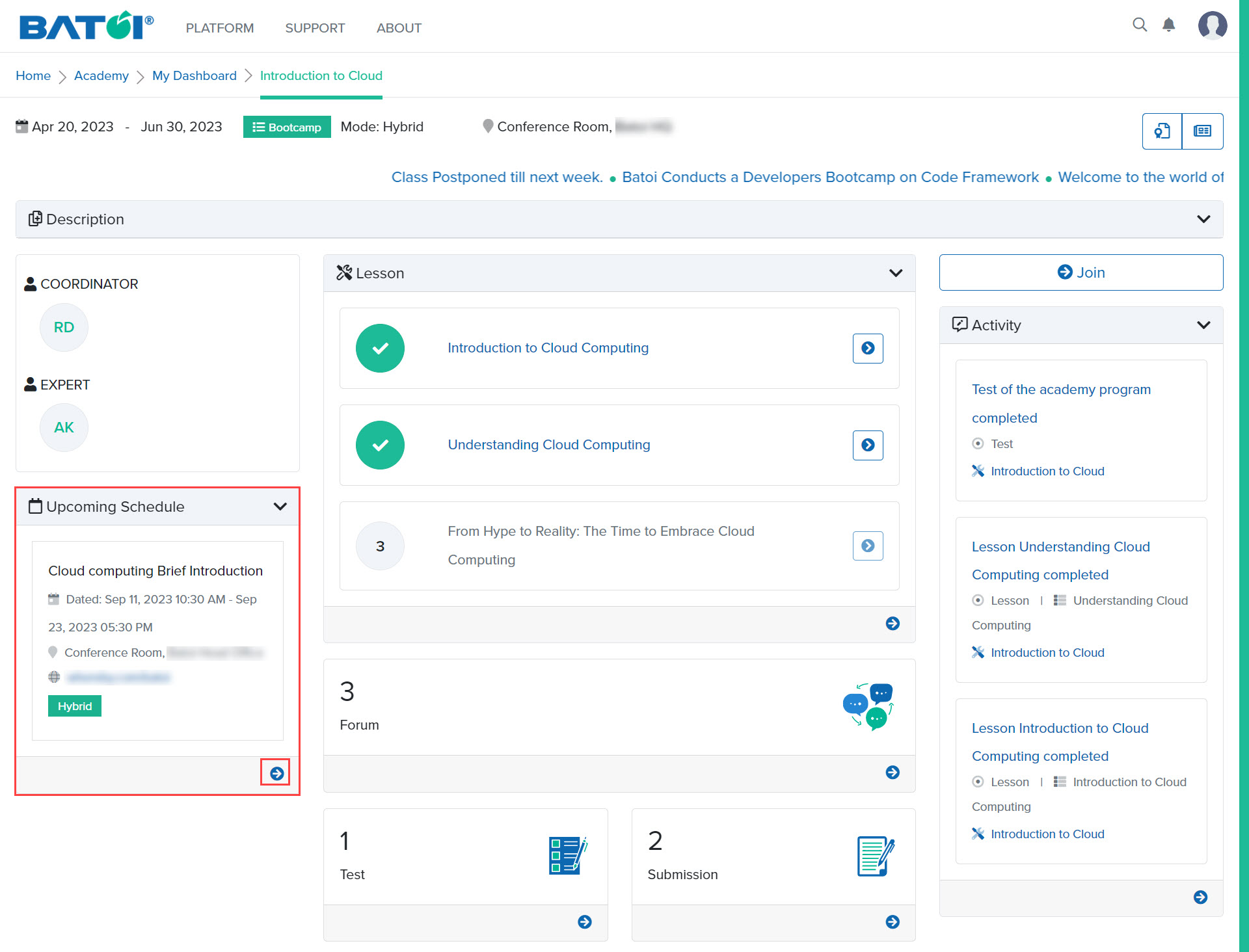
If any upcoming schedule is created for a particular program, then a maximum of three schedules will be displayed in the upcoming schedule section. To view the detailed schedule, click on the View All button, as illustrated in Figure 1.
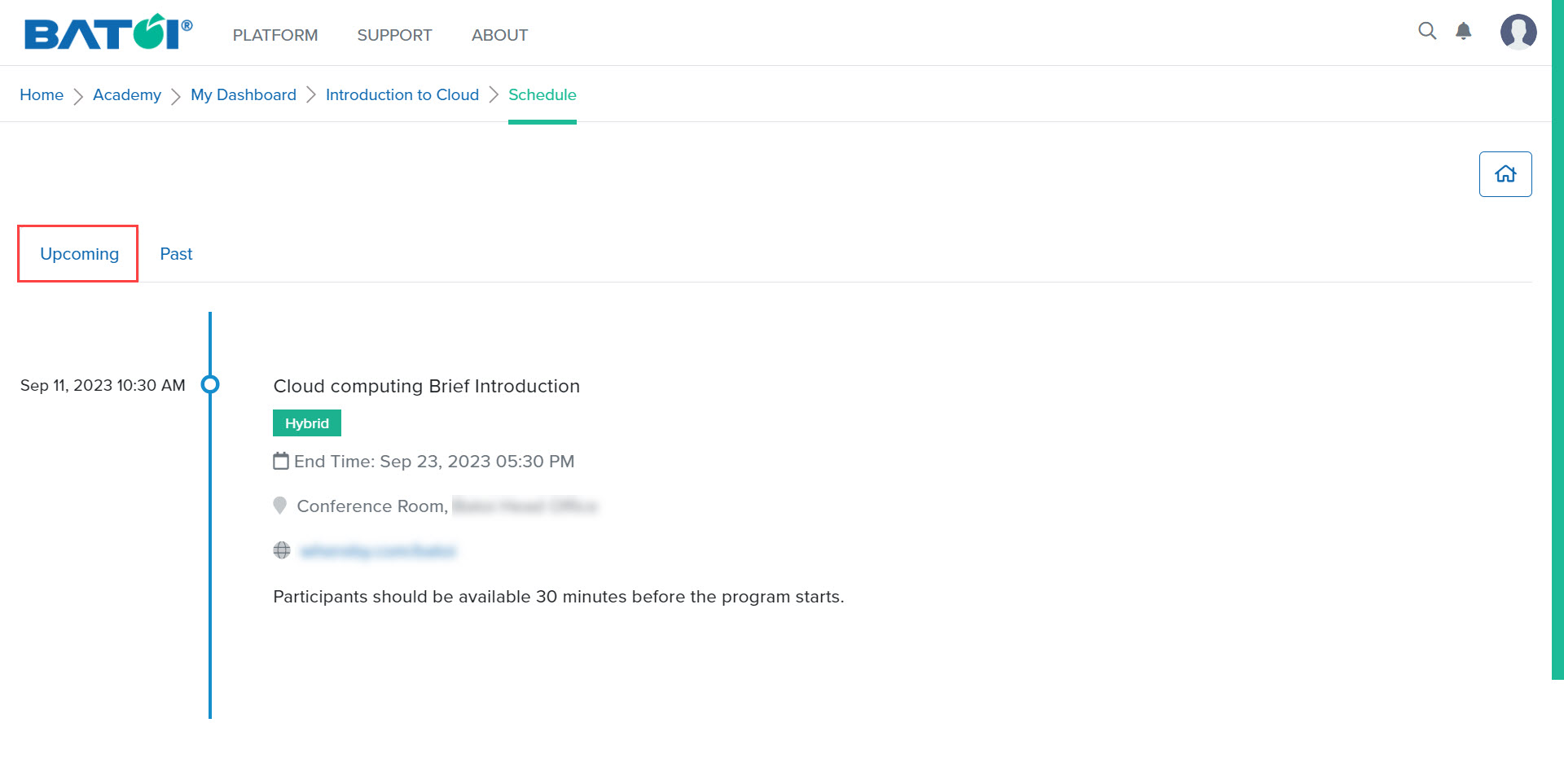
Upon doing so, you will be directed to the page showing upcoming and past schedules. All the upcoming schedules will be displayed, as illustrated in Figure 2.
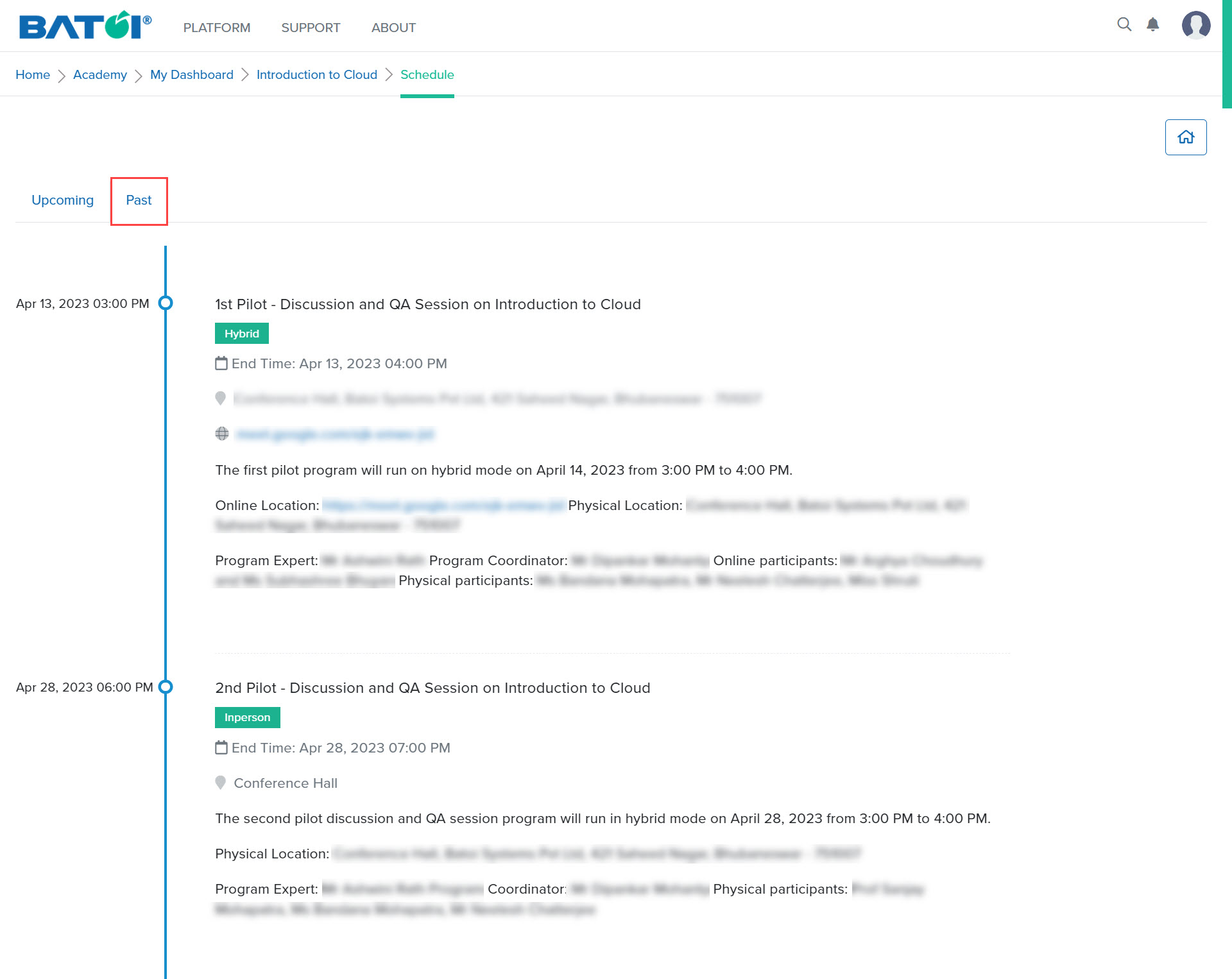
On the same screen, you can view all the past schedules by clicking on the Past tab, as illustrated in Figure 3.