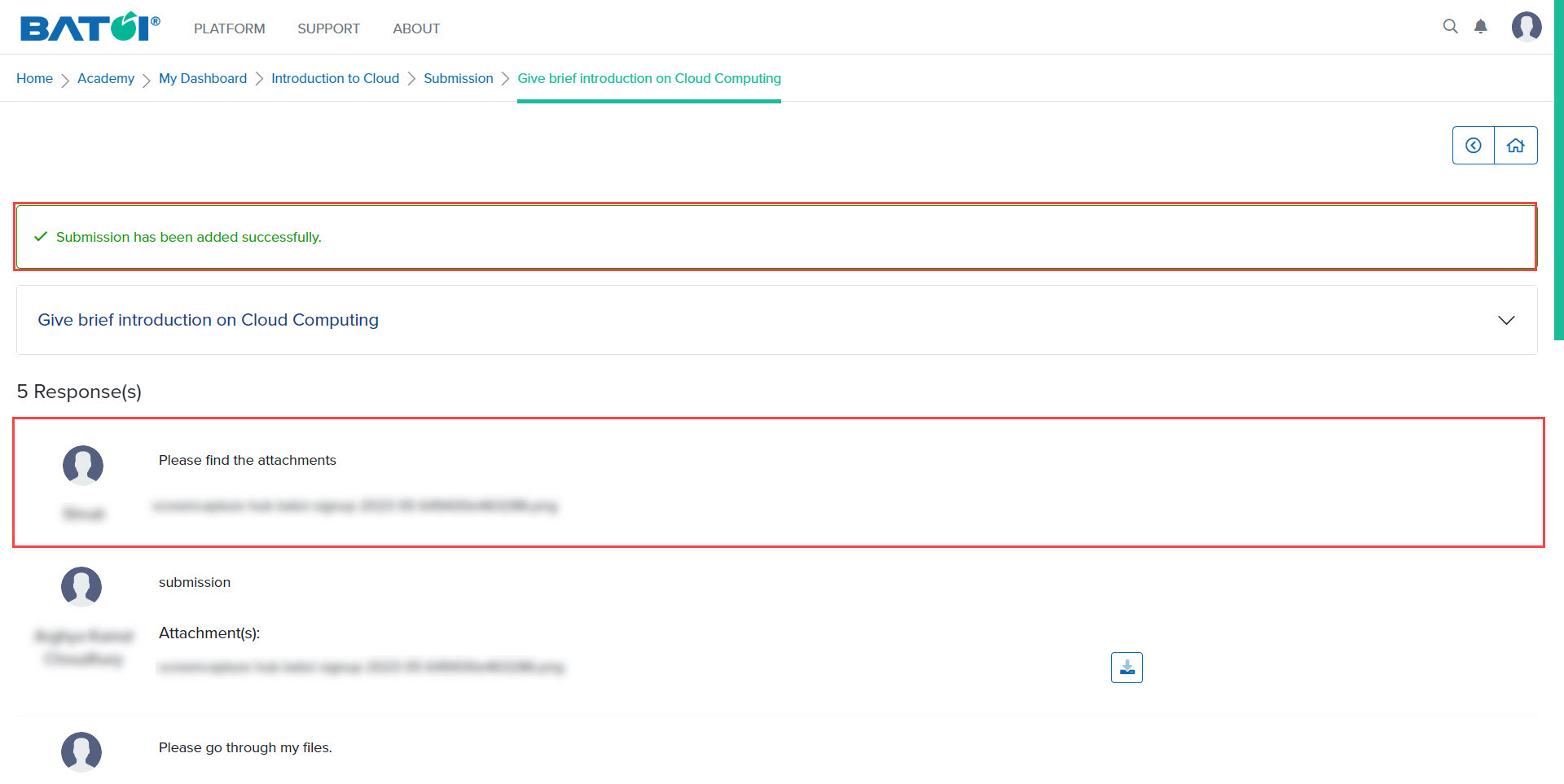
Understanding the process of submitting assignments for evaluation is an essential part of assessing your understanding of the program material.
Assignment
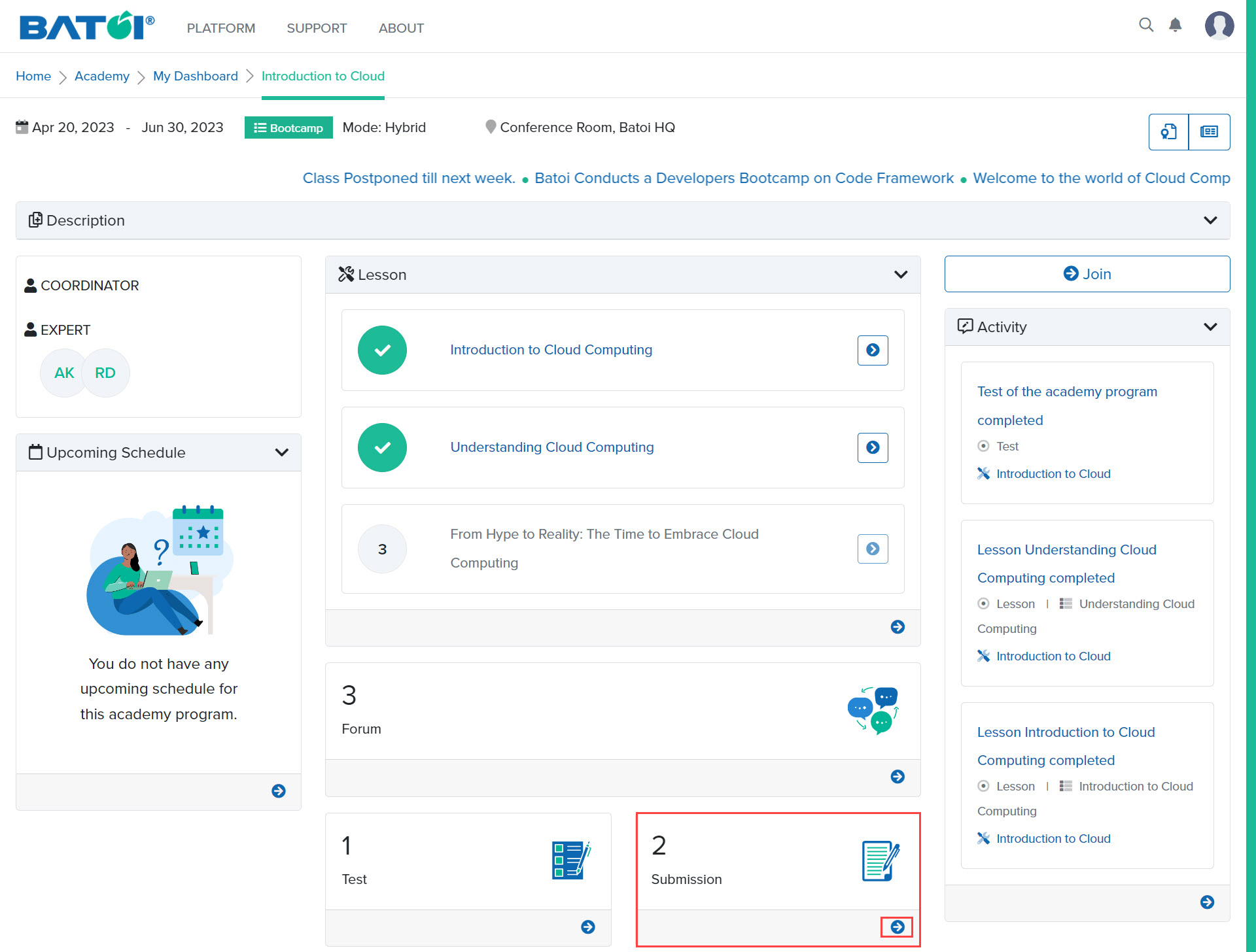
In the submission section, click on the View All button to view the list of submissions, as illustrated in Figure 1.
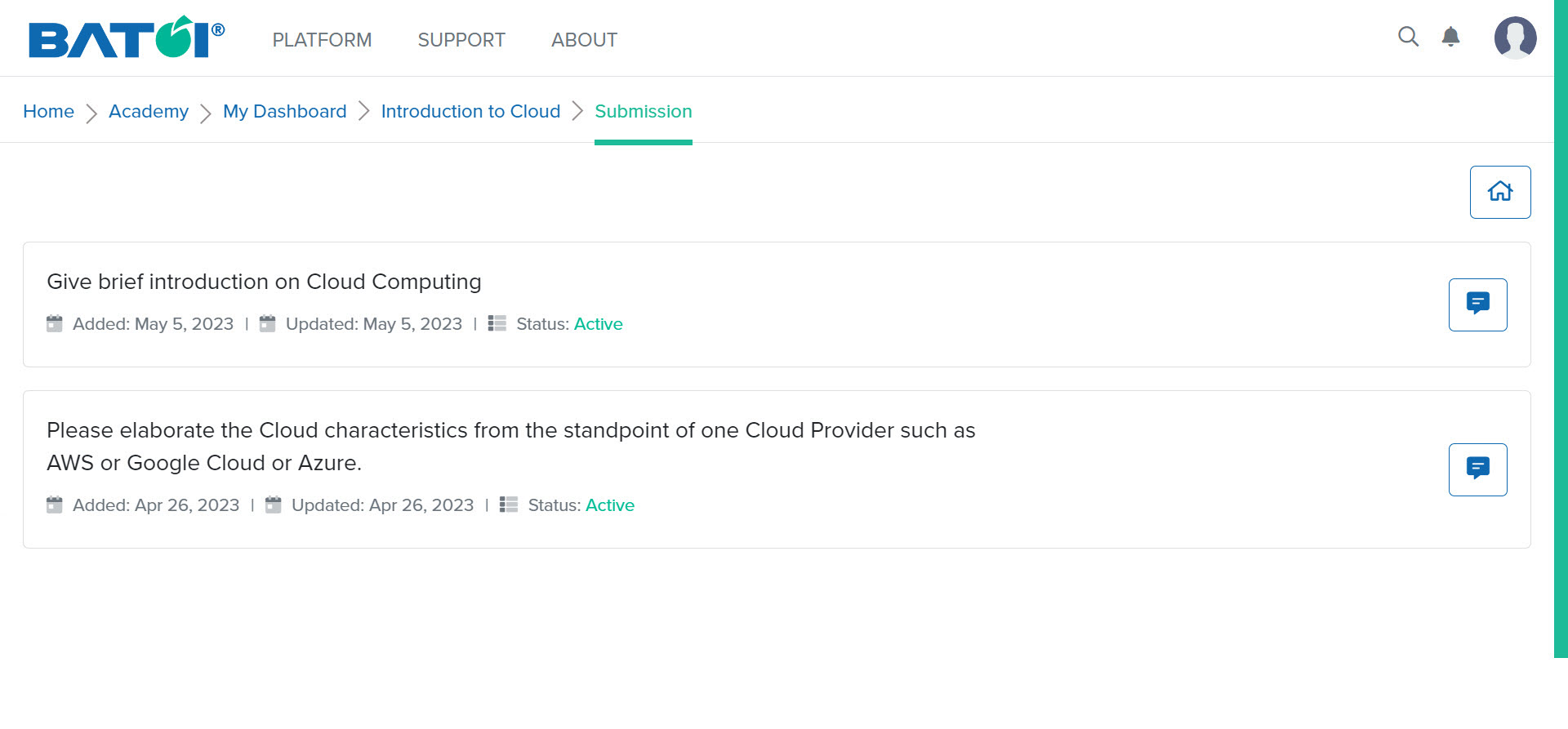
Upon doing so, the list of all the submissions will be displayed, as illustrated in Figure 2.
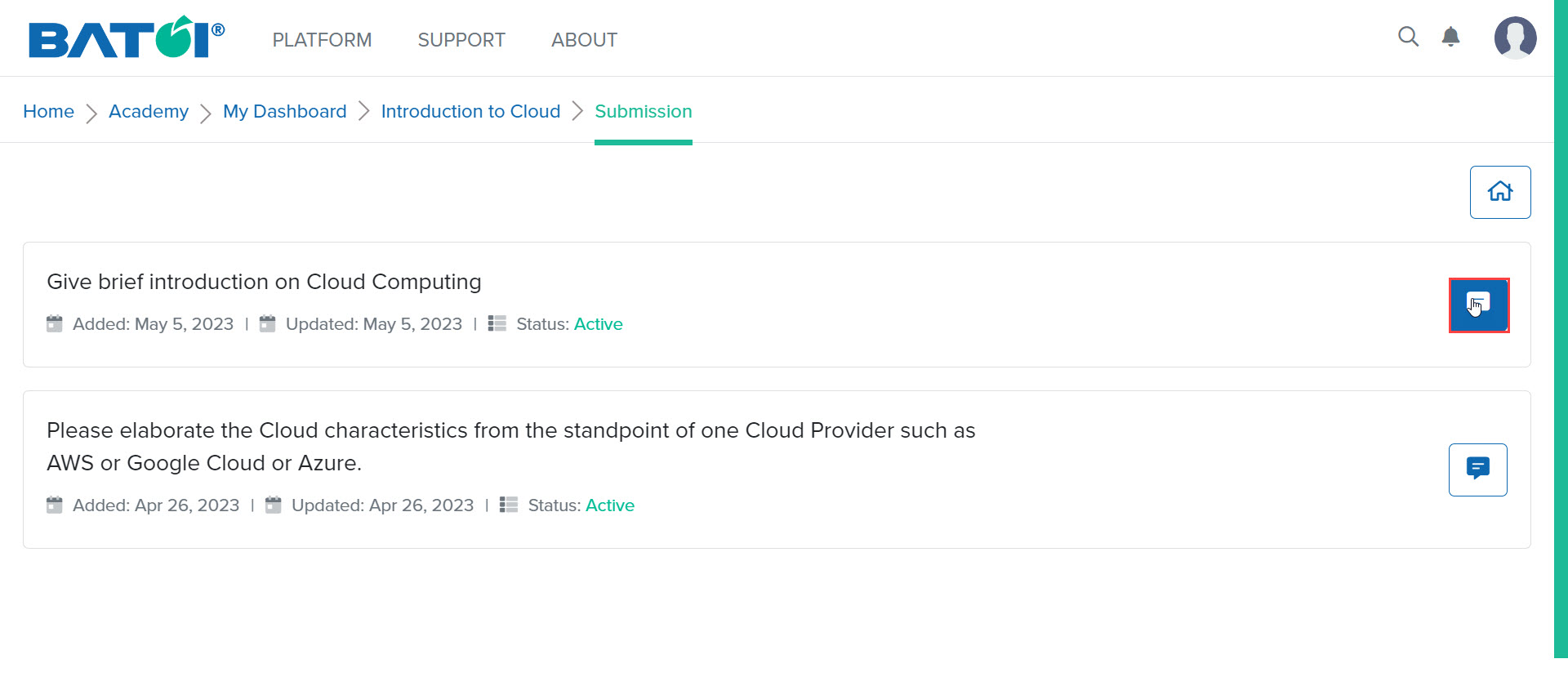
To submit your assignment, click on the Edit Requirement button available for each submission as illustrated in Figure 3.
In the Edit Requirement page, provide your submission details, and attach file if any in the Your Submission and Attach File fields respectively, as illustrated in Figure 4.
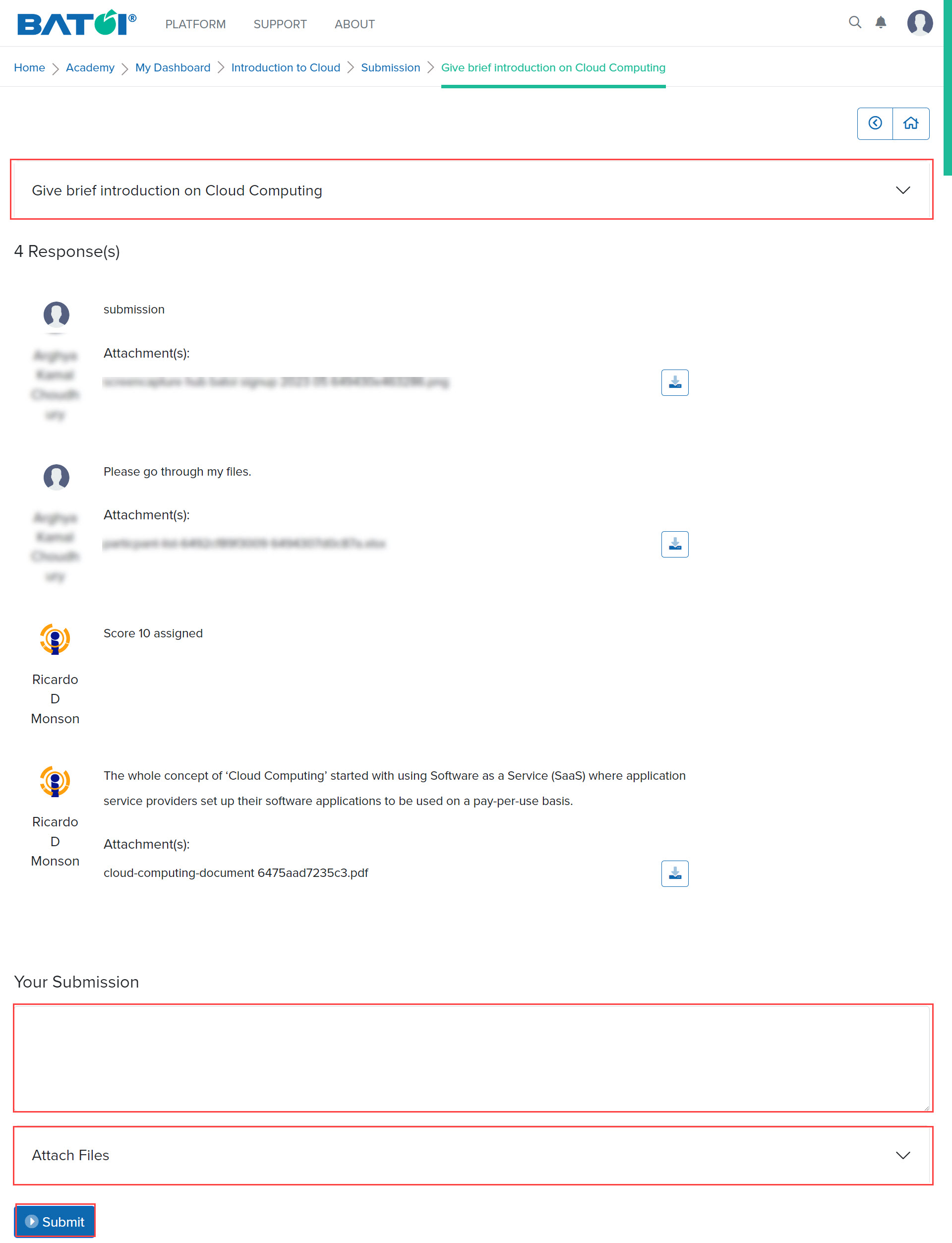
After clicking on the Submit button, you will view a confirmation message that the submission has been added successfully. And also the response will be at the top of all the responses as illustrated in Figure 5.