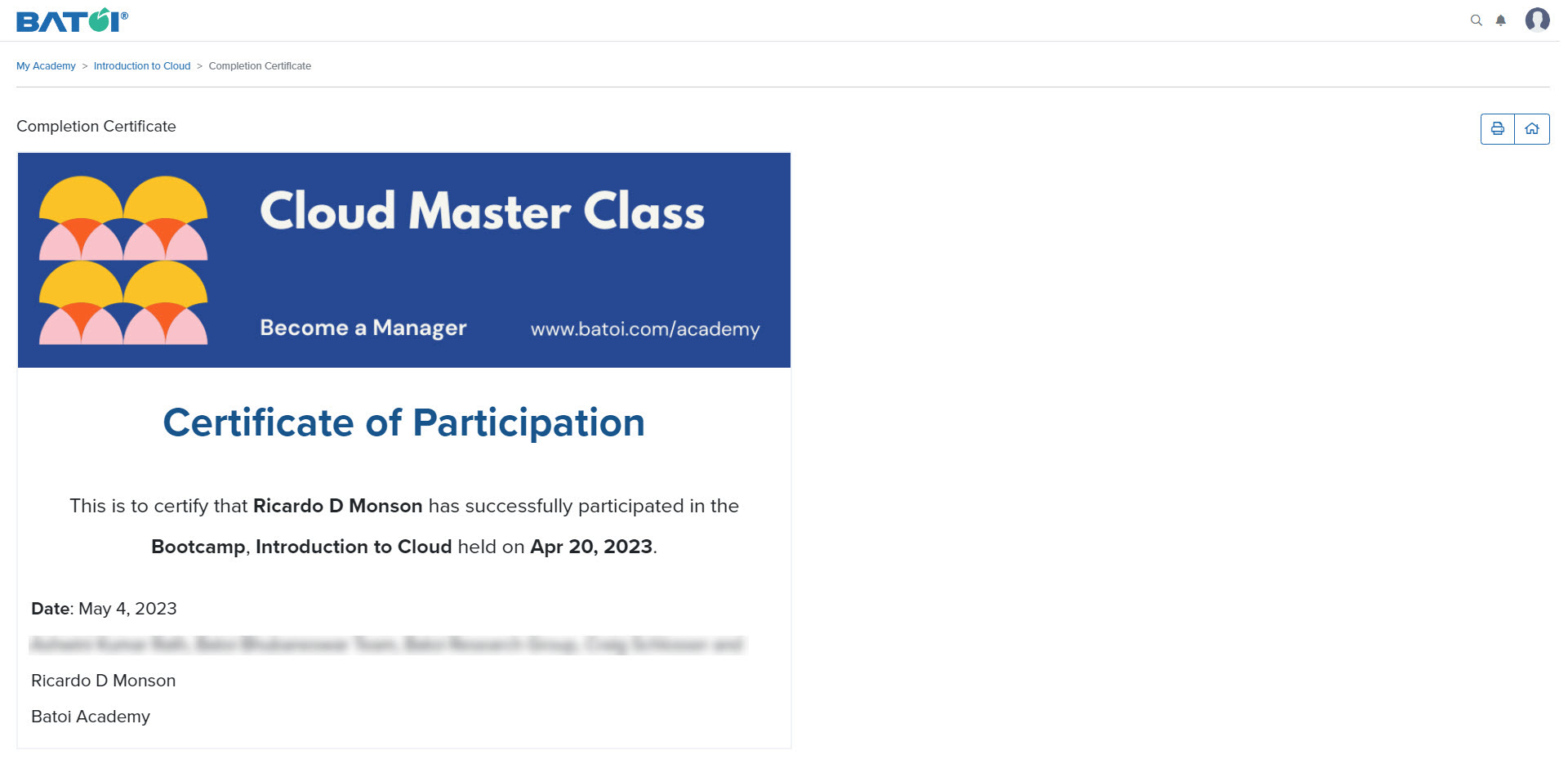
Learn how to manage certificates that authenticate a participant's competence and legitimacy.
View Certificate
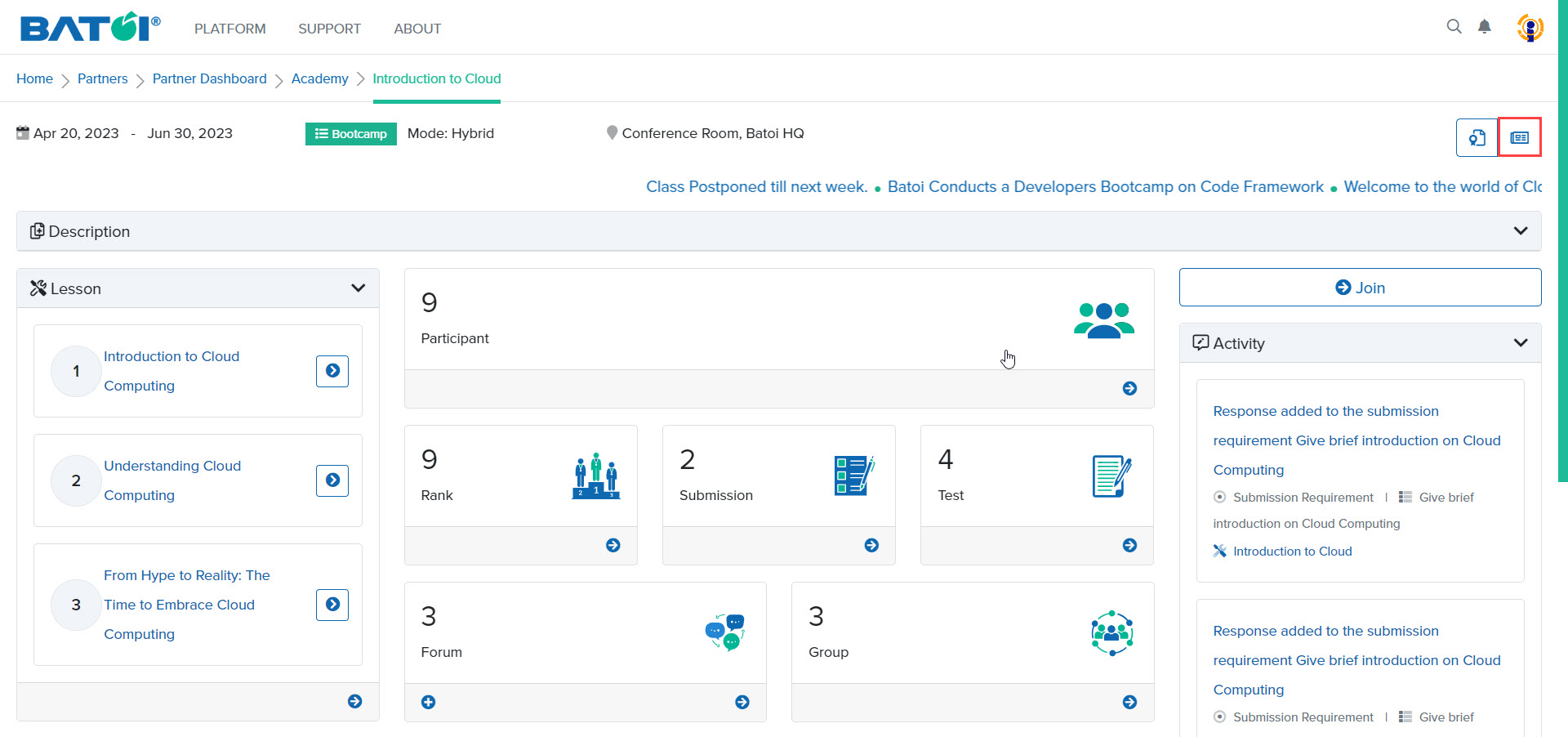
To view the certificate click on the Certificate button in the program dashboard, as illustrated in Figure 1.
Note:
- The Certificate button will be displayed in the program dashboard only when Acad Manager has provided access to generate a certificate for you.
- You can regenerate the certificate for the participants once it has been generated.
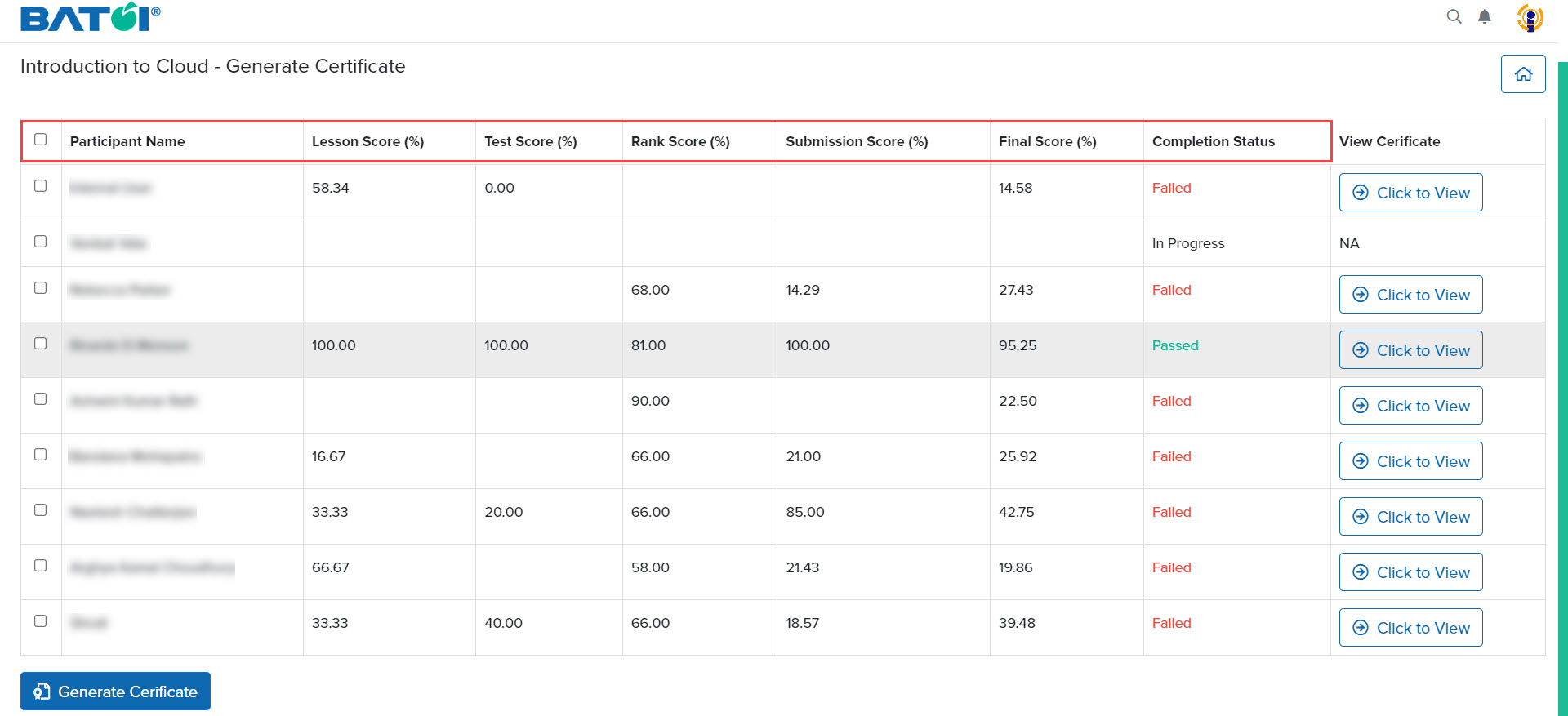
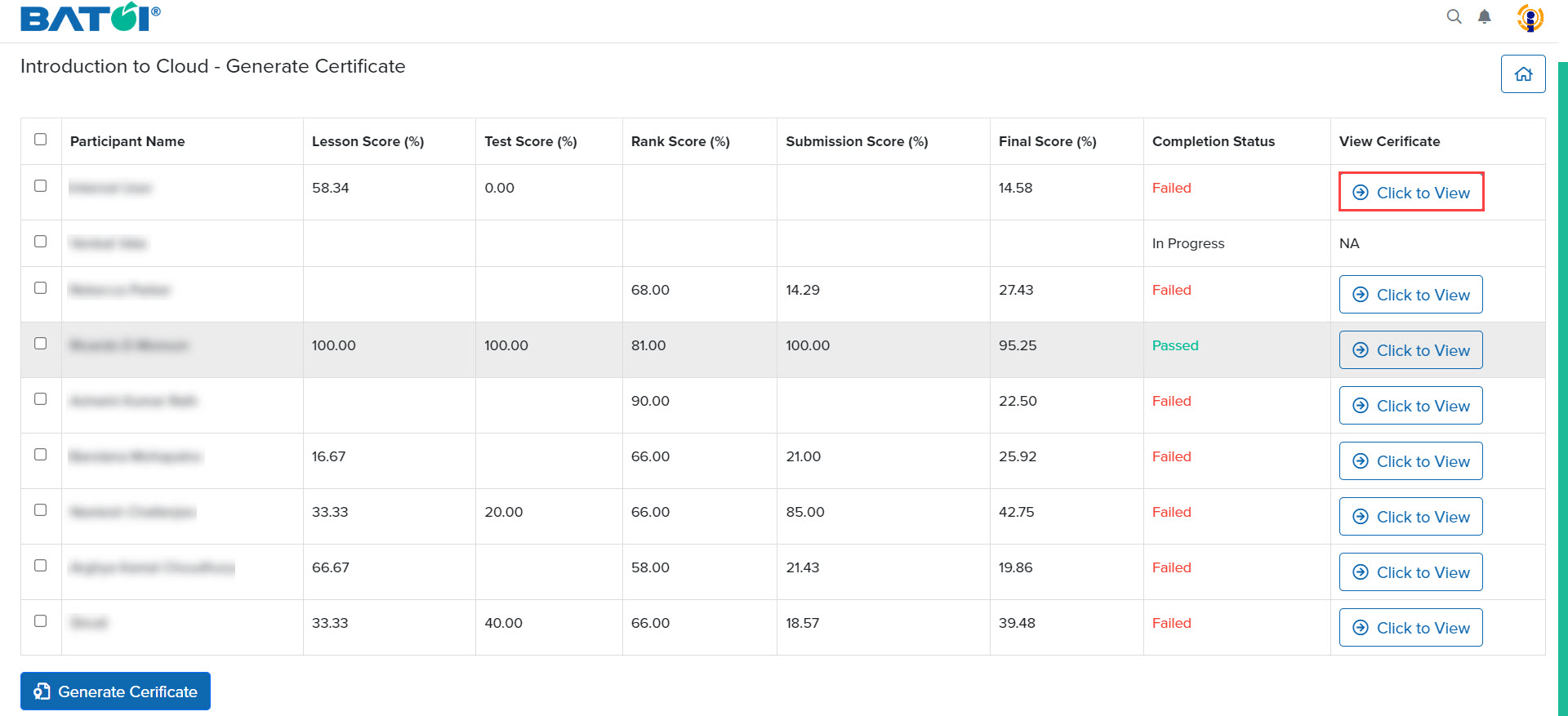
The list of participants, their lesson score, test score, rank score, submission score, final score, and completion status will appear, as illustrated in Figure 2.
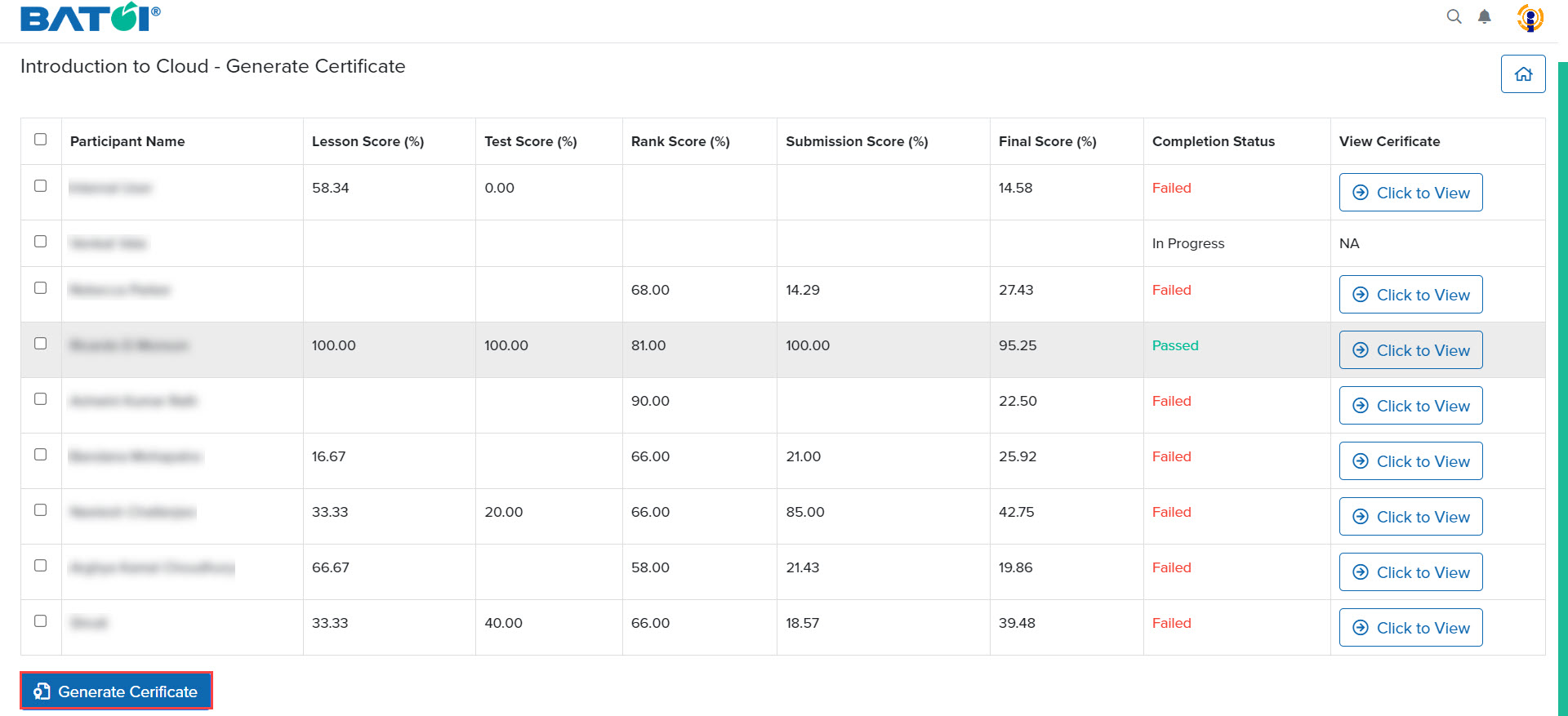
You can generate a certificate by clicking on the Generate Certificate button, as illustrated in Figure 3.
To view the certificate of a participant, click on the Click to View button, as illustrated in Figure 4.
The certificate displays the name of the participant, the name of the course, and the date on which the certificate was generated, as illustrated in Figure 5.