
Guide navigation 10 of 42
What this page helps you accomplish
Publish an explicit reviewed revision, require a terminal run result, verify the deployment independently, and preserve Guard and Govern evidence.
Scope and authority
A reviewed source revision and approved sandbox target Release authority, change window, and rollback plan
Deployment
Publish an explicit reviewed revision, require a terminal run result, verify the deployment independently, and preserve Guard and Govern evidence.
Observable business result
The approved revision is published through a terminal recorded run, deployed to the intended target, independently verified, and linked to Guard and Govern evidence.
The expected record or action is missing.
Recommended recovery: Return to the intended context and ask an Owner or Admin to confirm access. Do not use another person’s account.Who should use this article
This article is for Release Owners, Builders, and Reviewers who are authorized to complete or review this task. A consequential decision remains with the accountable person.
Before you begin
- A reviewed source revision and approved sandbox target
- Release authority, change window, and rollback plan
- Required Guard checks and evidence owners
- Use approved sample or operational information only. Never enter a password, token, private key, or unnecessary personal information.
Use the governed release path
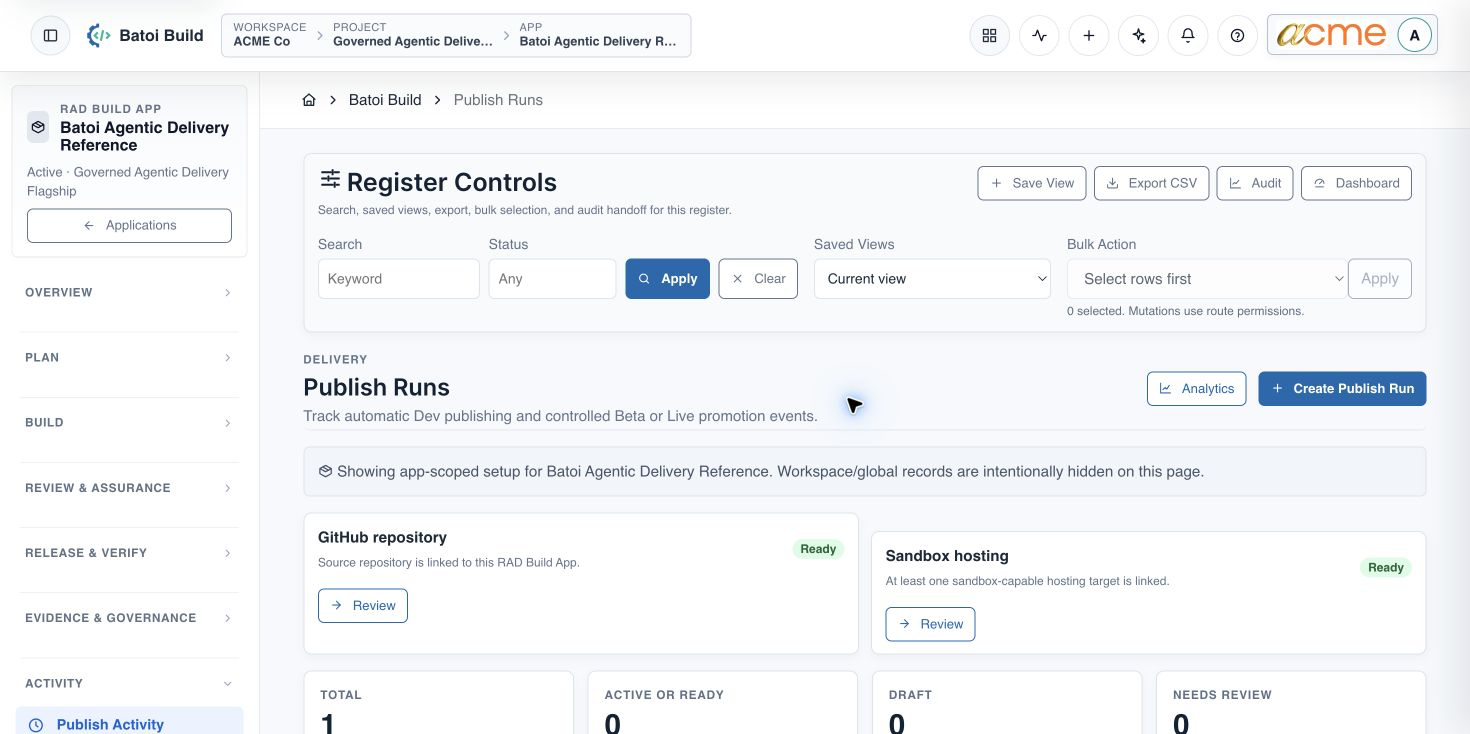
Prepare the publish run
- Confirm the selected App, approved canonical-source revision or artifact, version, target environment, release authority, and rollback plan.
- Open Release & Verify and choose Publish Runs.
- Create an app-scoped run with the exact revision and intended sandbox target.
- Require a persisted publish-run manifest that records source, target, initiation, result, and evidence references.
- Monitor the run until it reaches Succeeded or Failed. Reconcile any stale Running record before continuing.
Verify the deployment
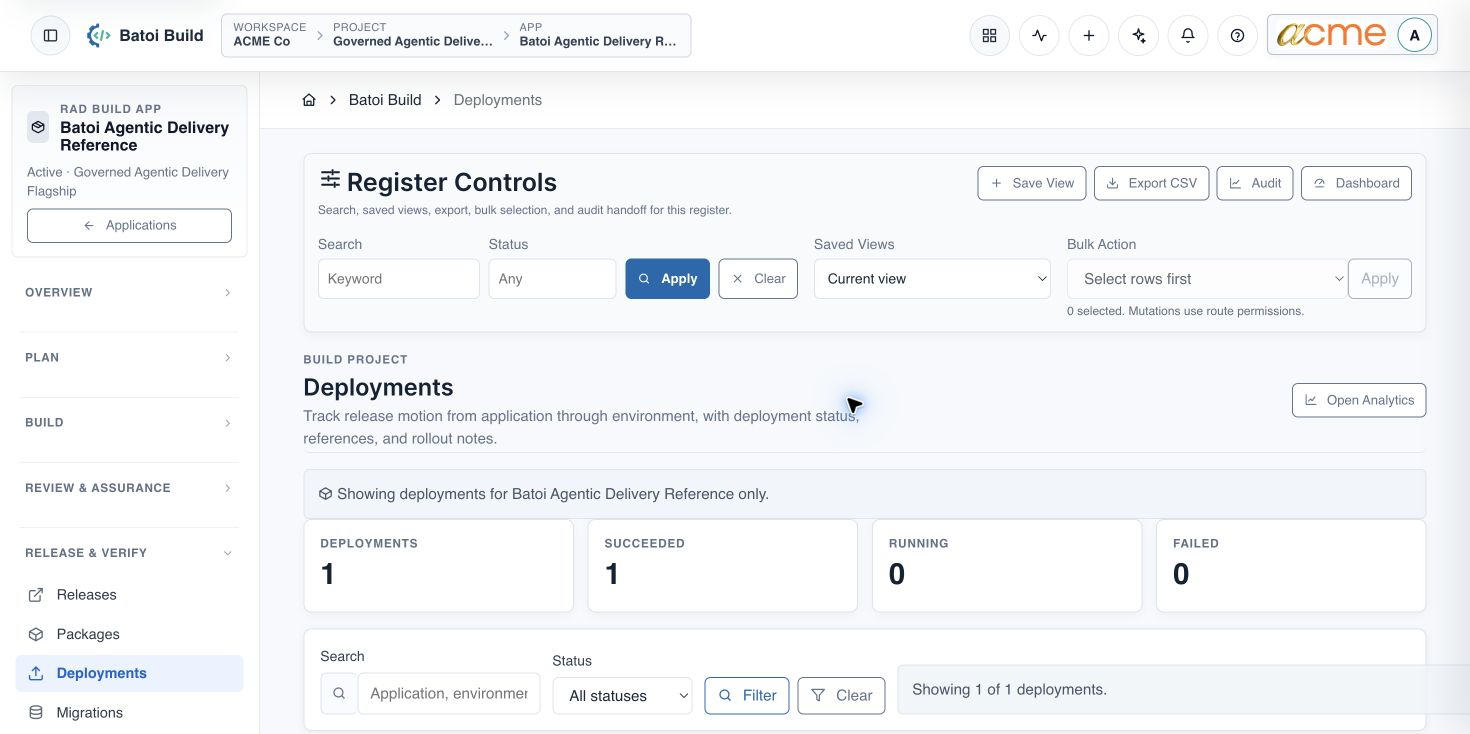
- Open Deployments and find the release reference and version created by the publish run.
- Confirm the deployment reached Succeeded.
- Open the public sandbox and test the homepage and health route independently.
- Check critical workflows, app-scoped database or adapter behavior, and rollback readiness.
- Run the release-specific Guard gate and record deployment verification evidence.
Completion check
- The publish run has a terminal status and persisted manifest.
- The deployment record identifies the exact revision, target, and version.
- The homepage, health route, critical workflow, and data adapter checks pass independently.
- The release-specific Guard evaluation is passed or has an authorized, time-bounded exception.
- Govern evidence preserves the reviewed outcome and rollback condition.
When a member-facing status is required, continue with Configure Member-Safe Project Sharing.
Troubleshooting and recovery
| What you see | What to check | Safe next action |
|---|---|---|
| The expected record or action is missing. | Workspace, project/app context, role, status filters, and prerequisites. | Return to the intended context and ask an Owner or Admin to confirm access. Do not use another person’s account. |
| The status remains incomplete or needs review. | Required fields, evidence, approvals, source connections, checks, and owners. | Record the missing item and owner. Do not mark the task complete until it can be independently verified. |
| The result conflicts with policy or evidence. | Scope, source recency, exception authority, decision conditions, and reviewer independence. | Do not bypass the control. Return the item for correction or escalate it through the authorized route. |
Safety and governance
Final verification
Next step
Continue with the next verified article in this Product Guide, or return to the Batoi Platform Product Guide.