
Guide navigation 29 of 42
What this page helps you accomplish
Complete a practical Batoi Learn lab, submit evidence for automatic assessment, and improve your work from criterion-level feedback.
Scope and authority
Access to an assigned or available Batoi Learn lab Permission to perform the lab actions in the intended practice workspace
Learning
Complete a practical Batoi Learn lab, submit evidence for automatic assessment, and improve your work from criterion-level feedback.
Observable business result
Complete a practical Batoi Learn lab, submit evidence for automatic assessment, and improve your work from criterion-level feedback.
The expected record or action is missing.
Recommended recovery: Return to the intended context and ask an Owner or Admin to confirm access. Do not use another person’s account.Every Batoi Learn lab follows a focused workflow: understand the scenario, produce evidence, submit it for automatic assessment, and improve it from specific feedback.
Who should use this article
This article is for Learners who are authorized to complete or review this task. A consequential decision remains with the accountable person.
Before you begin
- Access to an assigned or available Batoi Learn lab.
- Permission to perform the lab actions in the intended practice workspace.
- The lab scenario, success criteria, and any approved sample information.
- Use fictional or approved information only. Never enter a password, token, private key, personal data, or confidential customer material.
Choose a scenario that matches the capability you want to practise. Review its objective, instructions, constraints, success criteria, and any example provided. Use fictional or approved information; do not enter secrets, personal data, or confidential customer material.
Complete the practical work
- Open the current stage and read its instructions.
- Enter or select only the information requested by the guided form.
- Run the exercise or save your response.
- Review the generated output and evidence before submitting it.
- Select the assessment action when your work is ready.
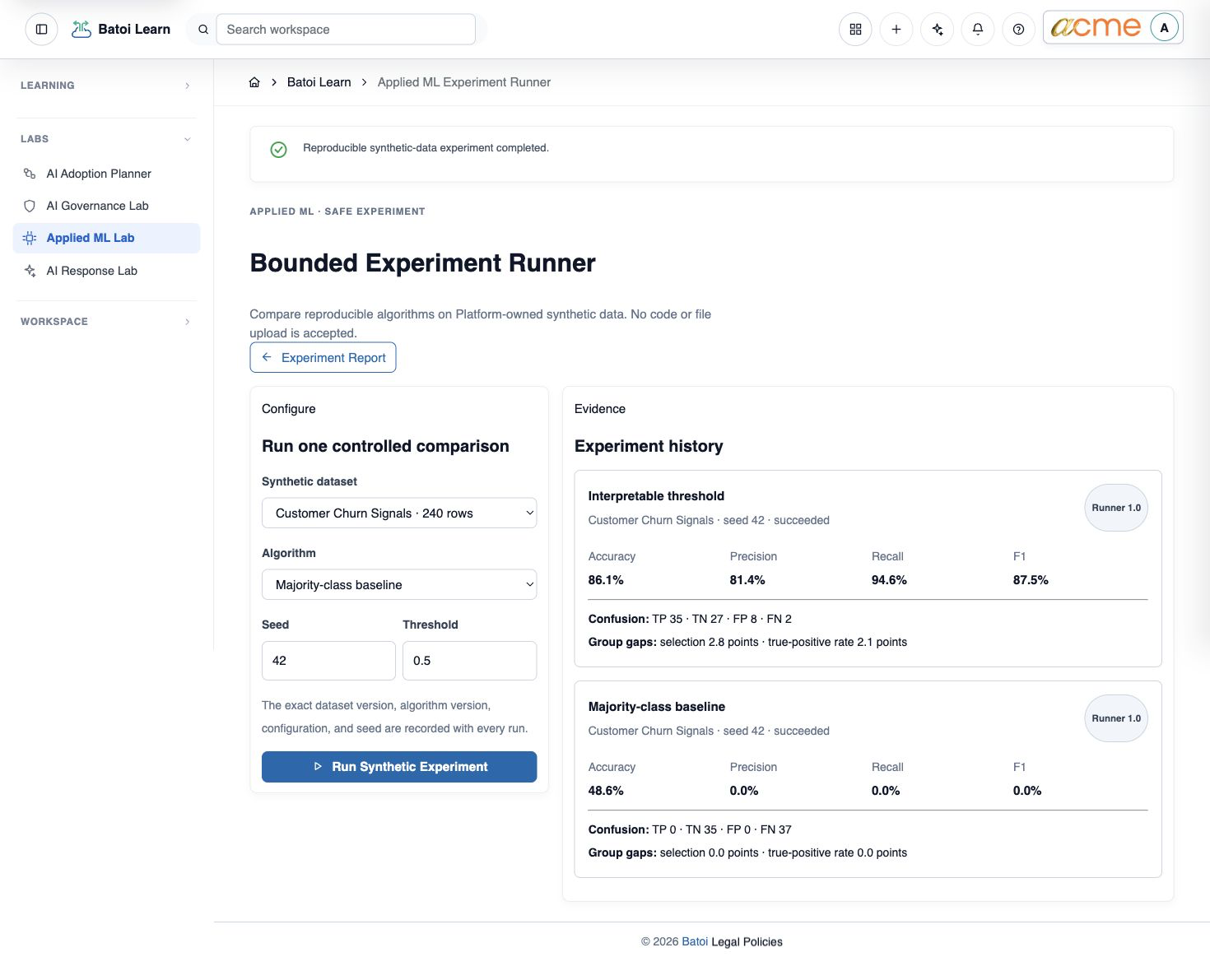
Understand the automatic assessment
Learn assesses submitted evidence against the published criteria for the exercise. Review the overall outcome and each criterion separately. The feedback identifies what was demonstrated, what is incomplete, and what to improve next.
- Score or outcome summarises the current submission.
- Criterion feedback explains the evidence behind the result.
- Next action directs you to revise, reflect, or continue.
Improve and complete the path
If revision is available, update your work using the feedback and submit it again. Then record a short reflection: what changed, why the final approach is stronger, and how you would apply it in real work. Complete the Apply stage to connect learning with an appropriate workspace action when that option is offered.
Troubleshooting and recovery
| What you see | What to check | Safe next action |
|---|---|---|
| The expected record or action is missing. | Workspace, project/app context, role, status filters, and prerequisites. | Return to the intended context and ask an Owner or Admin to confirm access. Do not use another person’s account. |
| The status remains incomplete or needs review. | Required fields, evidence, approvals, source connections, checks, and owners. | Record the missing item and owner. Do not mark the task complete until it can be independently verified. |
| The result conflicts with policy or evidence. | Scope, source recency, exception authority, decision conditions, and reviewer independence. | Do not bypass the control. Return the item for correction or escalate it through the authorized route. |
Safety and governance
Final verification
Next step
Continue with Complete AI Labs and Hand Off Reviewed Work, or return to the Batoi Platform Product Guide.