Learn how to track your recent activities, such as the tabs accessed, to keep up with your program progress.
Activity
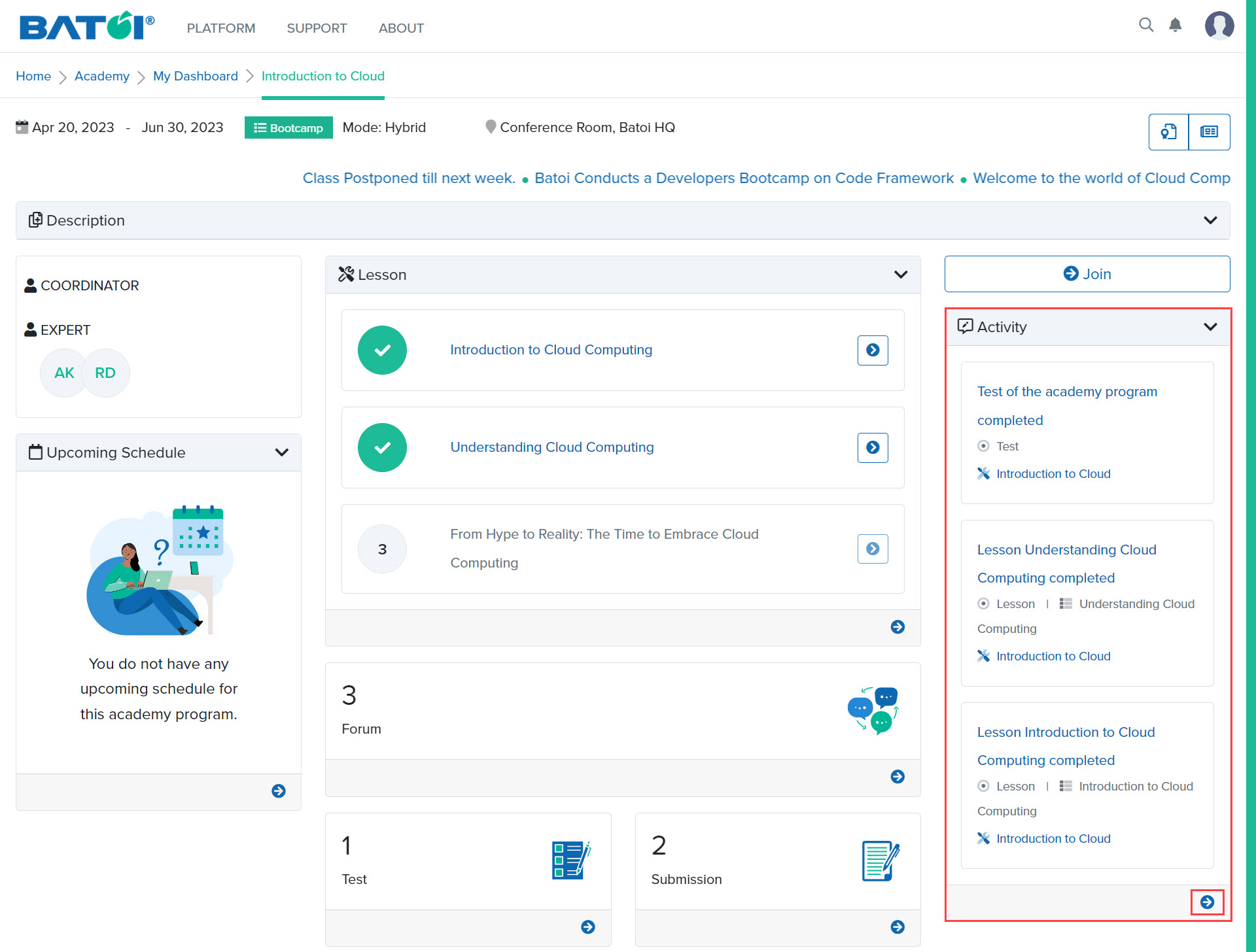
In the activity section, any activity pertaining to the program will be displayed. Click on the View All button to view all the latest activities performed, as illustrated in Figure 1.
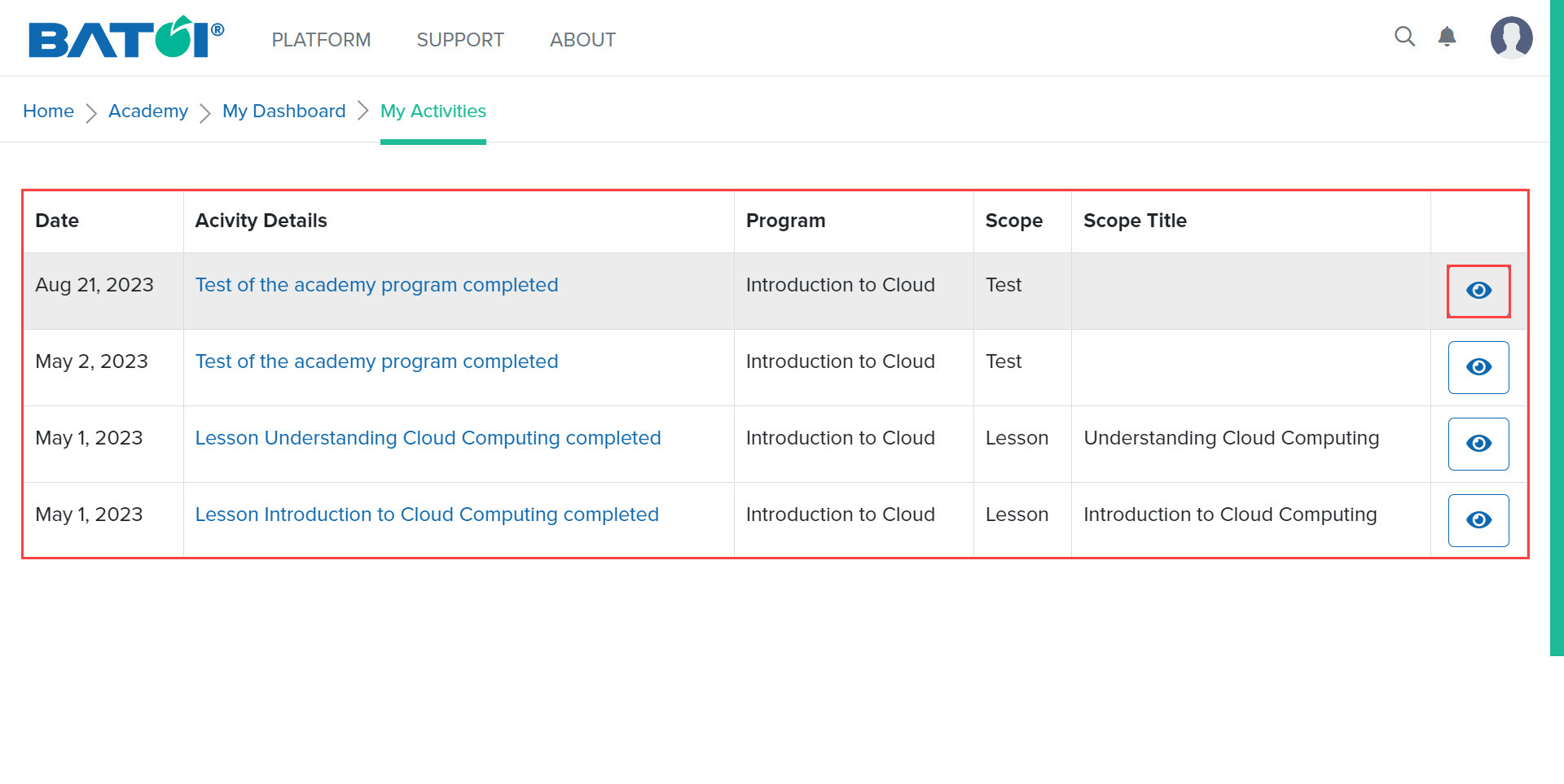
Upon doing so, all the latest activities performed along with the dates will be displayed on the screen. Click on the View button, as illustrated in Figure 2.
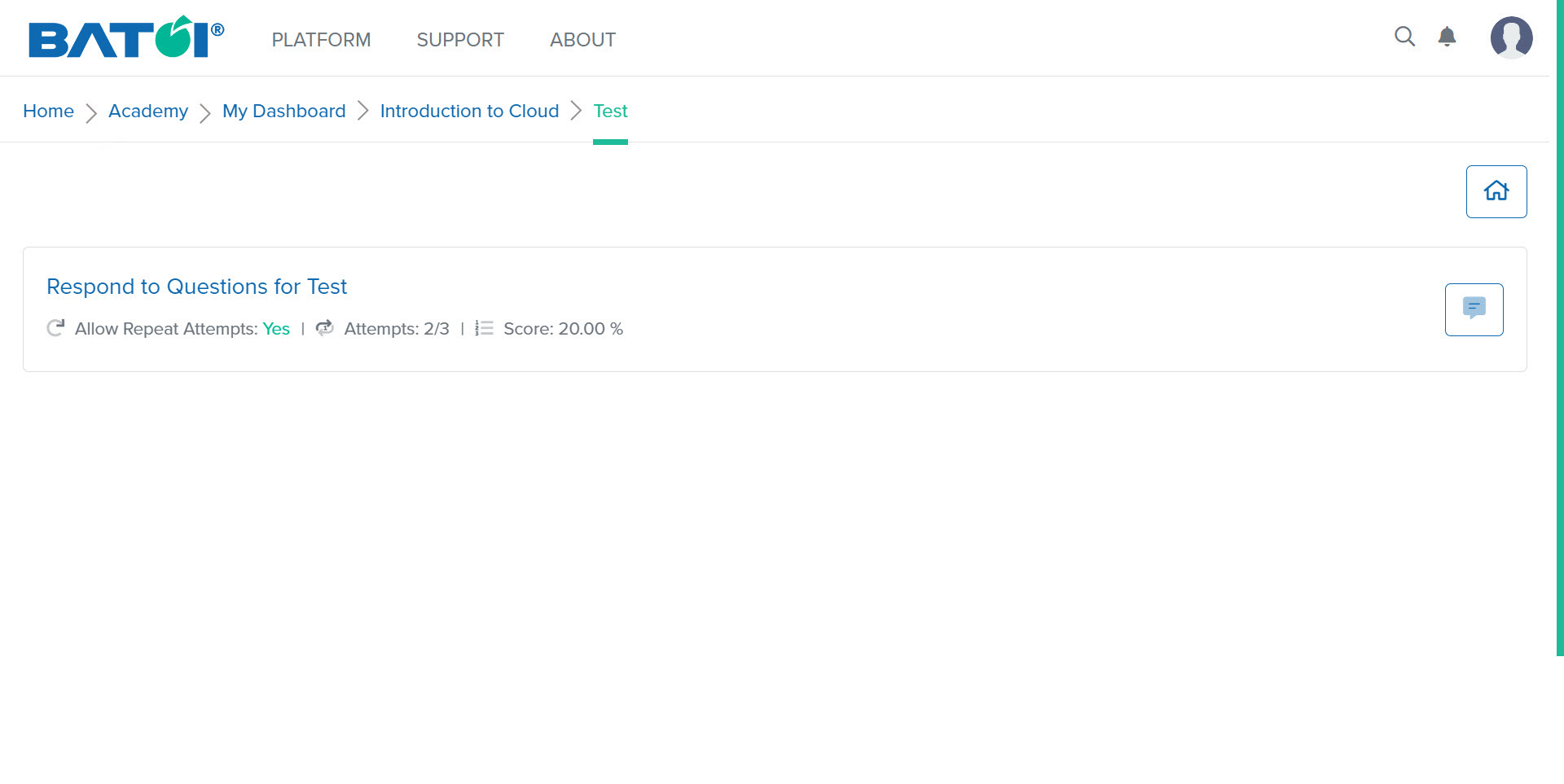
After clicking on the View button, you will be able to view the details of the activity, as illustrated in Figure 3.