Schedule
Learn how to use the Schedule feature to view planned events and times related to your assigned program.
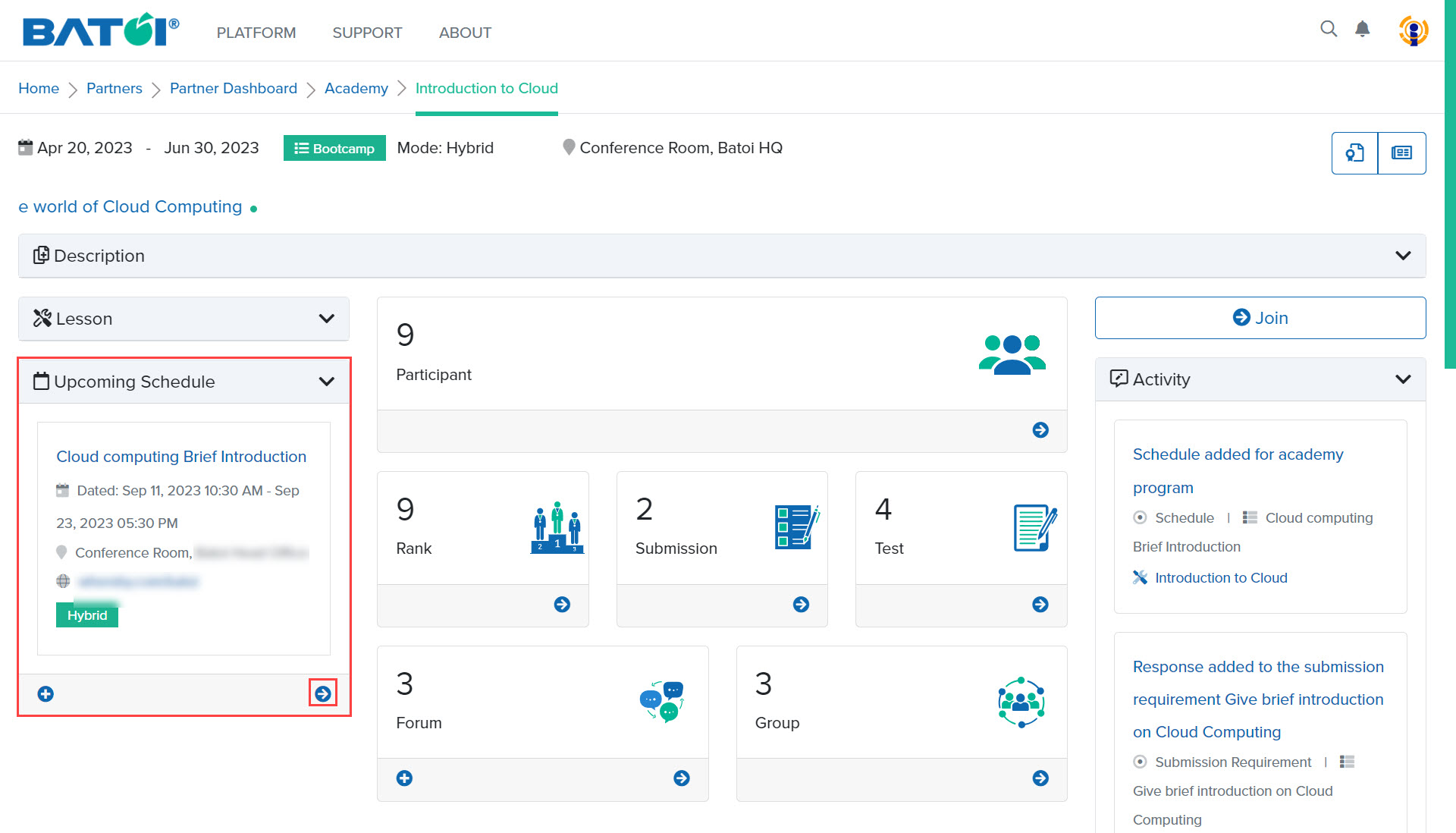
To manage program schedules, go to the Upcoming Schedule in the program dashboard, and click on the View All button to view all the schedules that have been added, as illustrated in Figure 1.
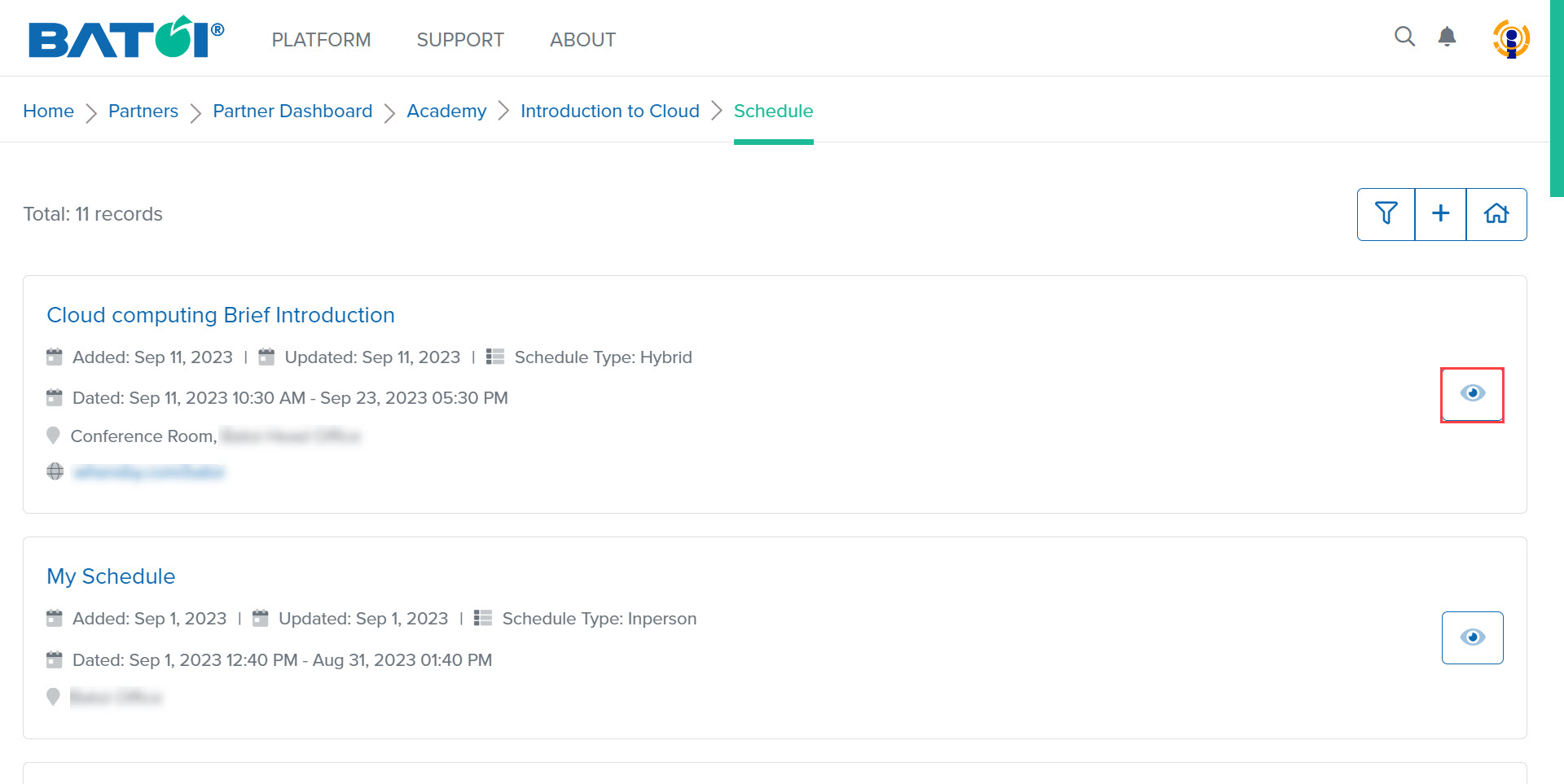
To view each schedule in detail, click on the View Schedule button that appears for each added schedule, as illustrated in Figure 2.
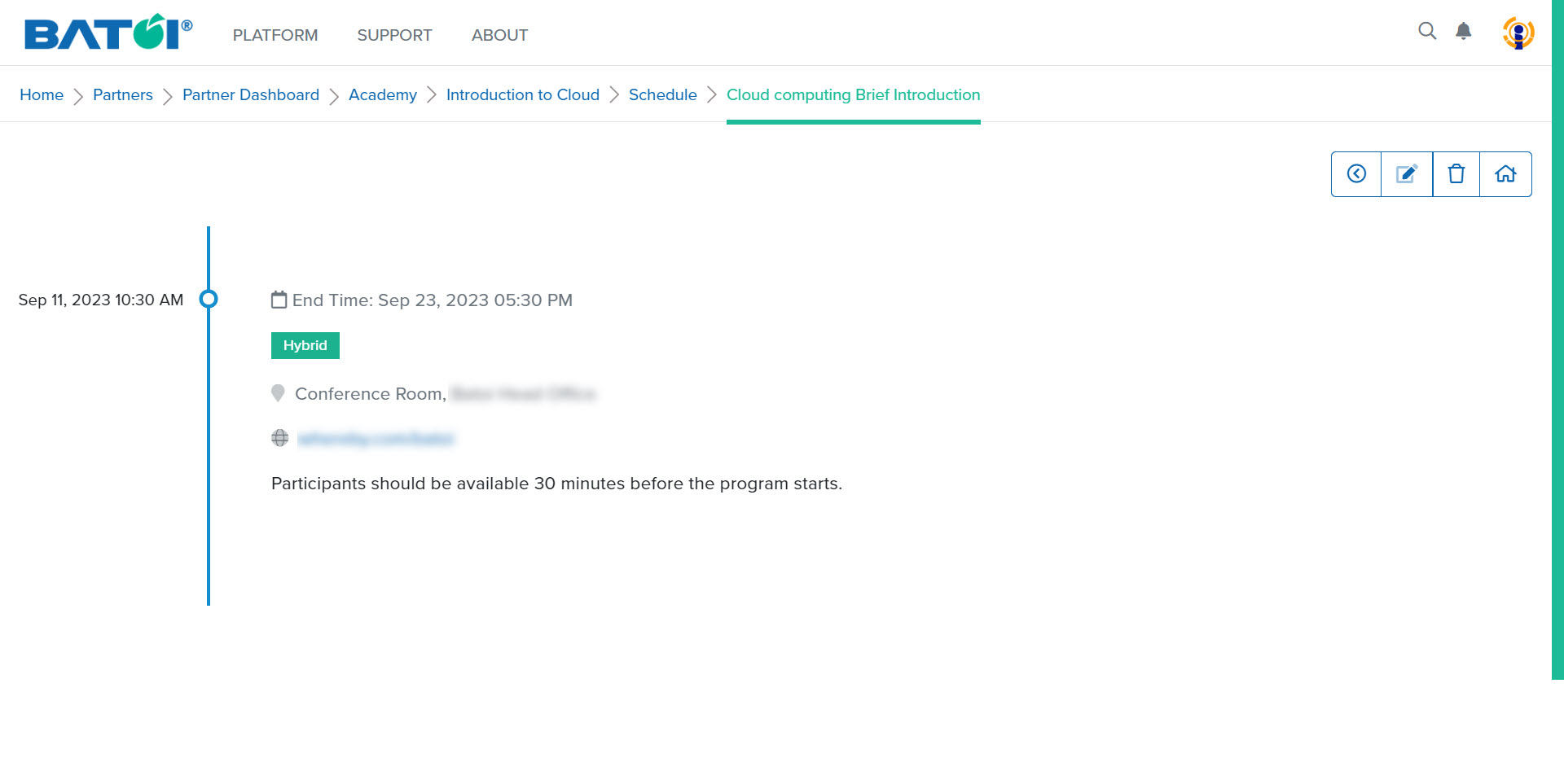
Upon doing so, the detailed view page of the schedule will be shown, as illustrated in Figure 3.
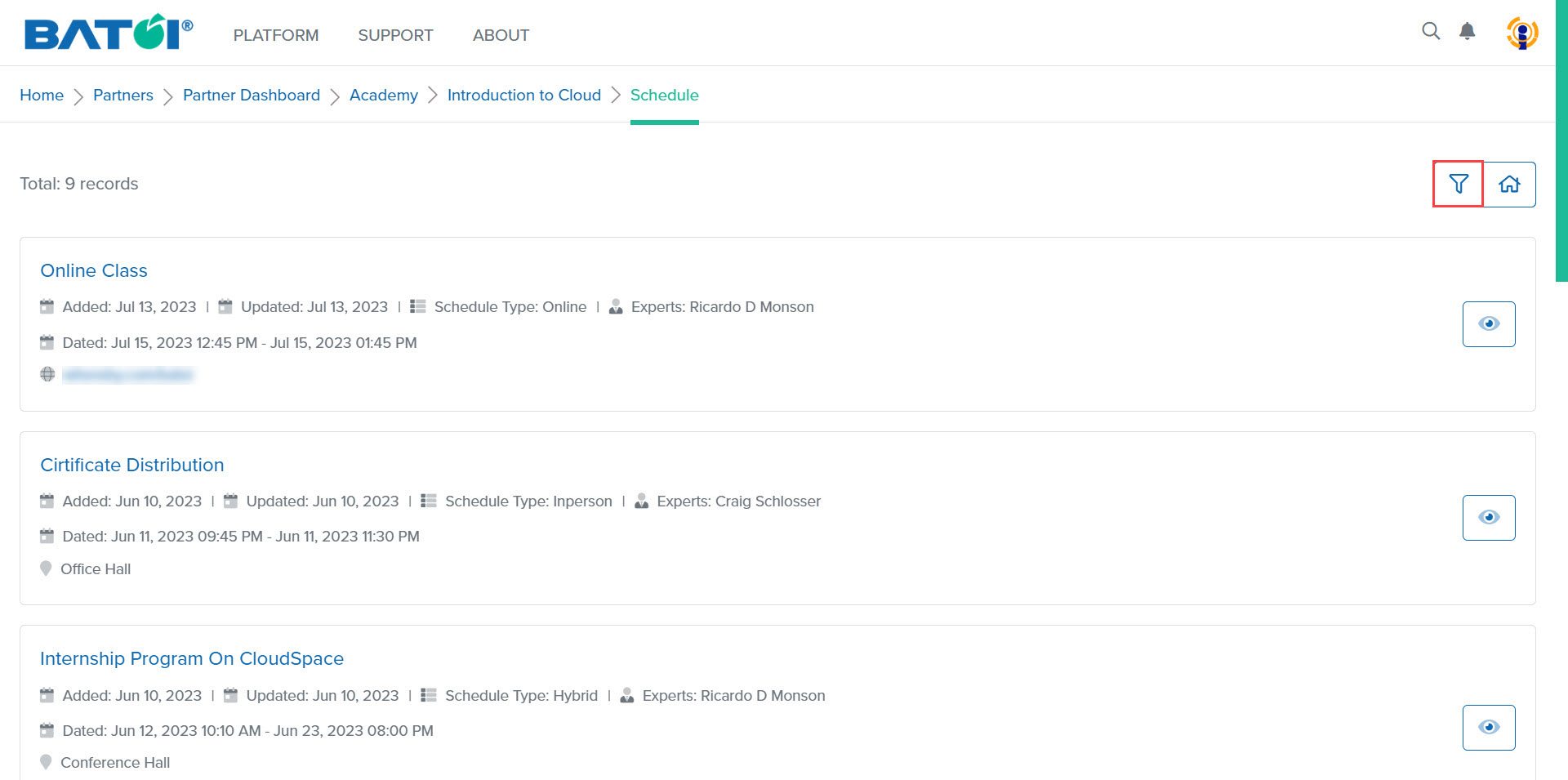
To search any schedule, click on the Filter button, as illustrated in Figure 4.
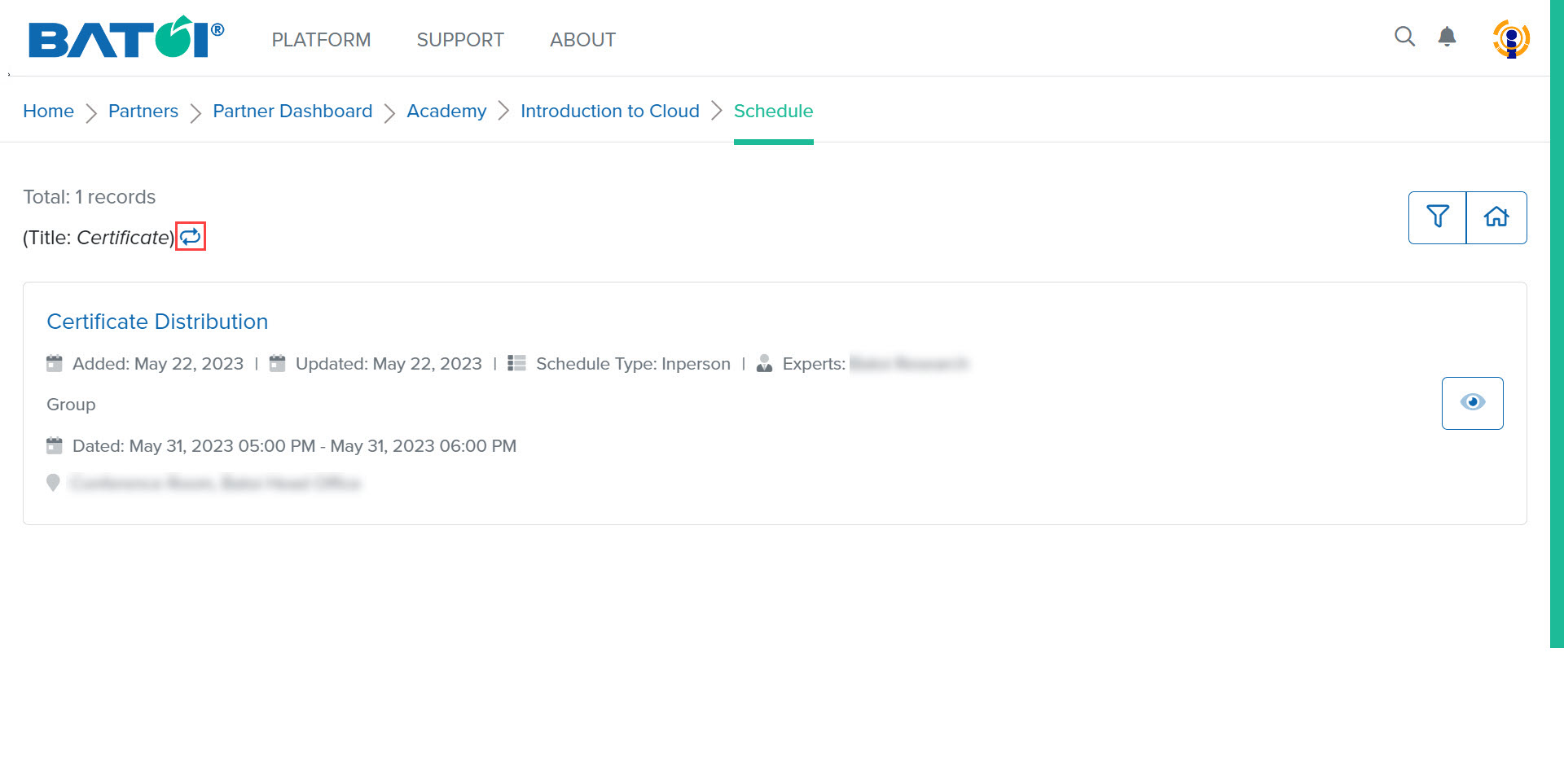
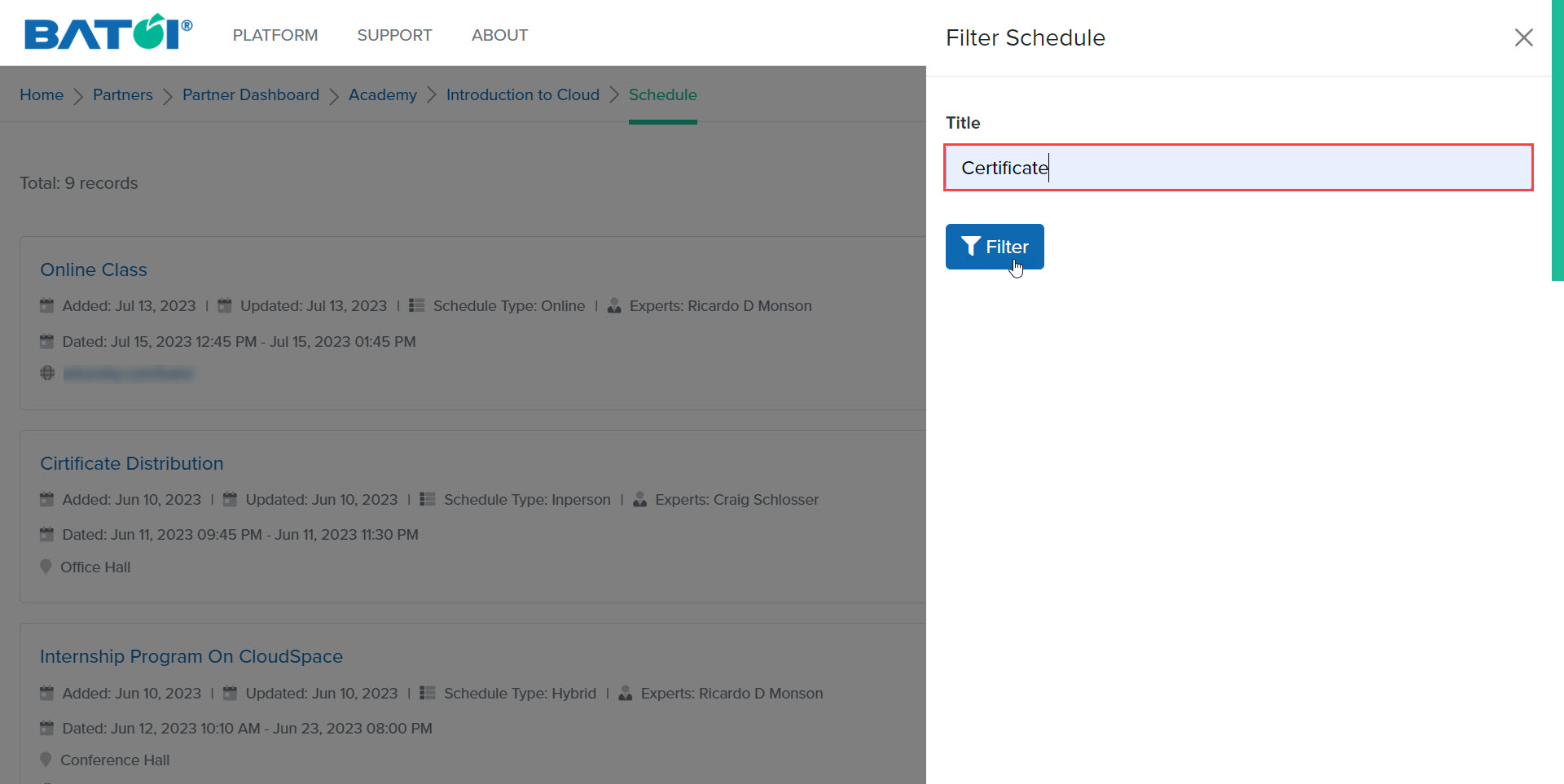
Enter the title of the schedule and click on the Filter button to get the result, as illustrated in Figure 5.
To return to the list page of schedules, click on the Reset button, as illustrated in Figure 6.