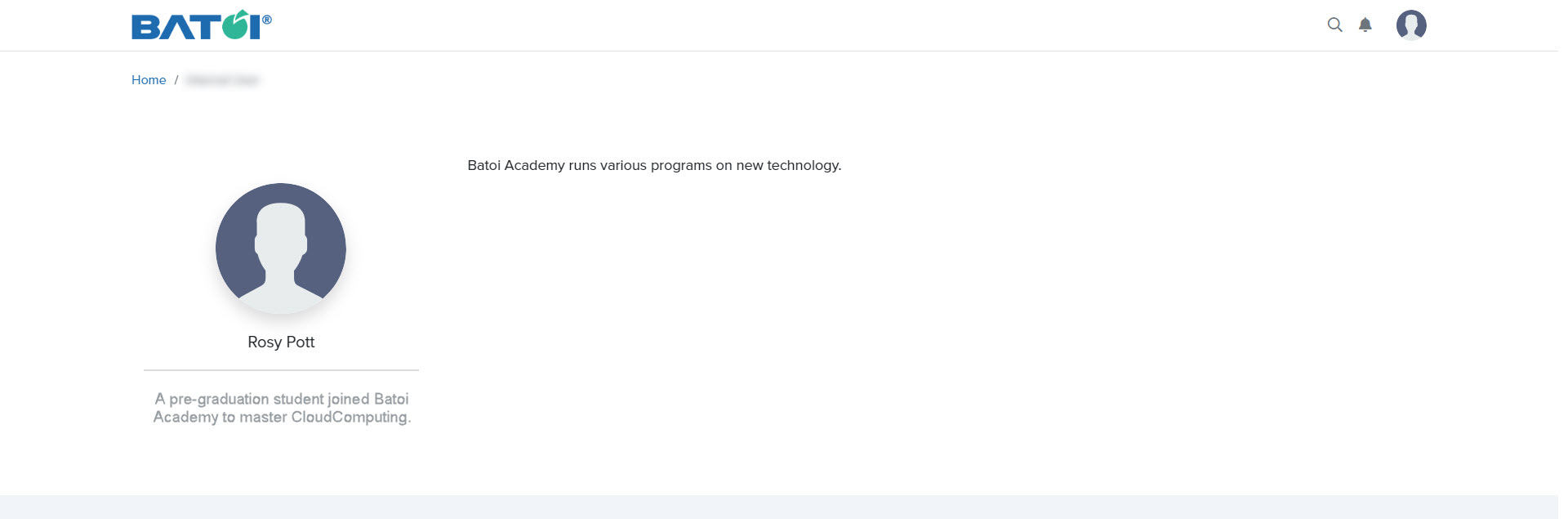
Learn how to create, edit, and publish your profile in the Editing Profile section or save it as a draft for later revisions.
Profile
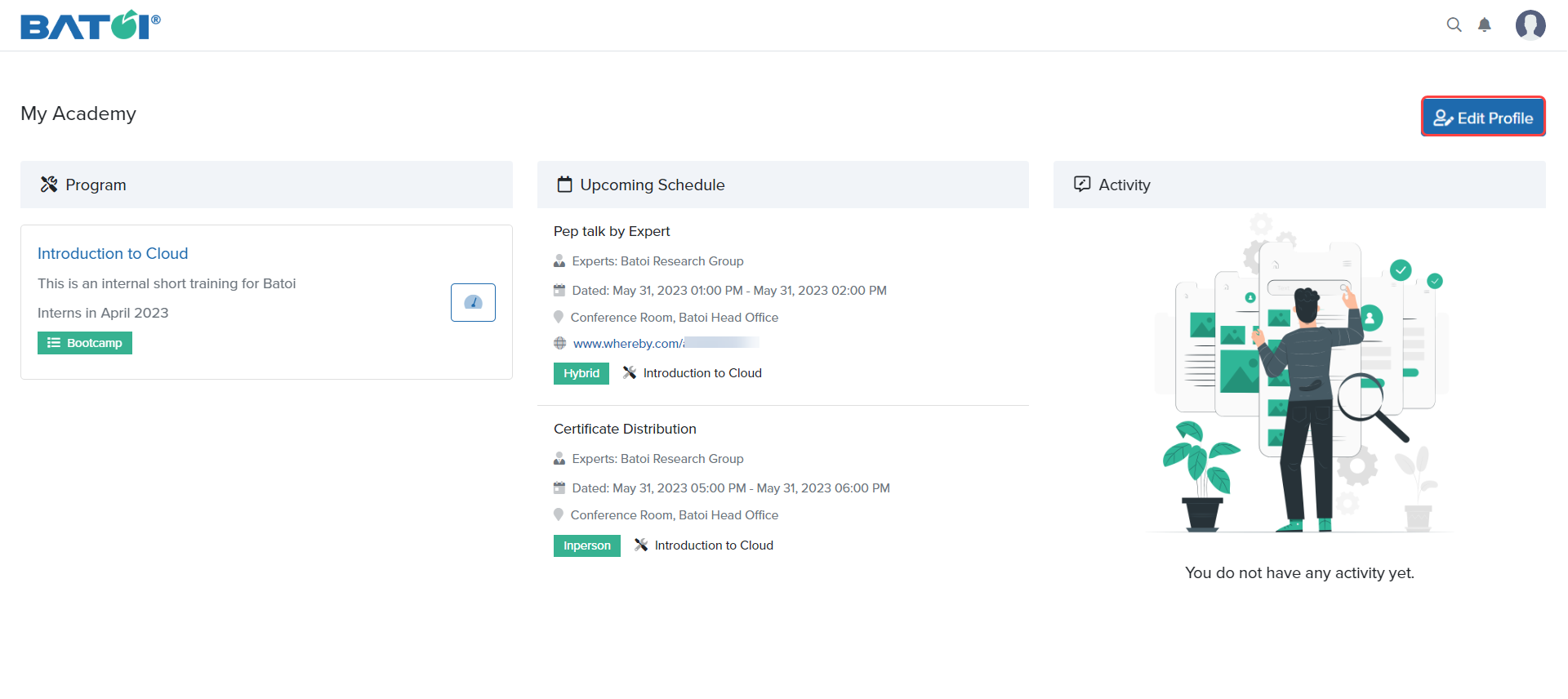
Click on the Edit Profile button to edit your personal details as illustrated in Figure 1.
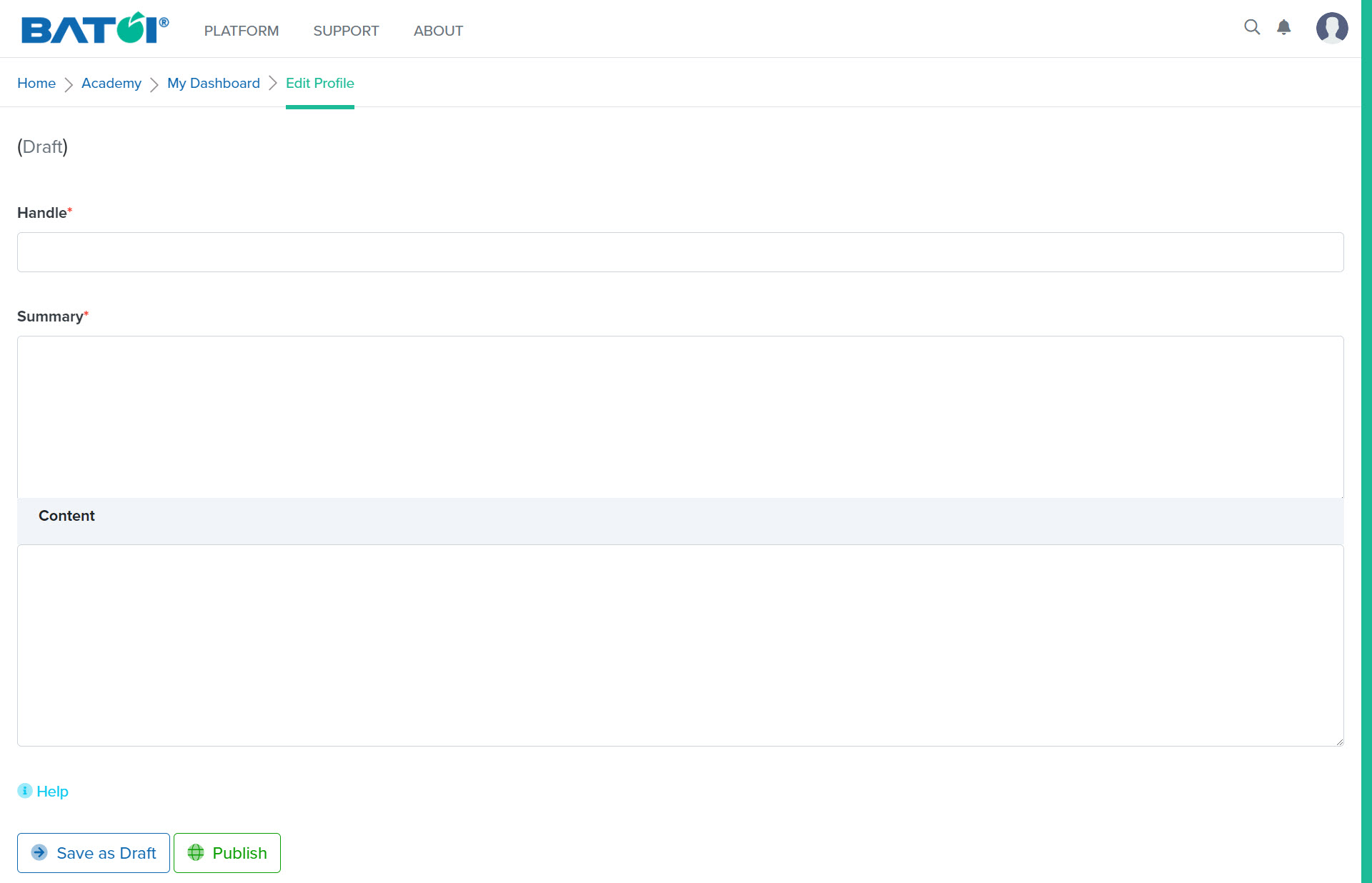
You will be redirected to the Edit Profile page as illustrated in Figure 2.
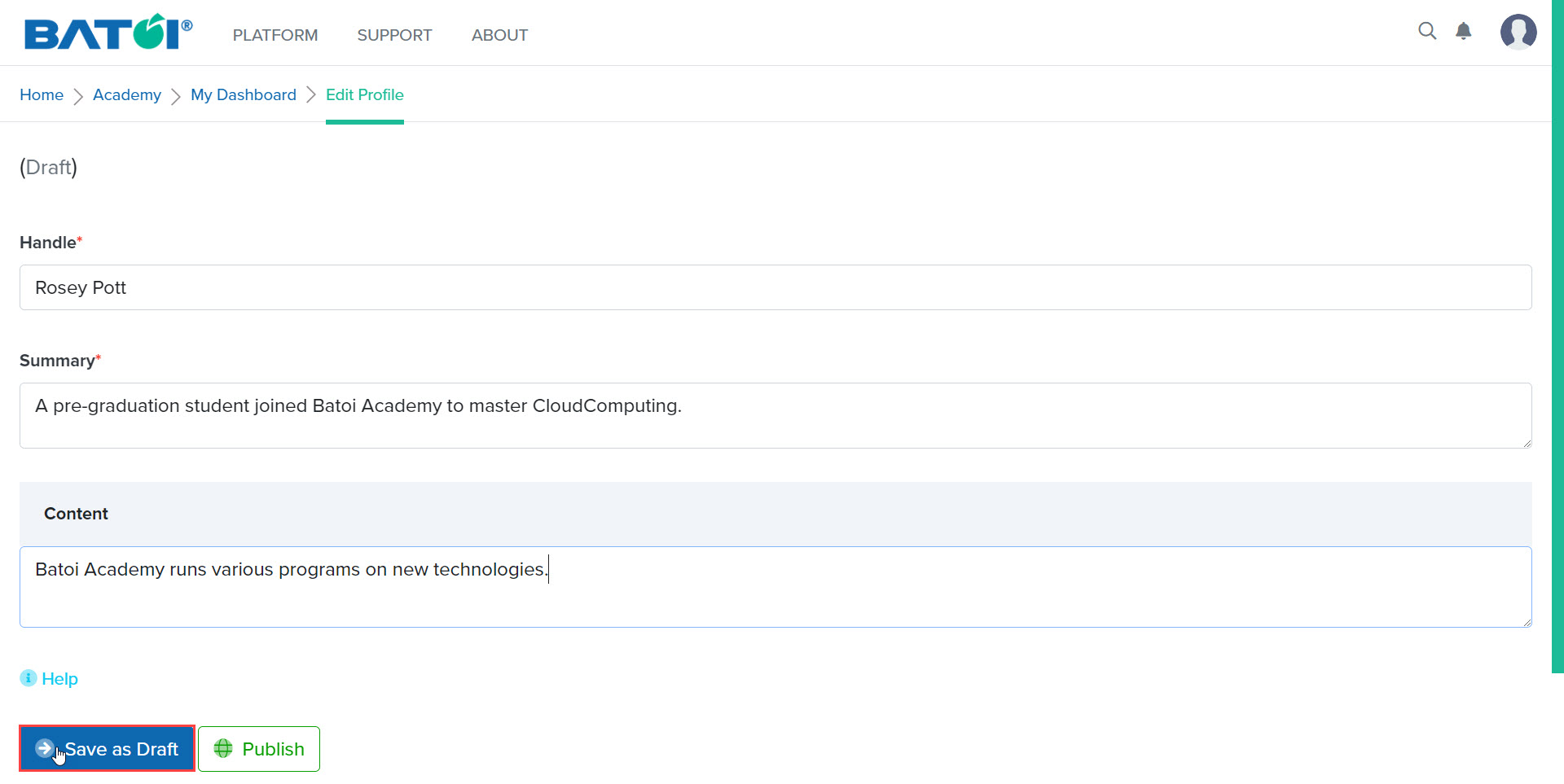
Once you provide the required details, click on the Save as Draft button. It will save your public page in the draft state as illustrated in Figure 3.
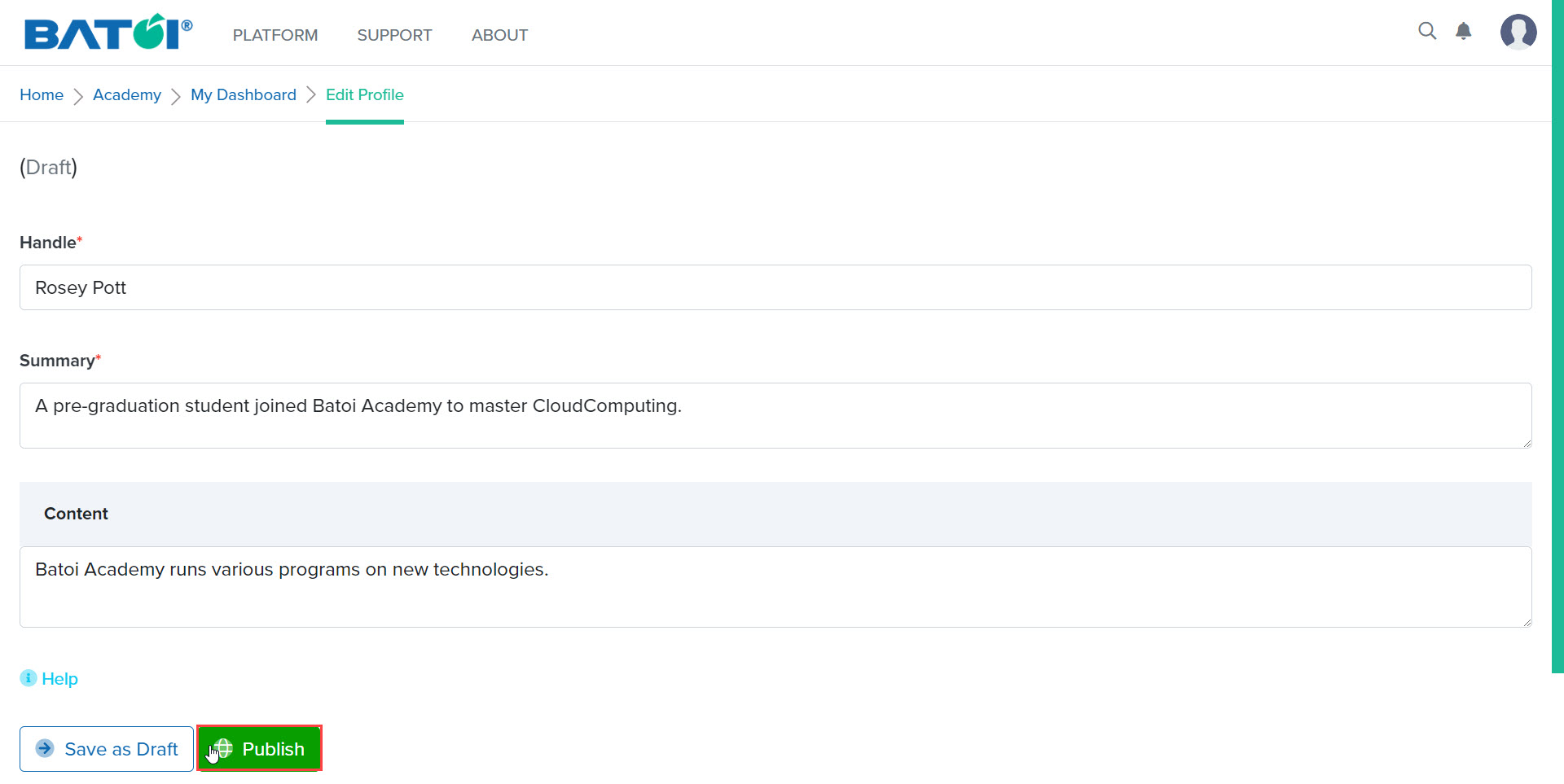
Click on the Publish button to publish your Batoi Academy public page as illustrated in Figure 4.
You will see a confirmation message on the screen as illustrated in Figure 5.
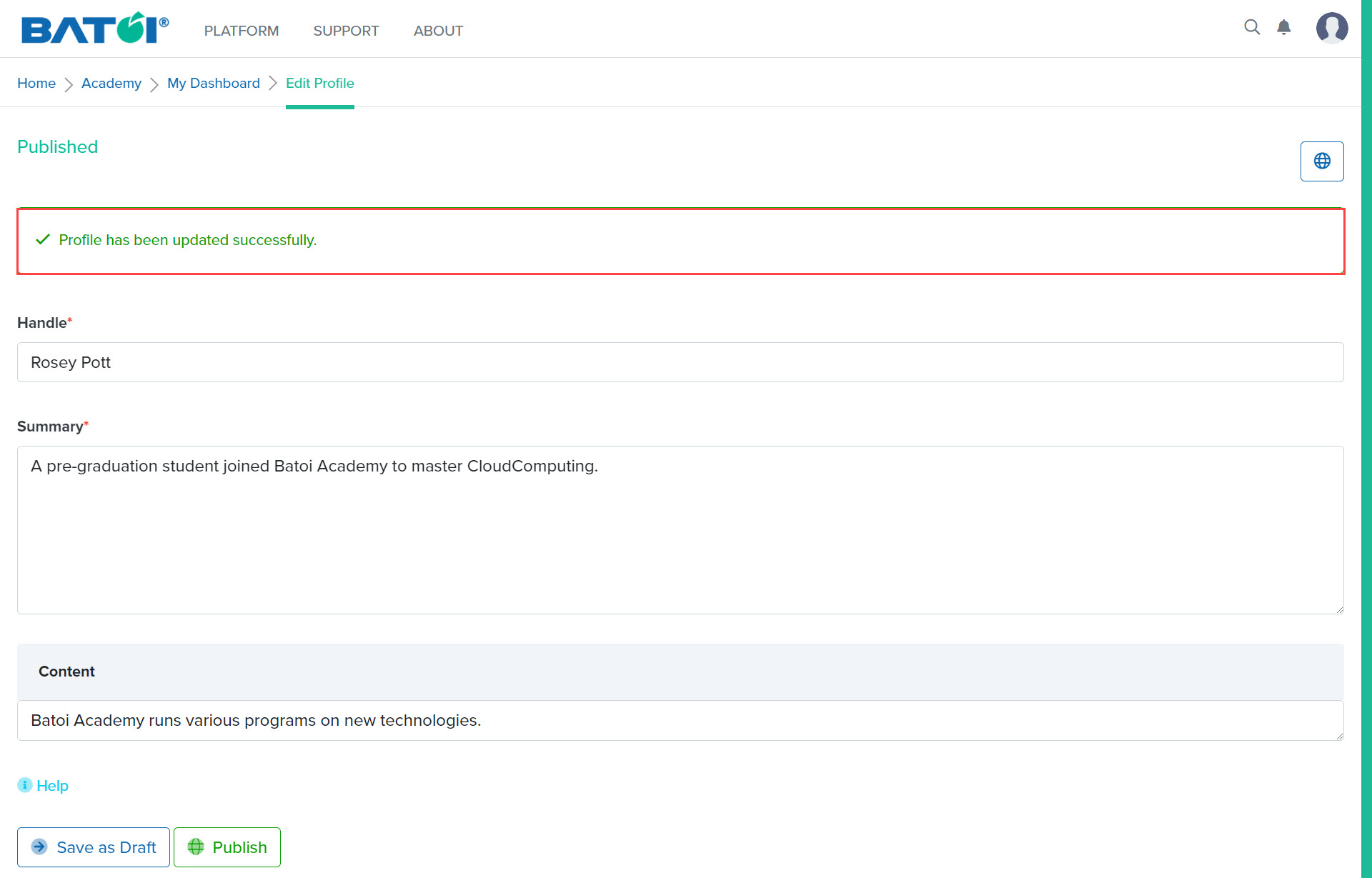
Click on the View Website button as illustrated in Figure 5, to view your Batoi Academy public page as illustrated in Figure 6.