
Edit Microservice Controller
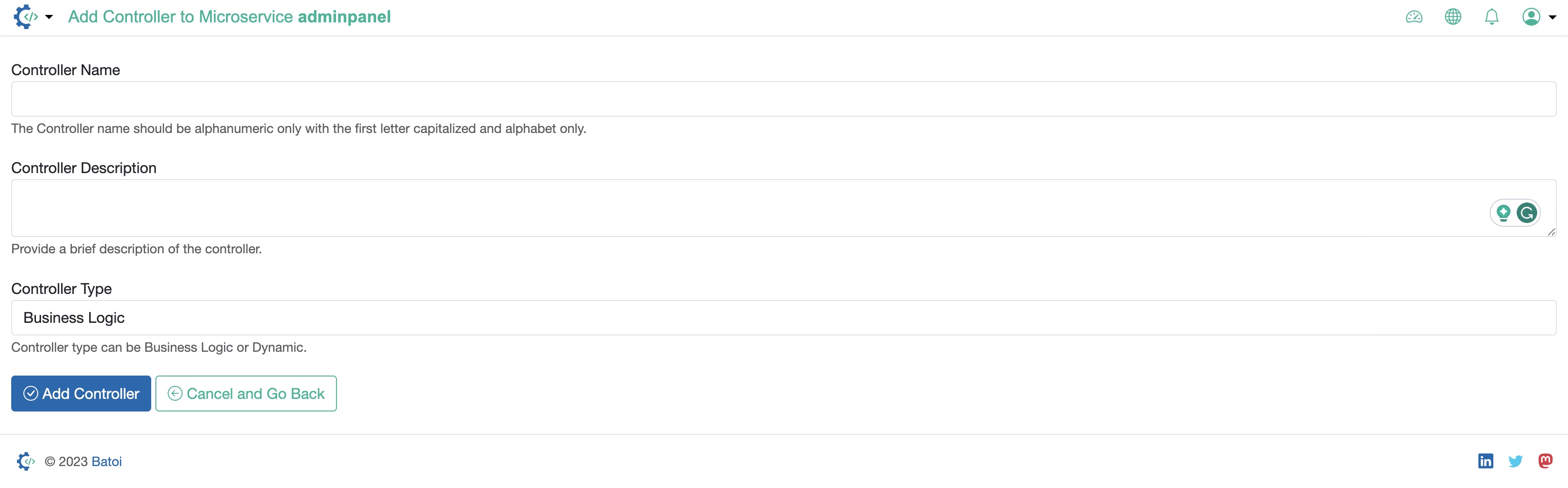
Update the below details and click the Save Controller button to update the controller, as illustrated in Figure 1 above.
- Controller Name: The Controller name should be alphanumeric only with the first letter capitalized, and alphabet only.
- Controller Description: Provide a brief description of the controller.
- Controller Type: Choose the type from the drop menu (Business Logic, or Data Table)