
Application Parameter
On the config parameter, by default, the Application Parameters list page will open, as illustrated in Figure 1 below.
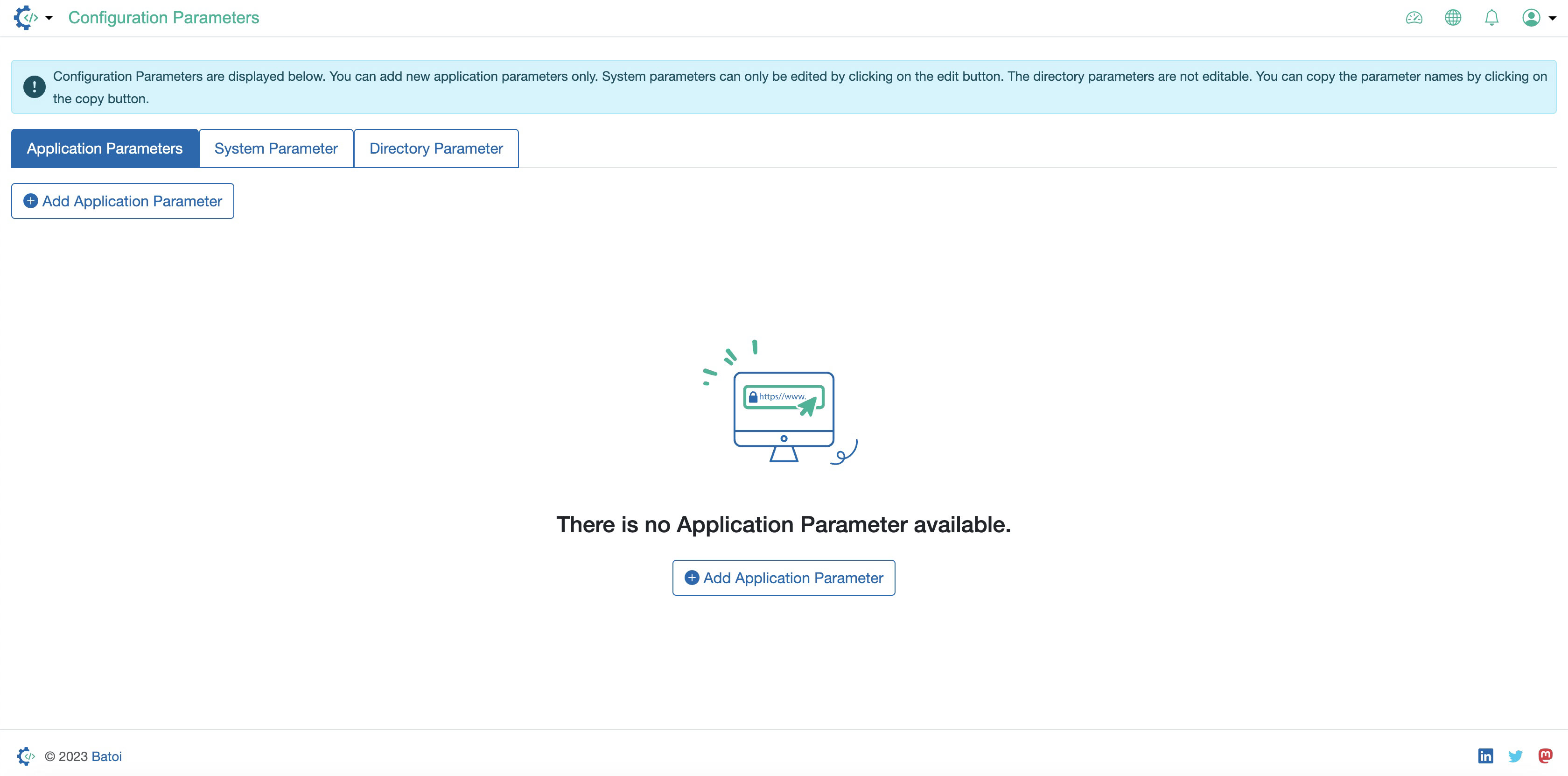
Click on the Add Application Parameter, as illustrated in Figure 1 above, to add a new application parameter.
If you have added an application parameter, then it will be shown on the list page, as illustrated in Figure 2 below.
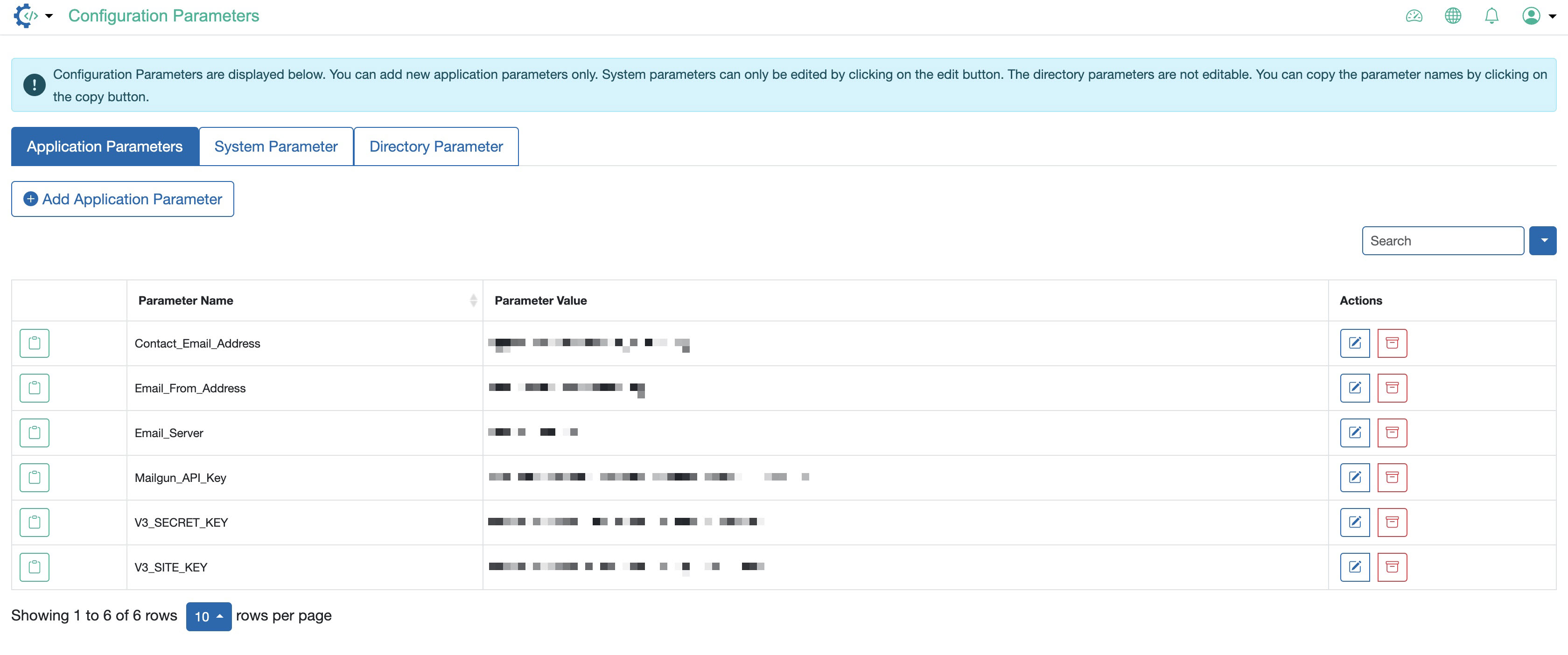
Click on the Edit Link available under the action column for individual parameters to edit the value, as illustrated in Figure 2 above.
Click on the Archive Link available under the action column for individual parameters to archive a particular parameter, as illustrated in Figure 2 above.