
Microservice Controller
Click on the Controller icon available on the right side of each Microservice from the Microservice list page, as illustrated in Figure 1 below, to go to the controller page.
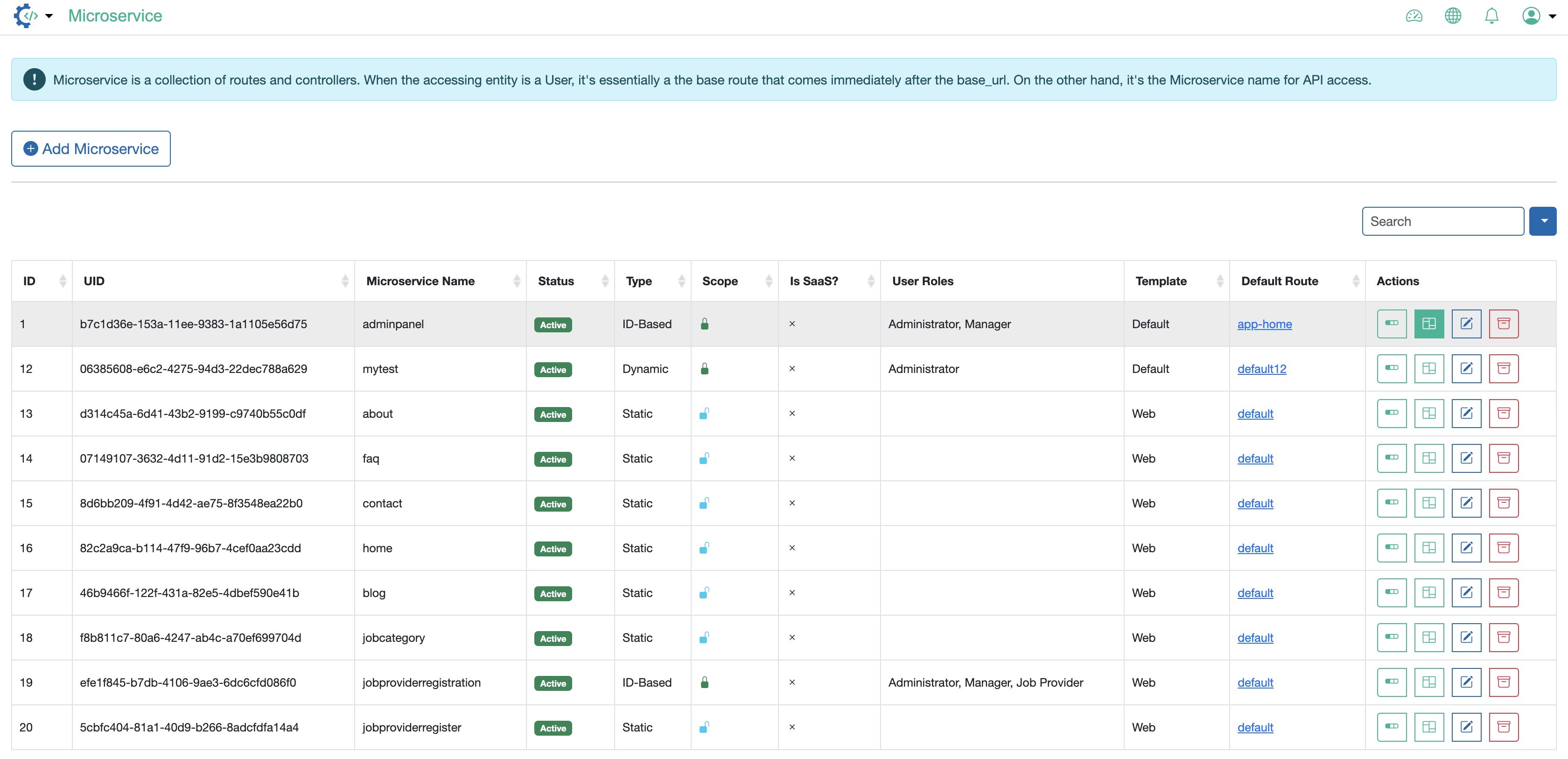
On the Microservice controller page, all the controllers available under the particular Microservice are listed in a tabular format. By default, no controller will be available, as illustrated in Figure 2 below.
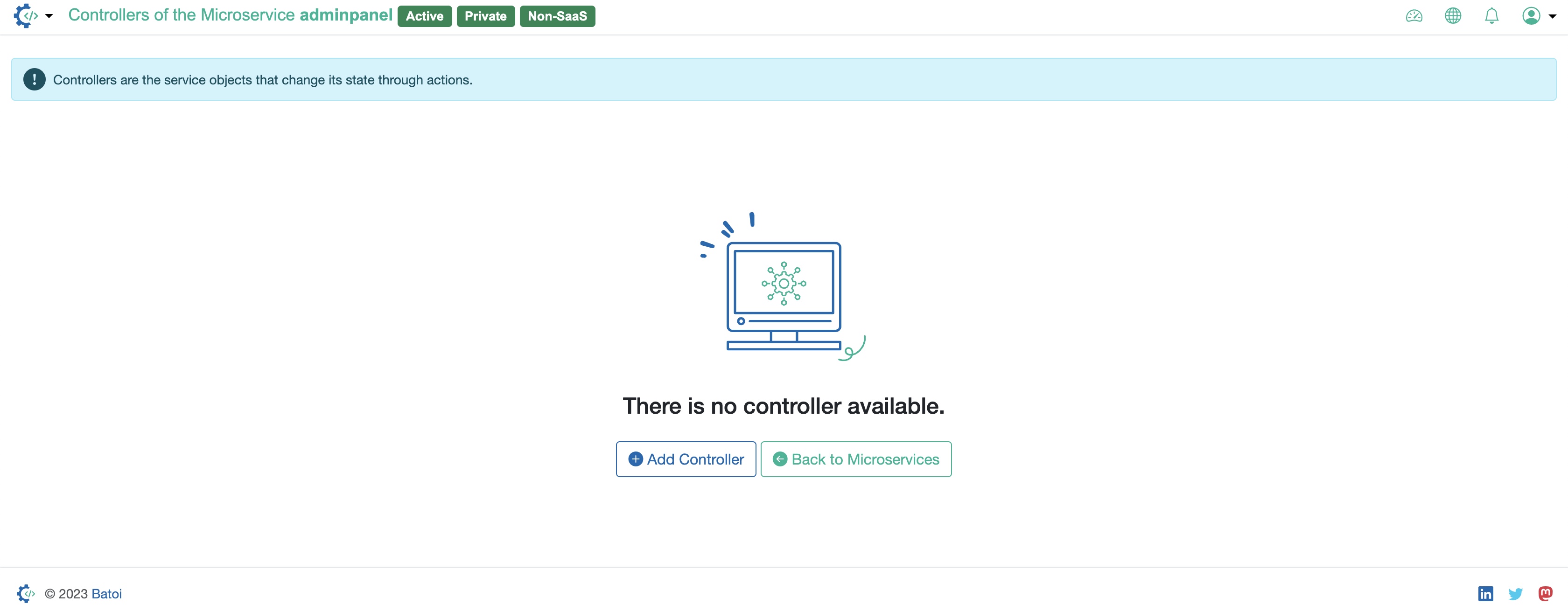
Click on the Add Controller button available on the screen to add a new controller, as illustrated in Figure 2 above.
Click on the Back to Microservices button available on the screen to go back to the Microservice list page, as illustrated in Figure 2 above.