
Add Route Microservice
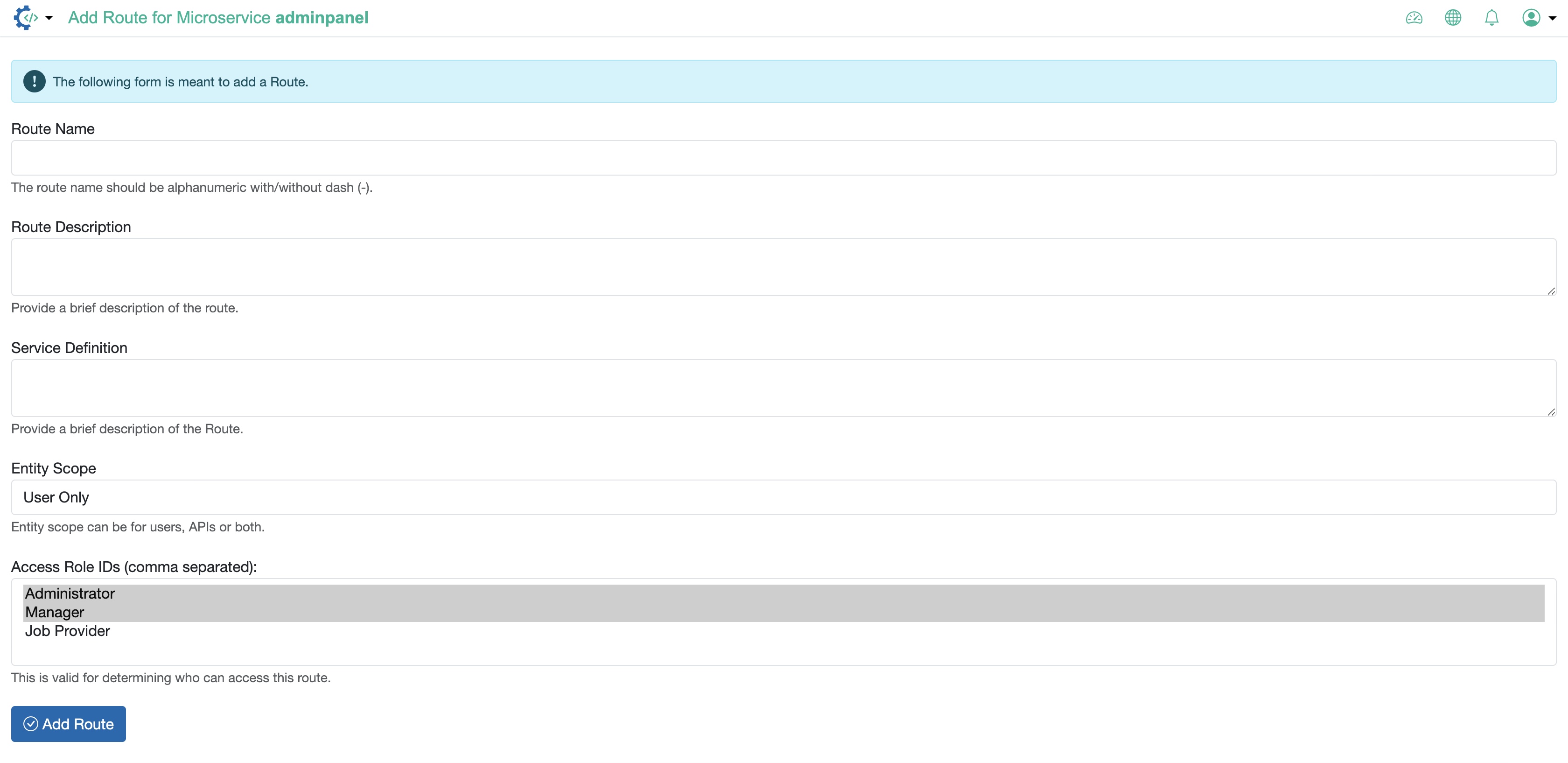
Fill in the below details and click the Add Route button to add a new route to the microservice, as illustrated in Figure 1 above.
- Route Name: The route name should be alphanumeric with/without dash (-).
- Route Description: Provide a brief description of the route.
- Service Definition: Provide a brief description of the service.
- Entity Scope: Choose the type from the dropdown menu (User Only, Both User and API or API Only)
- Access Role IDs: This is valid for determining who can access this route. Choose the role from the dropdown menu. You can select multiple roles.