
Directory Parameter
On the Config Parameters list page, click on the Directory Parameter tab, and you will be redirected to the page, as illustrated in Figure 1 below.
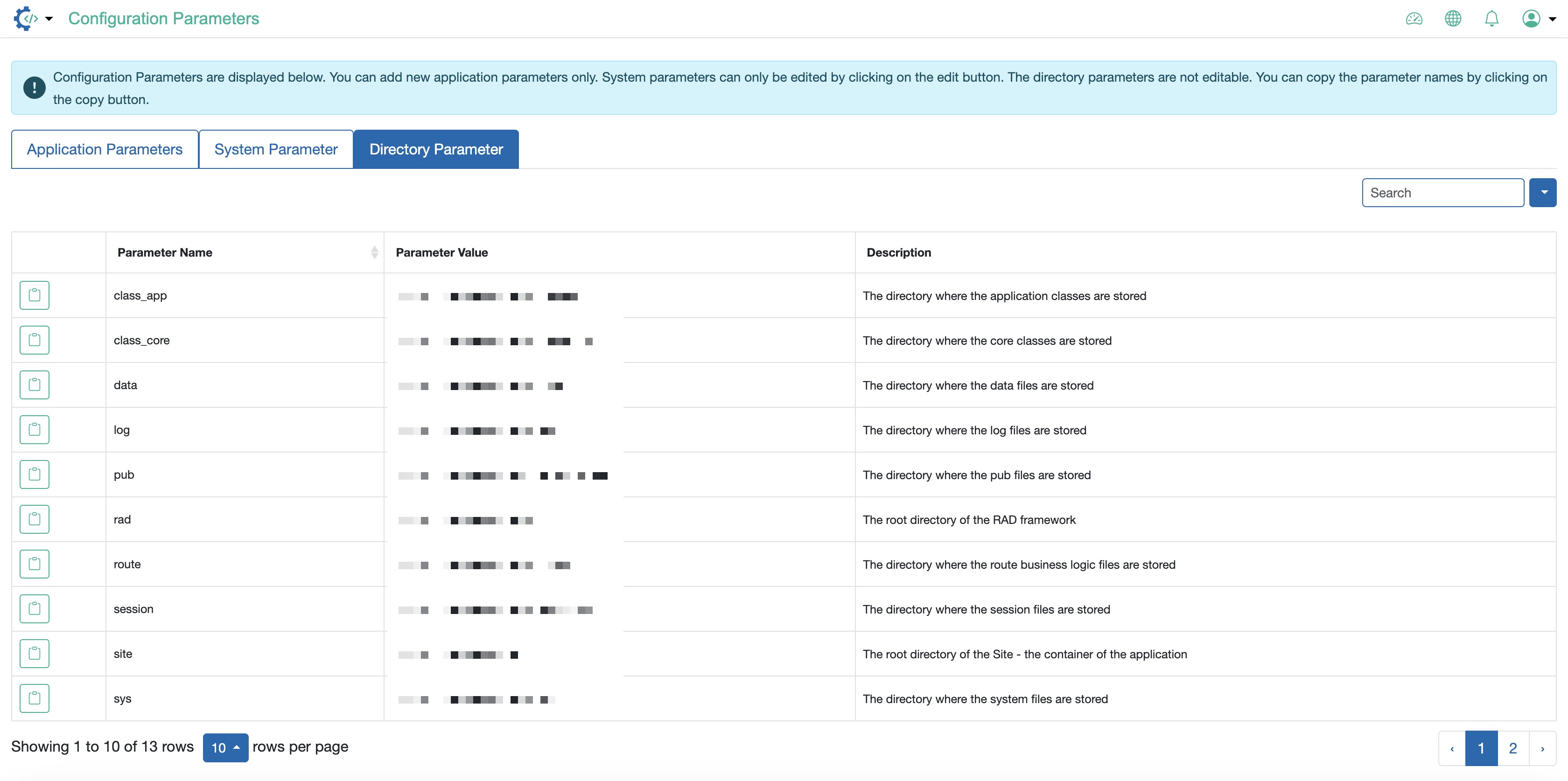
On the directory parameter list page, by default, the below parameters will be available:
- class_app: The directory where the application classes are stored
- class_core: The directory where the core classes are stored
- data: The directory where the data files are stored
- log: The directory where the log files are stored
- pub: The directory where the pub files are stored
- rad: The root directory of the RAD framework
- route: The directory where the route business logic files are stored
- session: The directory where the session files are stored
- site: The root directory of the Site - the container of the application
- sys: The directory where the system files are stored
- theme: The directory where the theme files are stored
- vendor: The directory where the vendor files are stored
- www: The directory where the www files are stored. The folder or directory where the domain name is pointed to, e.g., it is
[site]/rad/public_htmlin cPanel-based servers
The directory parameters are predefined and cannot be edited.