
Config Parameter
Click on the Config Parameters card or the link from the navbar from the admin dashboard, and you will be redirected to the config parameters list page, as illustrated in Figure 1 below.
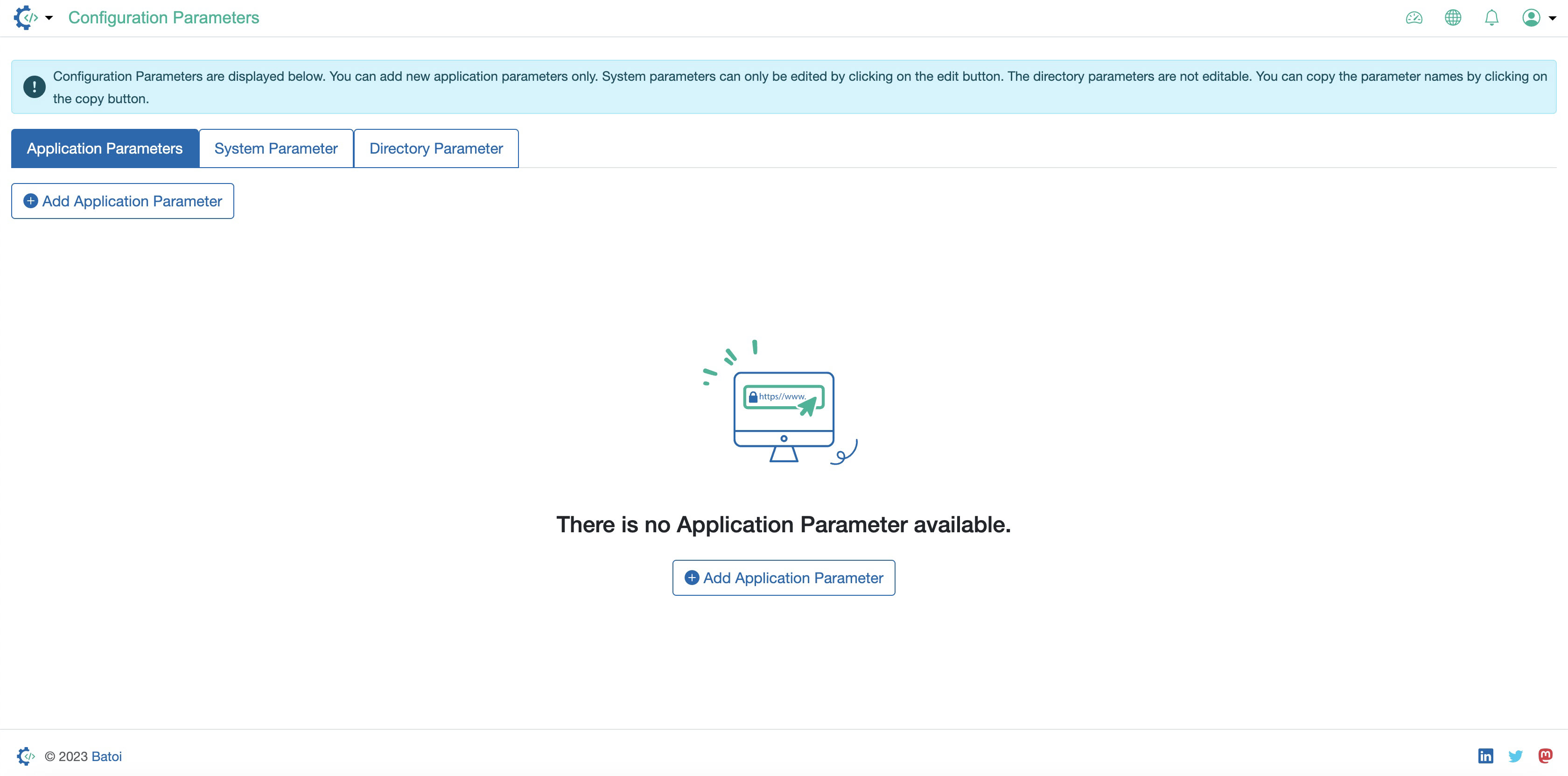
On the config parameters list page, three tabs are available:
- Application Parameters
- System Parameter
- Directory Parameter
You can click the tab to open the respective list page, as illustrated in Figure 1 above. By default, the Application parameters list page will open.