
A Batoi account gives you access to many Batoi products and solutions. Create one, by following the steps below.
Create Account
Go to the Batoi Account Sign Up page
Enter Your Full Name, Email Address, Mobile No, and click on the Create Account button, as illustrated in Figure 1 below.
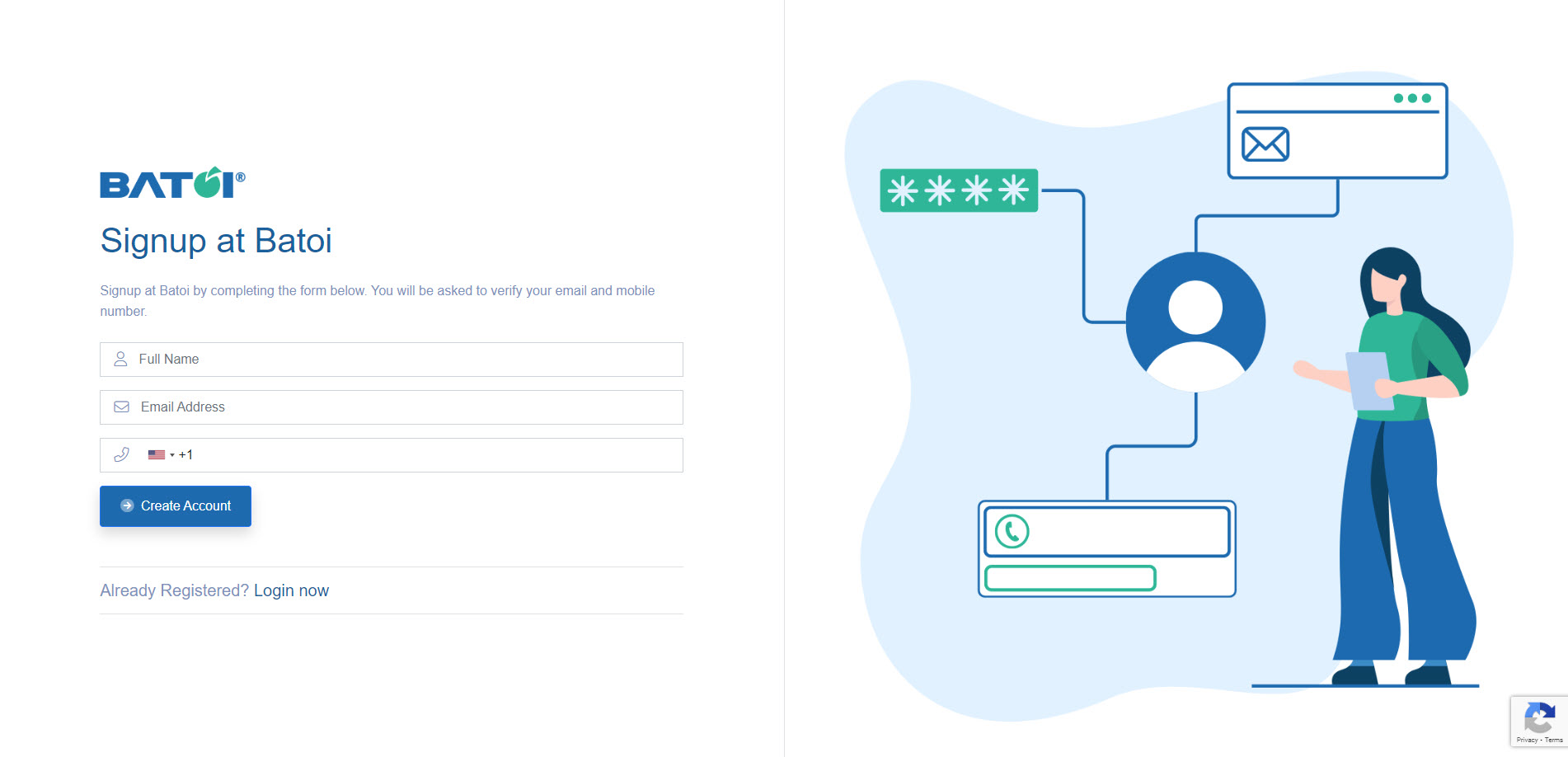
If you have a Batoi login, click the link Login now, as illustrated in Figure 1 above.
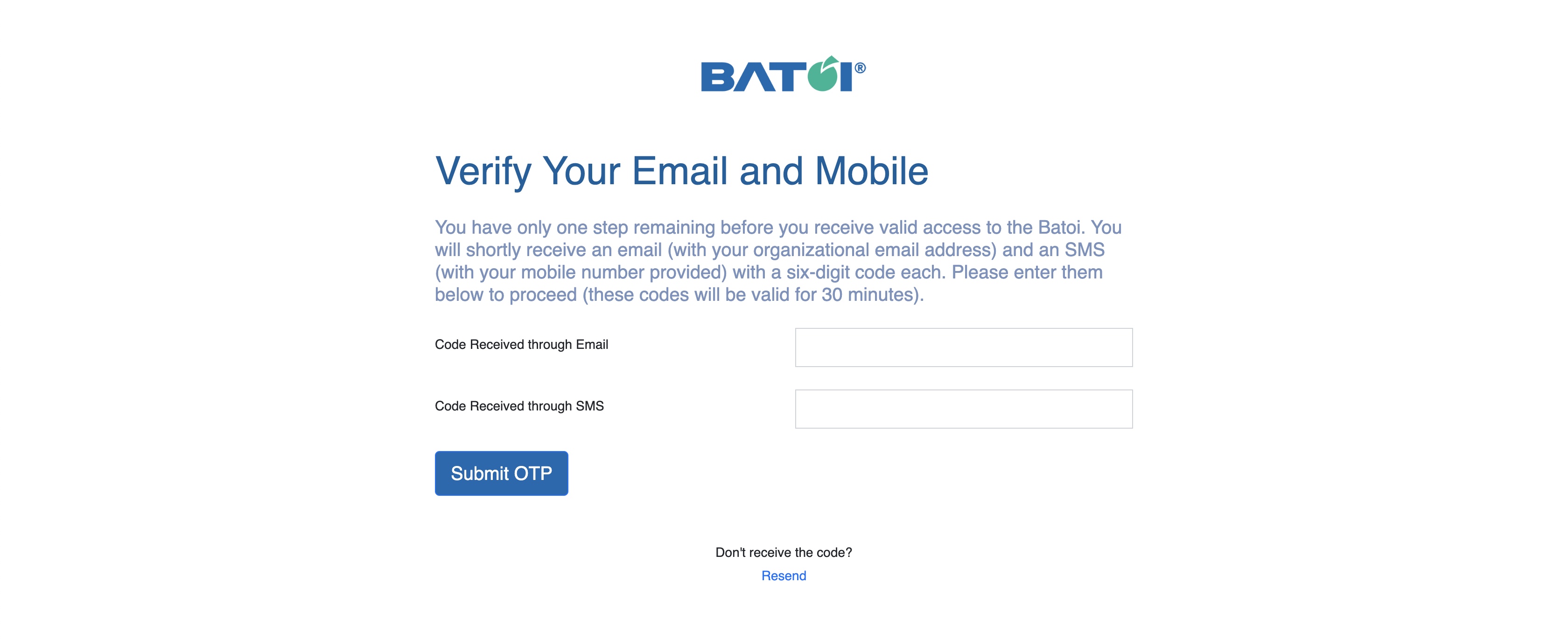
You will receive verification OTP in your registered email address and mobile number, as illustrated in Figure 2 below.
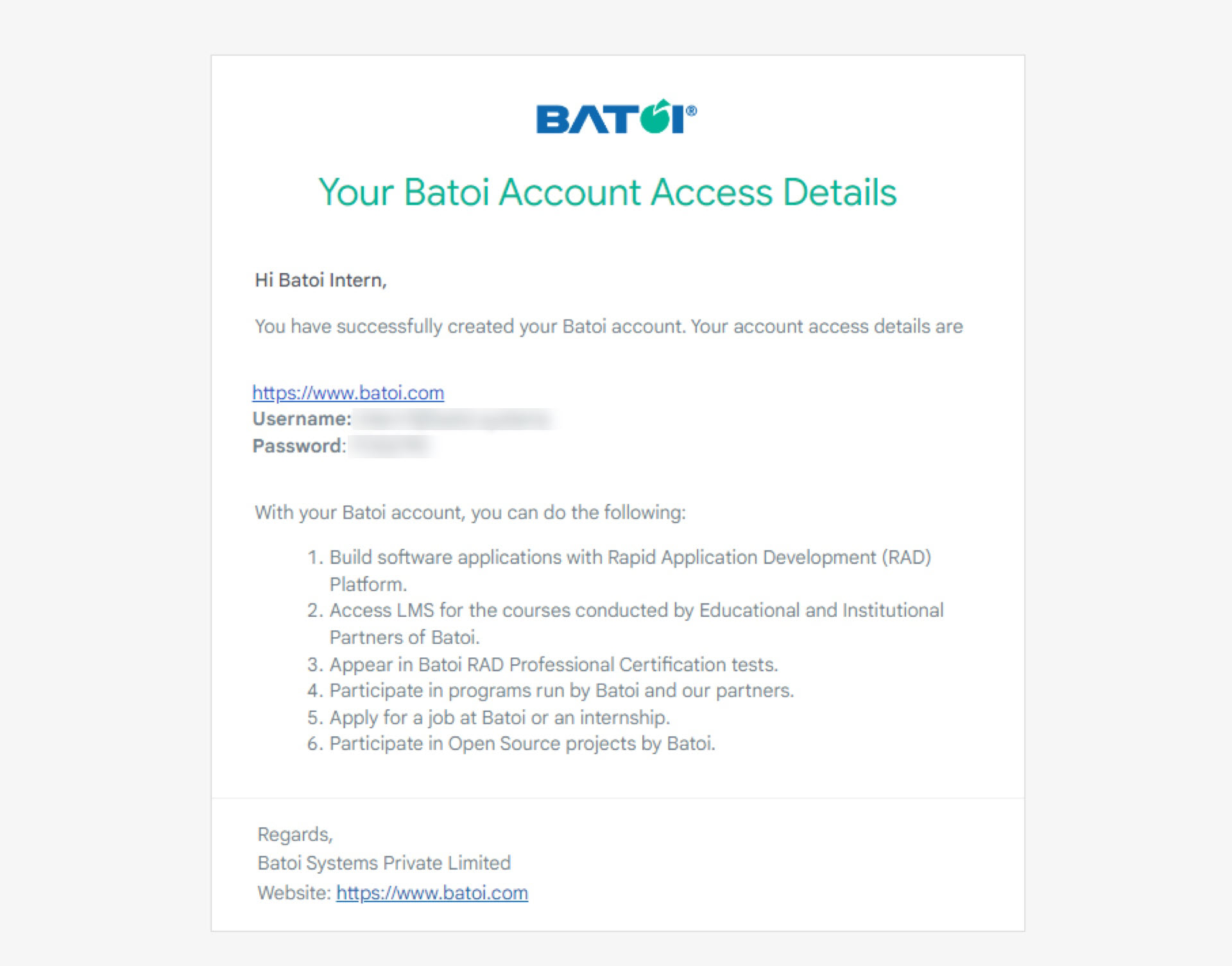
Upon successful submission of verification OTP, you will receive an email in your registered email address with the login details, as illustrated in Figure 3 below, and will be redirected to the registration successful page, as shown in Figure 4 below.

Click on the Go to Your Batoi Account button, as illustrated in Figure 4 above, to get redirected to the login screen.
If you don't see the verification email in your inbox, you may check your spam or bulk folder to see if the email landed there.