- Create and Manage Your CloudSpace in Batoi
- Manage Category Settings in Batoi CloudSpace
- Manage Your Assets and Track Their Maintenance Details in Batoi CloudSpace
- Manage Organizational Contacts in Batoi CloudSpace
- Manage Your Opportunities with Batoi CloudSpace
- Manage Your Inventory with Batoi CloudSpace
- Manage Your Sales using Batoi CloudSpace
- Manage Your Vendors and Customers on Batoi CloudSpace
- Manage Business Unit
- Manage Your Business with ePoS on Batoi CloudSpace
- Manage Your Supply Chain with Batoi CloudSpace
- Manage Books of Accounts of Your Journal, Credit, and Debit in Batoi CloudSpace
- Create and Send Newsletters or Notices to Multiple Recipients Using Batoi CloudSpace
- Share and Track Your Files across Different Business Functions Using Batoi CloudSpace
- Communicate Securely within Team Using Batoi CloudSpace
- Record and Track Your Daily Office Operations with Batoi CloudSpace
- Manage Tasks, Issues and Discussions in Batoi CloudSpace
- Create and View Reports and Charts from Your Existing Dataset in Batoi CloudSpace
- Create and Manage Surveys with Team Members, Vendors and Customers
- Manage Calendar of Organizational Schedules in Batoi CloudSpace
- Manage Your Projects and Project Team in Batoi CloudSpace
Communicate Securely within Team Using Batoi CloudSpace
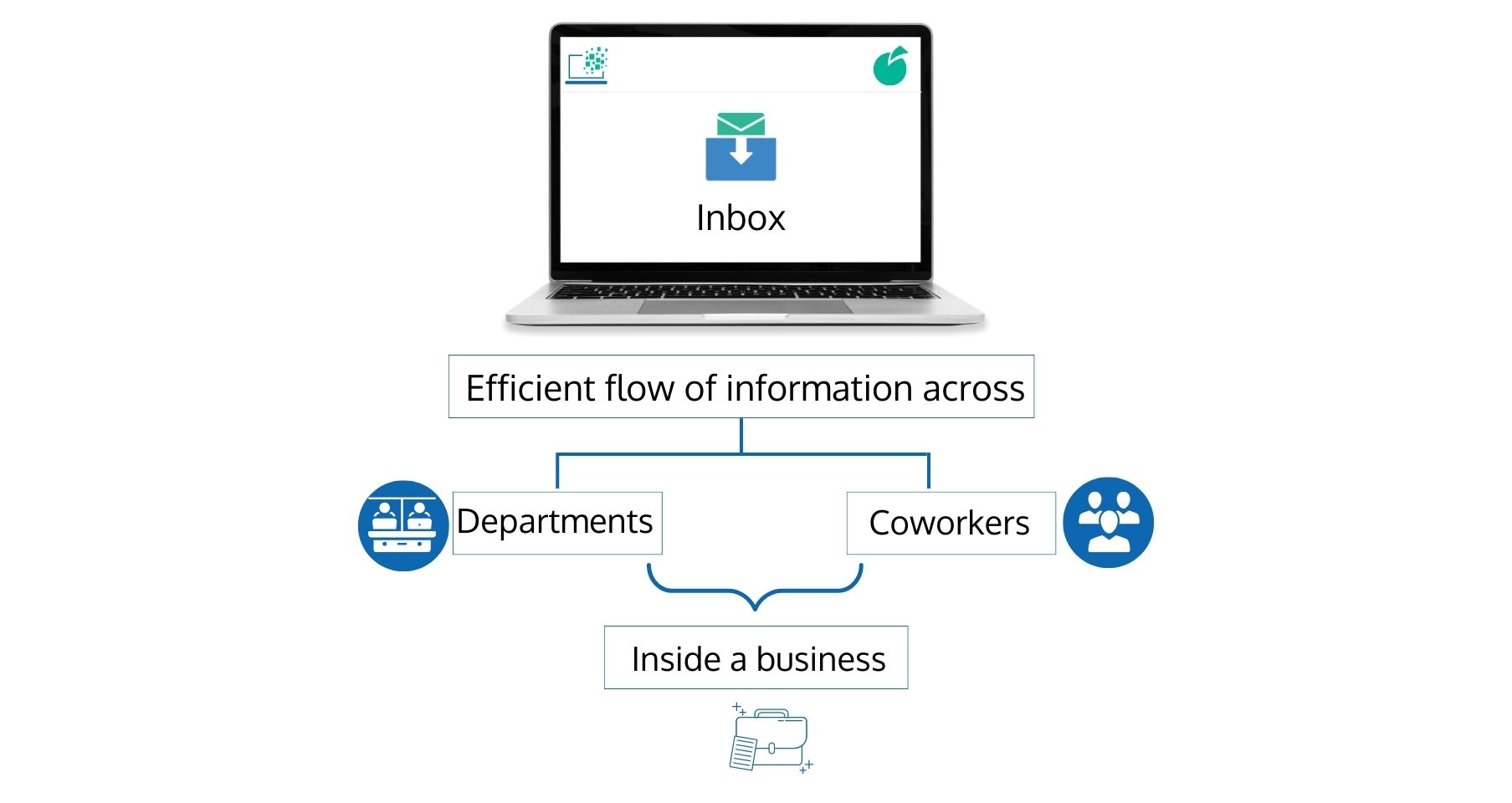
You can share information about the business internally to help your employees do their jobs successfully. The goal of the Inbox app is to provide an efficient flow of information across departments and coworkers inside a business.
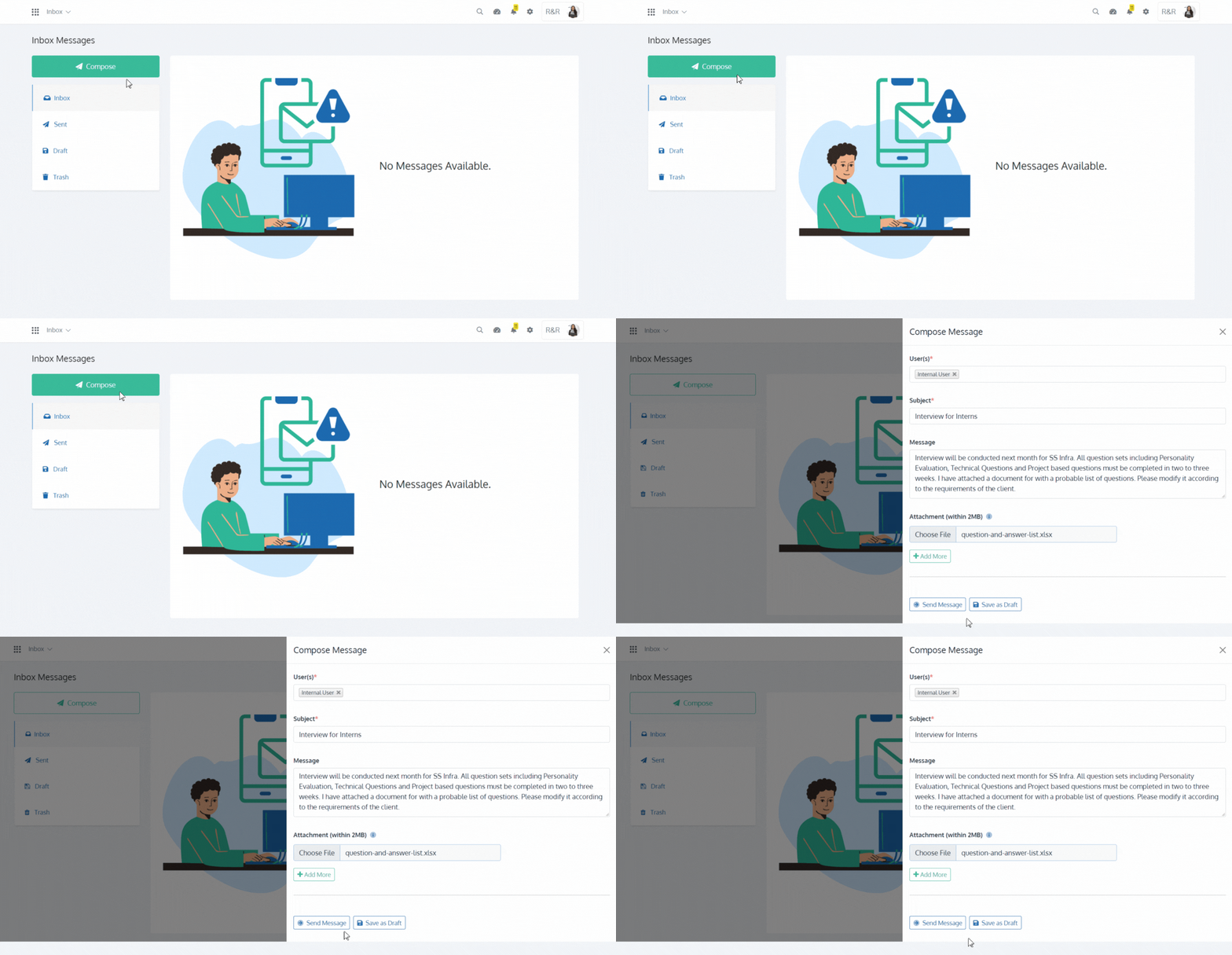
Compose a message for your users by selecting them, followed by entering the 'Subject' and 'Message'. You can then 'Send' or 'Save as Draft'. You can also add one or more 'Attachments' to the message.
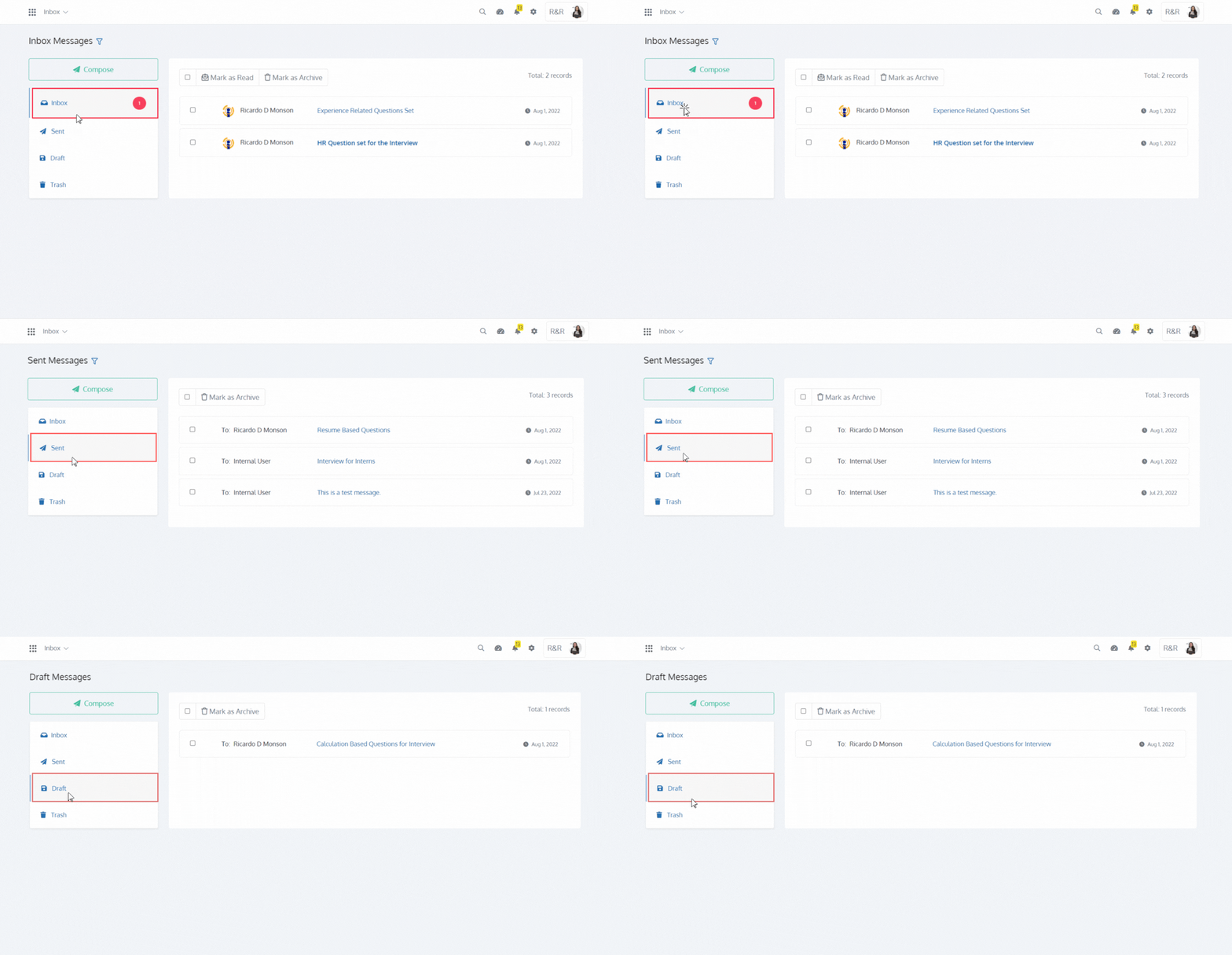
You can view all received messages in the 'Inbox' section, all sent messages in the 'Sent' section and all saved messages in the 'Draft' section.
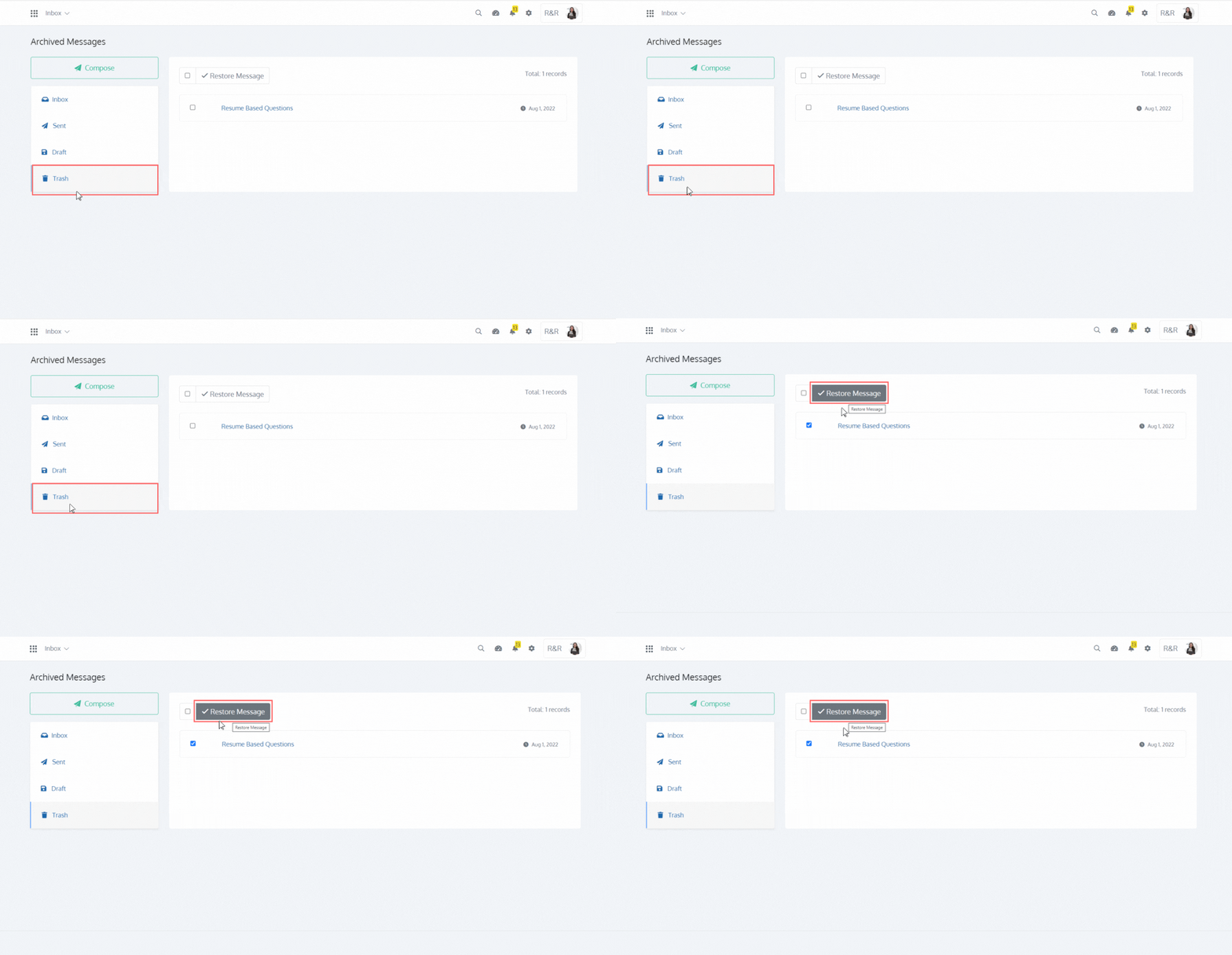
'Mark as Archive' any message from the 'Inbox', 'Sent' and 'Draft' section. You can view and 'Restore' any archived message in the 'Trash' section.