Test
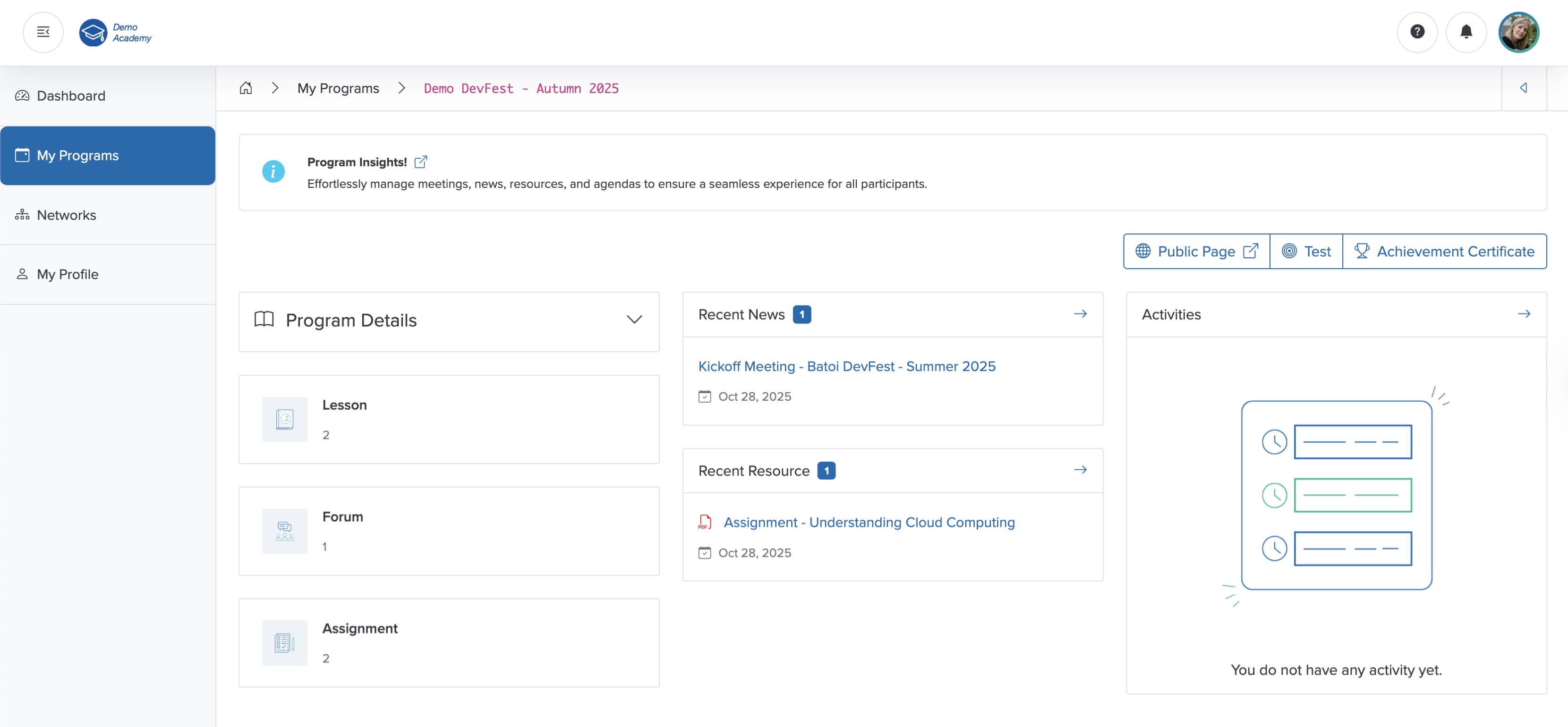
Click the Test button on the course dashboard, as shown in Figure 1 above, and the test page opens, as shown in Figure 2 below.
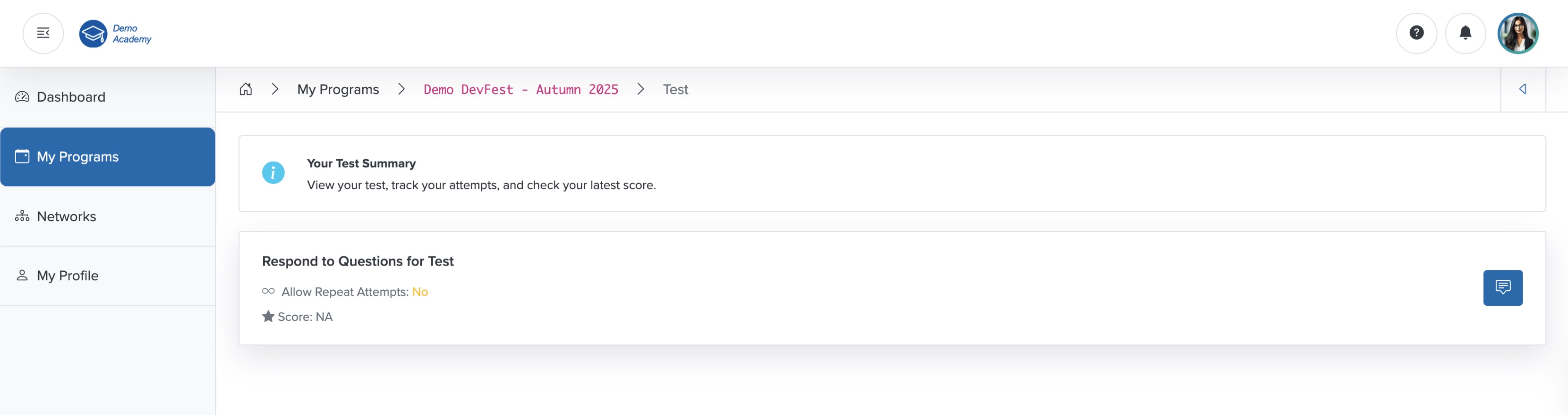
Click the Respond to Questions for Test icon on the right side of the test card, as shown in Figure 2 above, and the test questions appear, as shown in Figure 3 below.
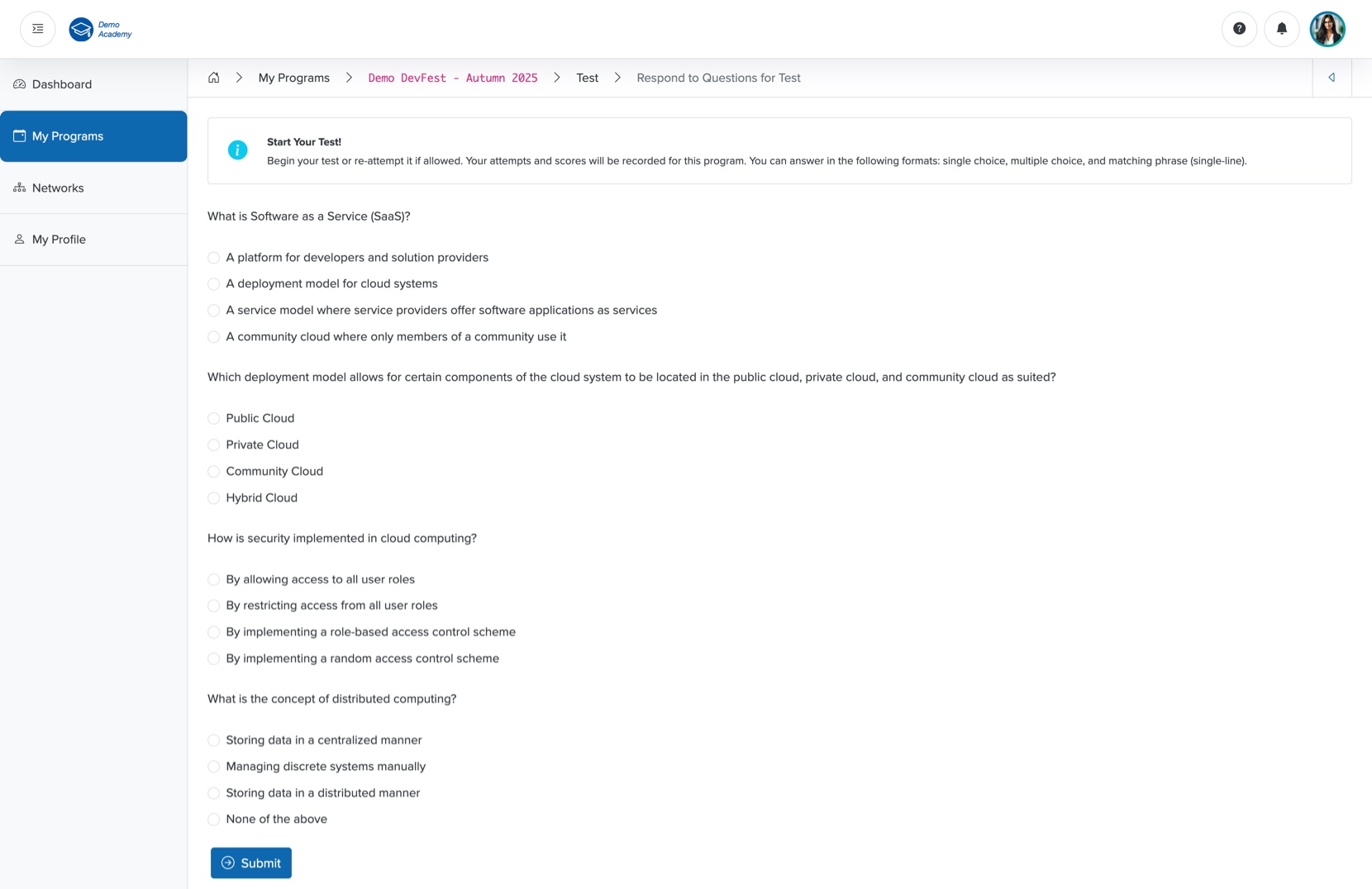
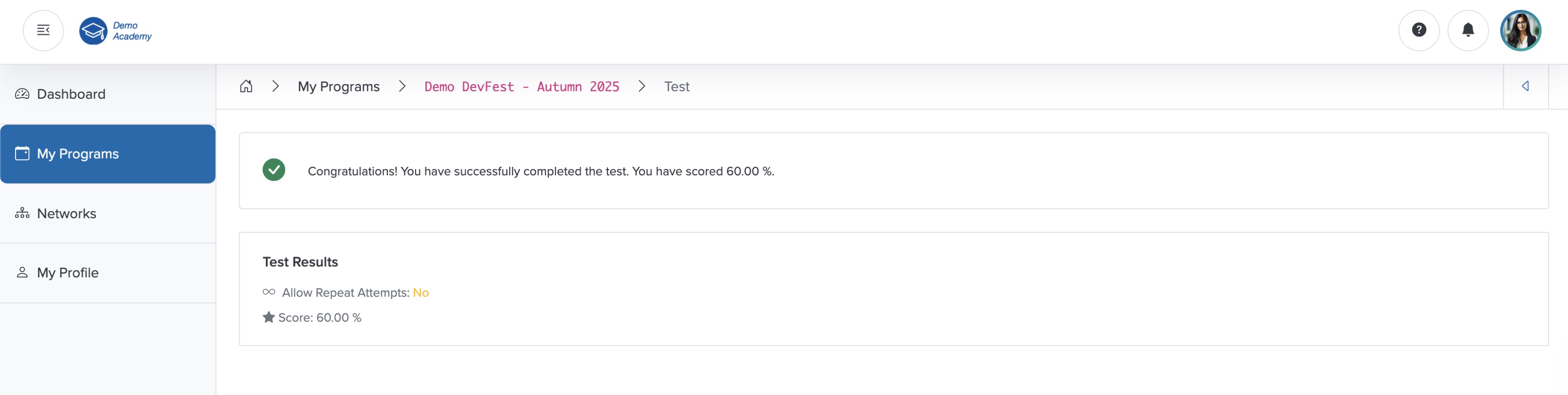
Attempt the test quiz and click the Submit button, as shown in Figure 3 above, to submit your response. Once you submit, the system redirects you to the test result page, where you can see your score as a percentage, as shown in Figure 4 below.