
Certificate
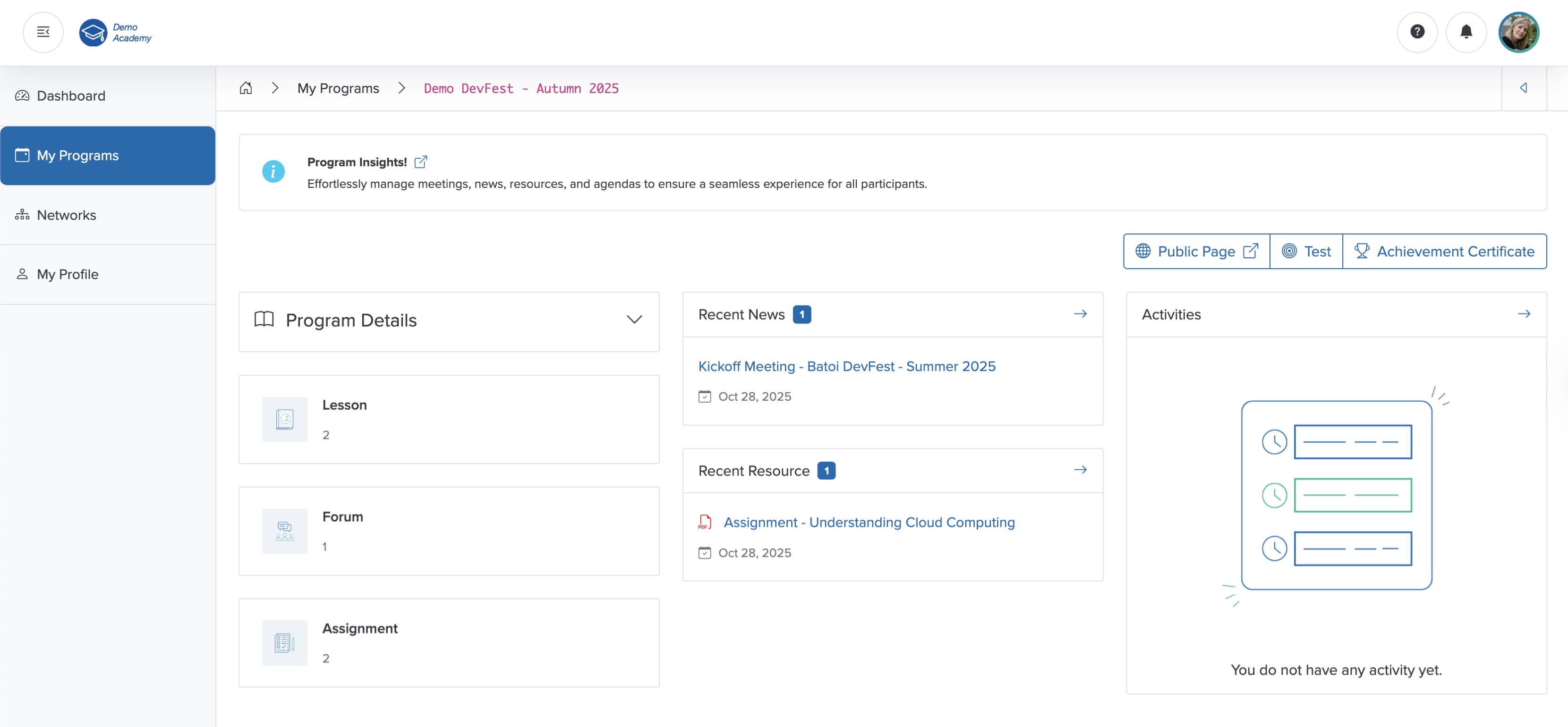
Click the Achievement Certificate button on the course dashboard, as shown in Figure 1 above, and you can see your digital certificate, as shown in Figure 2 below.
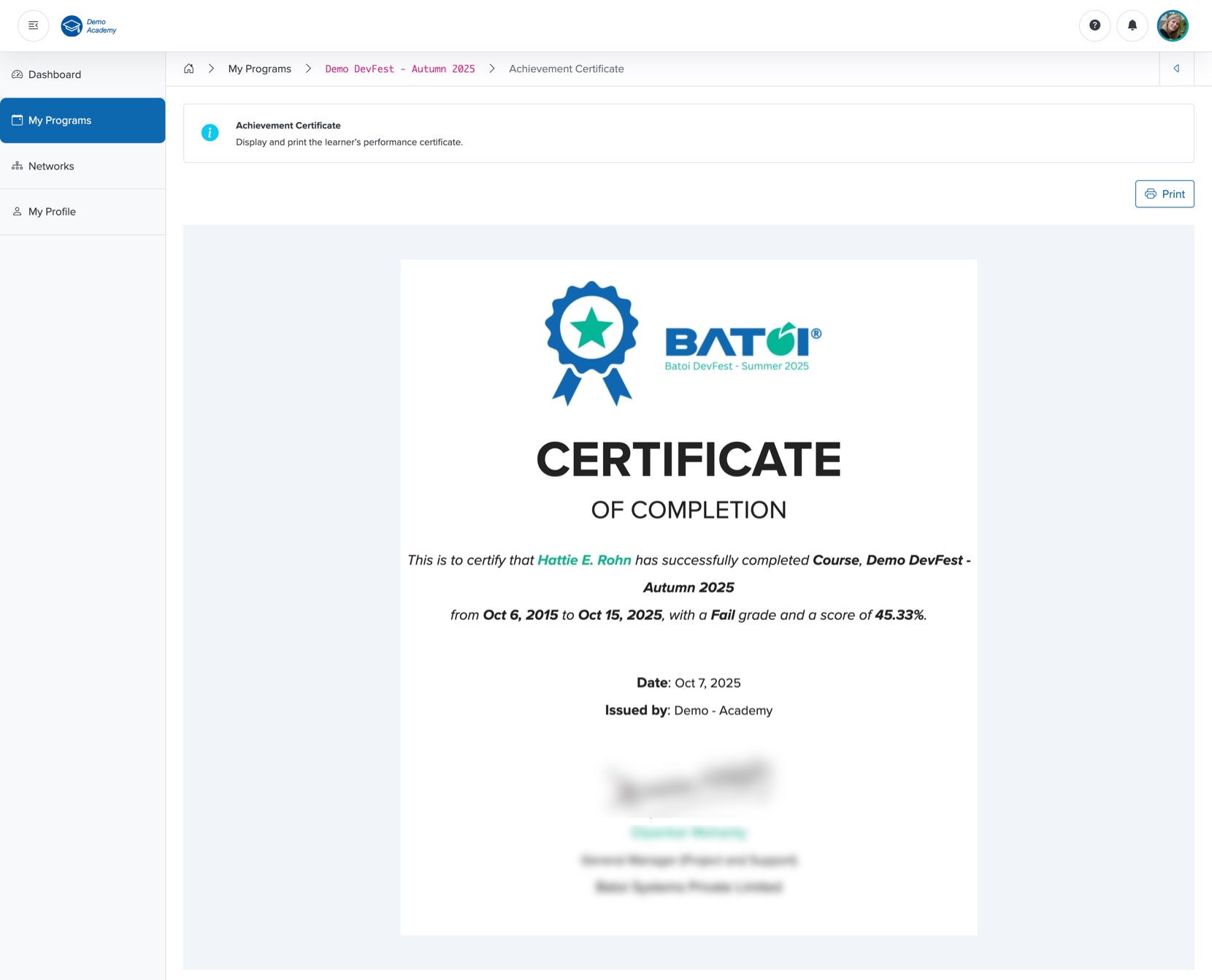
You can print your certificate by clicking the Print button on the top-right side of the screen, as shown in Figure 2 above.