
 Batoi RAD Platform
 - RAD Admin - Dashboard
- RAD Admin - Config Parameters
- RAD Admin - Application Parameters
- RAD Admin - Add Application Parameters
- RAD Admin - Edit Application Parameters
- RAD Admin - System Parameter
- RAD Admin - Edit System Parameter
- RAD Admin - Directory Parameter
- RAD Admin - Microservice
- RAD Admin - Add Microservice
- RAD Admin - Edit Microservice
- RAD Admin - Microservice Route
- RAD Admin - Microservice Add Route
- RAD Admin - Microservice Edit Route
- RAD Admin - Code Editing of a Route
- RAD Admin - Microservice Controller
- RAD Admin - Add Microservice Controller
- RAD Admin - Edit Microservice Controller
- RAD Admin - Theme
- RAD Admin - Manage Theme
- RAD Admin - Theme Assets
RAD Admin - Dashboard
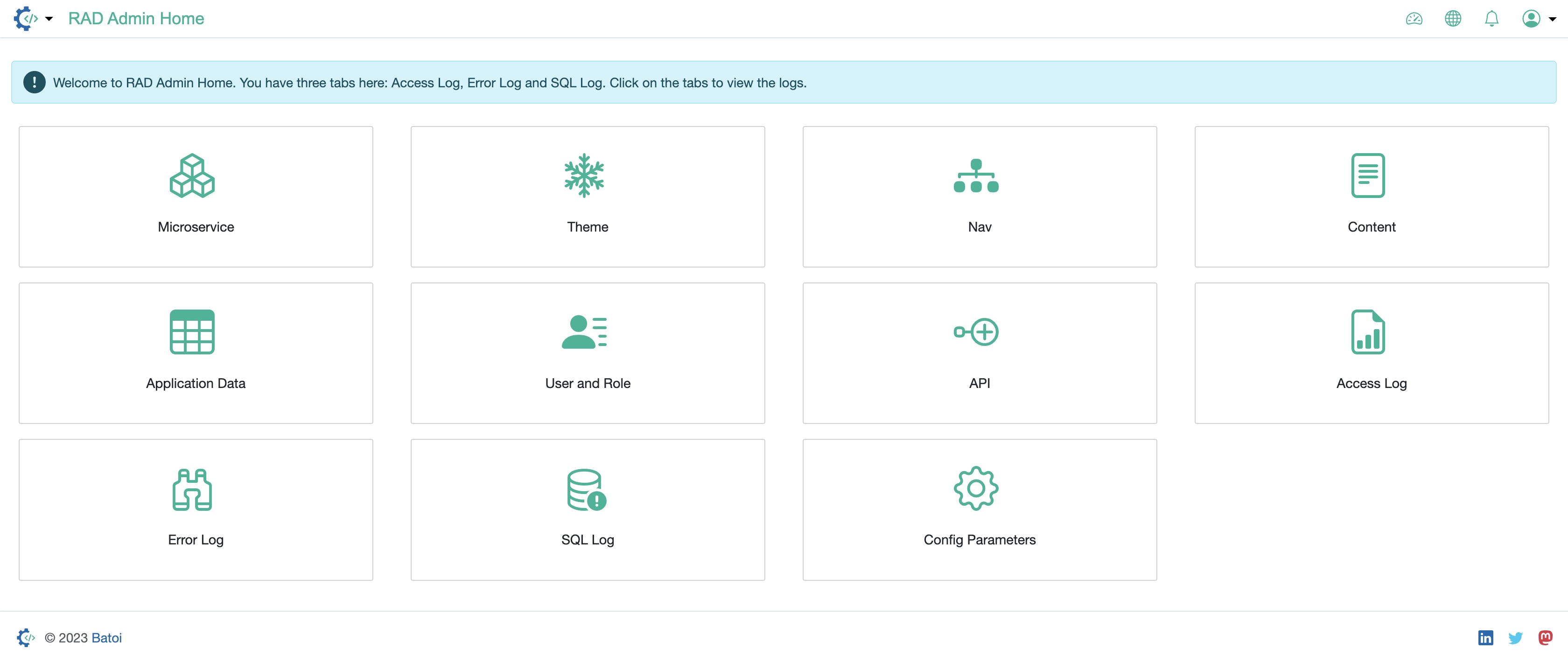
On the dashboard, you will find all the services in card format, as illustrated in Figure 1 below.
You can also click the RAD icon available on the screen to view all the services in the nav bar, as illustrated in Figure 2 below.
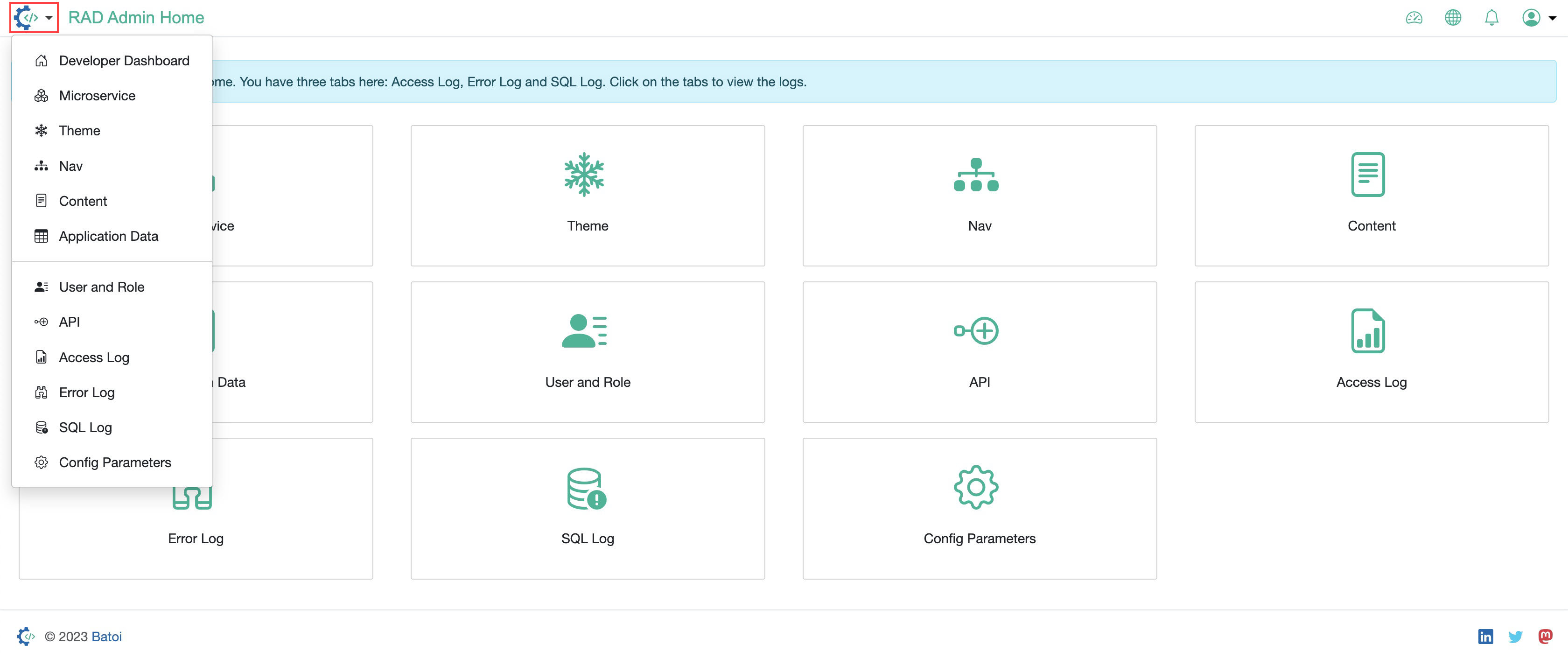
The services available in your RAD Admin are:
- Microservice
- Theme
- Content
- Application Data
- User & Role
- API
- Access Log
- Error Log
- SQL Log
- Config Parameters