
 Knowledge Base and Support
Center
Knowledge Base and Support
Center
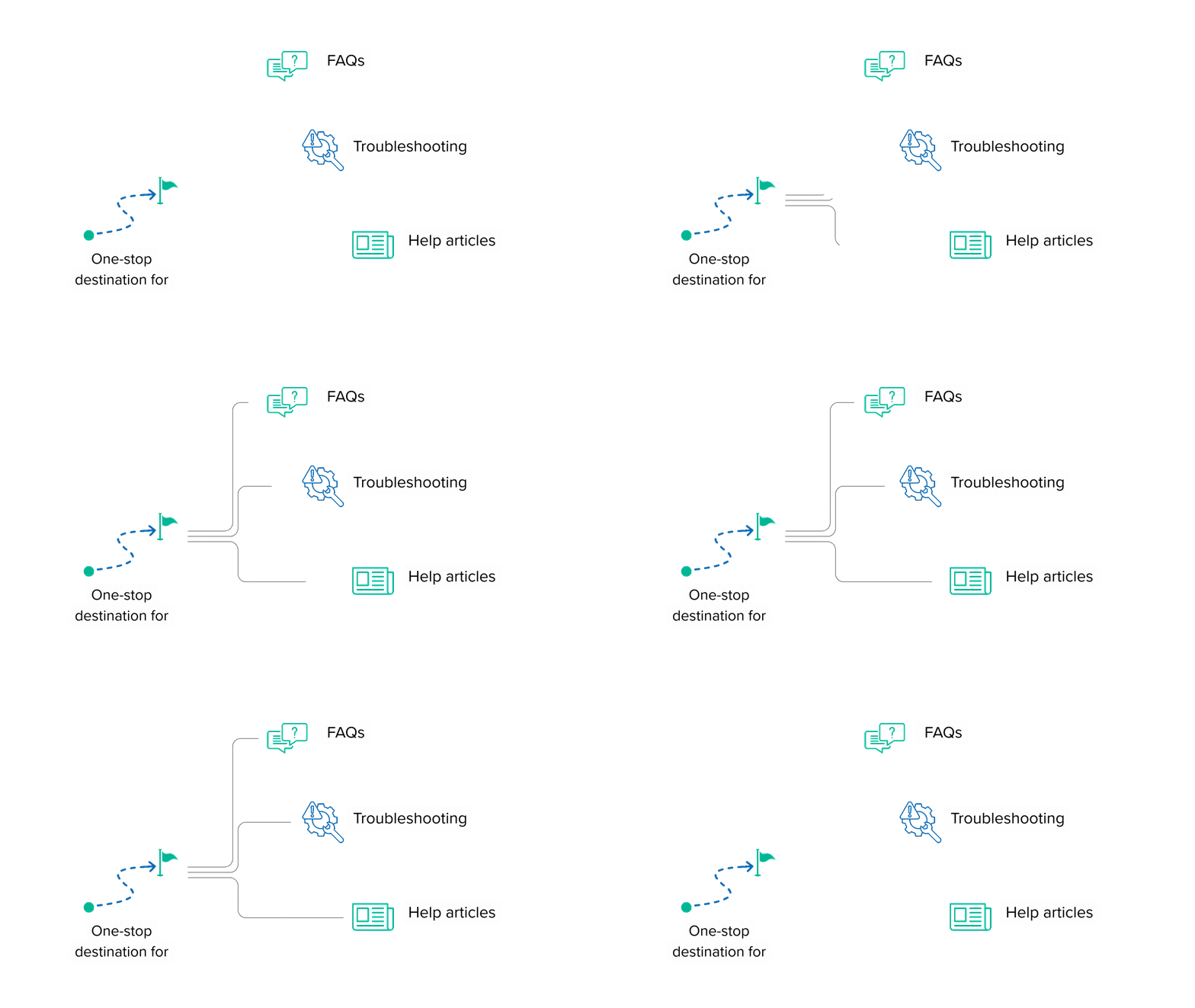
Welcome to the Batoi Knowledge Base and Support Center — your one-stop destination for FAQs, troubleshooting, and help articles.
Learn how to set up, manage, and optimize your experience across RAD, Insight, Flow, and Bridge Portal.
 Overview
| Channel | Purpose | Access Method |
|---|---|---|
| Knowledge Base | Searchable articles and FAQs for instant help. | Available publicly and within Bridge Portal. |
| Ticket System | Raise and track technical or account-related issues. | Requires Bridge Portal login. |
| Live Chat | Real-time support (Premium & Enterprise plans). | Access through Support Dashboard. |
| Phone/Call Support | Direct technical consultation for Enterprise users. | By appointment through Bridge TAM. |
| Channel | Knowledge Base |
| Purpose | Searchable articles and FAQs for instant help. |
| Access Method | Available publicly and within Bridge Portal. |
| Channel | Ticket System |
| Purpose | Raise and track technical or account-related issues. |
| Access Method | Requires Bridge Portal login. |
| Channel | Live Chat |
| Purpose | Real-time support (Premium & Enterprise plans). |
| Access Method | Access through Support Dashboard. |
| Channel | Phone/Call Support |
| Purpose | Direct technical consultation for Enterprise users. |
| Access Method | By appointment through Bridge TAM. |
Each article includes screenshots, step-by-step walkthroughs, and links to related documentation or videos.
Context-aware search with AI-powered suggestions.
Organized by products and use cases.
“How-to” series for new users and administrators.
Cross-links to developer and API guides.
Export articles as PDFs for offline access.
 Integration with Support Plans
Users can view plan details and upgrade directly within the Bridge Portal
All support interactions are managed through the Bridge Portal, offering:
Secure ticketing and escalation tracking.
SLA visibility and support analytics.
Access to previous cases and resolutions.
Direct links to knowledge base and product documentation.
The Bridge Support Dashboard provides complete transparency — from inquiry to resolution.
If you can’t find what you’re looking for, reach out directly:
Submit a Support Ticket via Bridge Portal.
Email: support@batoi.com
Premium/Enterprise Request a callback or consultation.